Microsoft 365 Community
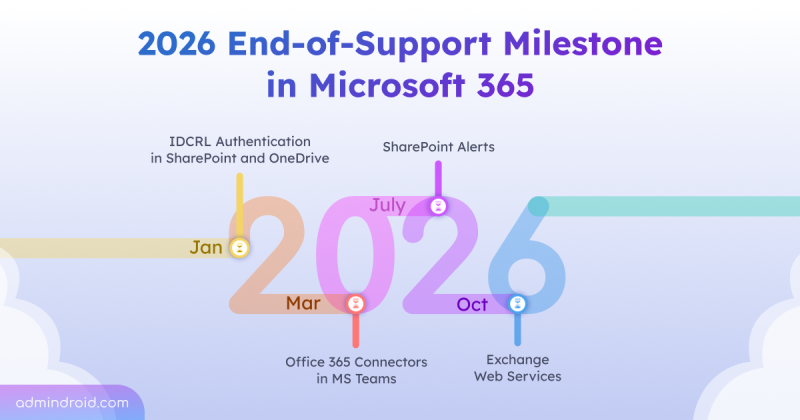
2026 End-of-Support Milestone in Microsoft 365
Learn which Microsoft 365 services and technologies are reaching end-of-support milestone in 2026 and how admins can plan ahead.
10 min read
Microsoft 365 users can now integrate Claude AI using the built-in Microsoft 365 connector, bringing secure, conversational AI into SharePoint, OneDrive, Outlook, and Teams. With read-only access, users can search, analyze, and interact with organizational data directly from Claude chat. This integration highlights how AI is becoming the connective layer of the modern Microsoft 365 workplace.
Microsoft Defender has introduced a new Password Protection page in preview, providing security teams a unified place to track and manage password risks across all identity sources. It highlights weak password practices, password-related policies, leaked credentials, and exposed passwords, with built‑in options to remediate immediately.
Microsoft has introduced file-level archiving in SharePoint Online, which lets us archive files to a lower-cost storage tier while keeping sites active. Archived files retain permissions, metadata, and versions, and you can restore them when needed. However, archiving does not reduce storage, it changes how it is billed.
As AI adoption grows, so do the risks associated with it. The new AI pillar in the Zero Trust Workshop helps organizations apply Zero Trust principles specifically to AI systems. This enables better visibility, governance, and security across AI-driven environments.
Microsoft has introduced a long-awaited undo capability for tenant object configurations using Backup and Recovery in Entra ID. This feature automatically backs up configurations, allows you to compare changes, and restore the tenant object settings from any point within the last five days.
Microsoft Entra Tenant Governance lets organizations manage and secure multiple Microsoft tenants from a single place. It helps discover risky shadow IT tenants, manage governance relationships, and create new tenants with governance applied. Currently in public preview, this feature requires a Microsoft Entra ID Governance license to access all capabilities.
Struggling to automate secure monitor manage M365?
Try AdminDroid for Free!
Sudha is a Microsoft 365 solutions specialist focused on governance and identity access control across modern administrative environments. She breaks down complex governance and identity scenarios into structured instructions supported by examples and visuals, helping teams apply controls accurately. She also supports technical validation to reinforce implementation reliability.
Learn which Microsoft 365 services and technologies are reaching end-of-support milestone in 2026 and how admins can plan ahead.
10 min read
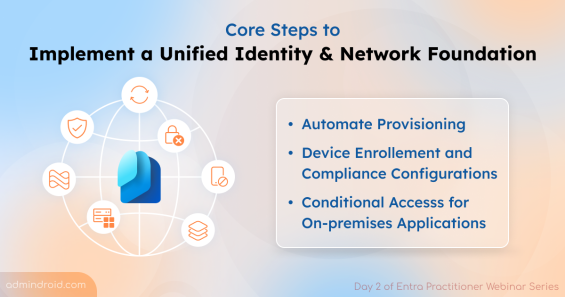
Learn to build a unified identity and network foundation for Entra Suite by automating provisioning, compliance checking, VPN replacements.
12 min read
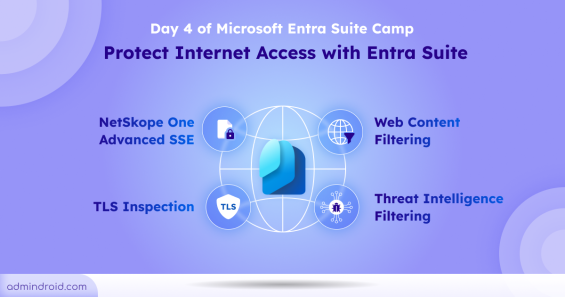
Learn to detect shadow AI Usage and protect internet access with Entra Suite features like web content filtering, threat intelligence filtering.
6 min read
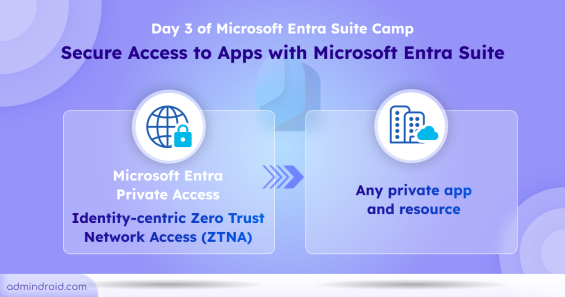
Learn how Microsoft Entra Suite modernize the security on on-premises application with the help of Microsoft Entra Private Access
4 min read
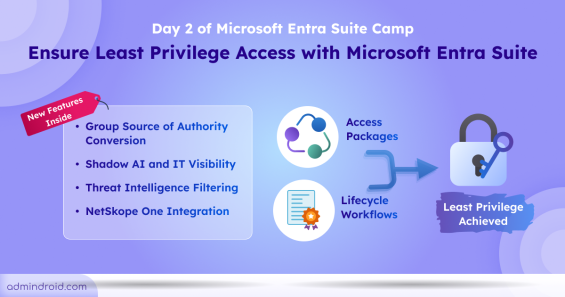
Learn how to ensure least privilege access with access packages, lifecycle workflows in Microsoft Entra Suite
4 min read
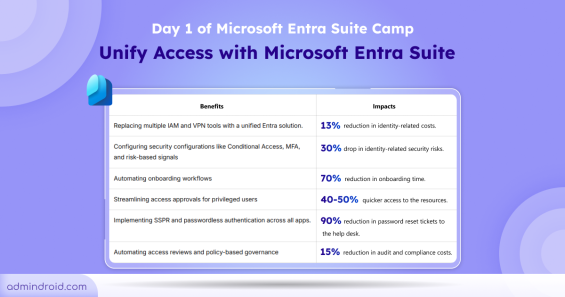
Learn the importance of Microsoft Entra Suite for secure Zero trust Access to your environment
3 min read
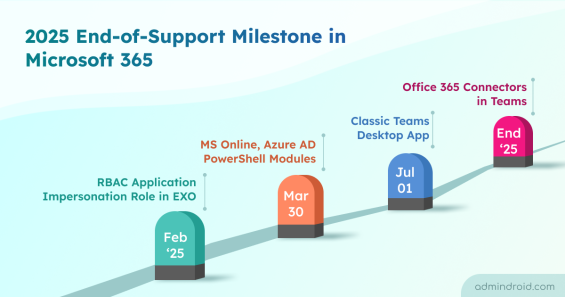
This blog highlights the Microsoft 365 services, products, and technologies set to be deprecated in 2025. Admins can plan for necessary steps.
6 min read

Learn to delete phone authentication for Microsoft 365 users via Entra admin center, MS Graph PowerShell, and a all-in-one PowerShell script
7 min read

Learn to allow external sharing for specific SharePoint sites in Microsoft 365 using a all-in-one PnP PowerShell script
6 min read
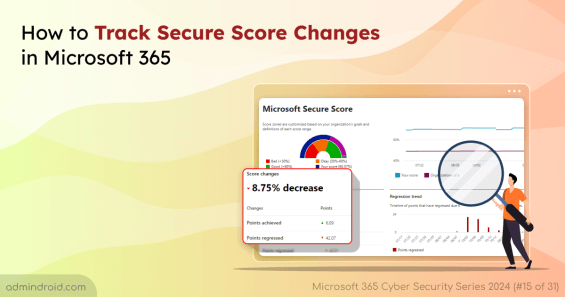
Learn to track secure score changes in Microsoft 365 to avoid accidental misconfigurations and secure your Microsoft 365 environment.
5 min read
Learn to improve Microsoft identity secure score with three crucial Microsoft settings and safeguard your organization's identity.
6 min read
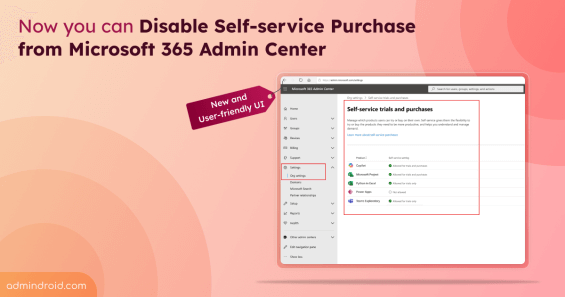
Admins can block self-service purchases from an user-friendly UI found in Microsoft 365 admin center.
3 min read
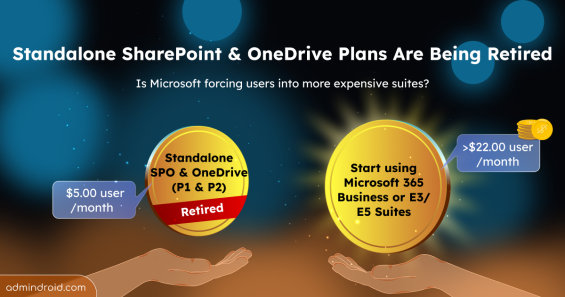
Microsoft is retiring Standalone SharePoint and OneDrive Plans (Plan 1 & 2). Explore Business & Enterprise suite & storage alternatives now.
4 min read
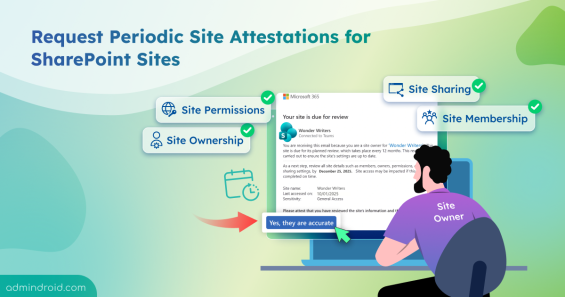
Learn how to create site attestation policy in SharePoint to verify site owners, permissions, etc, improving SharePoint sites governance.
7 min read
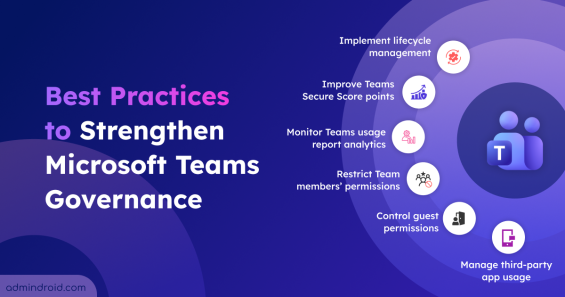
Explore the crucial Microsoft Teams governance strategies to improve collaboration and ensure compliant use of Teams across the organization.
11 min read
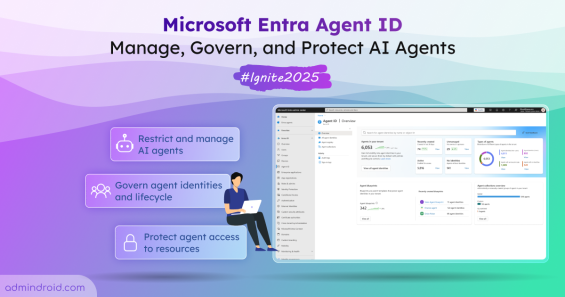
Microsoft Ignite 2025 announced the public preview of Entra Agent ID with new capabilities to help organizations manage and secure AI agents.
8 min read
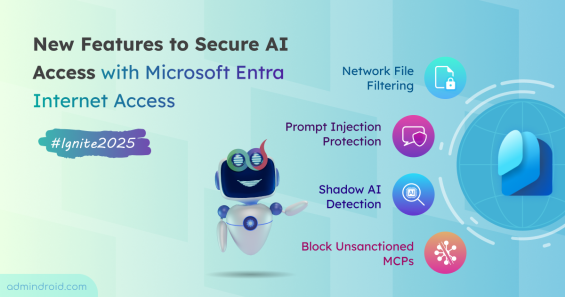
Discover new capabilities of ignite to secure AI access with Microsoft Entra Internet Access and ensure safe, compliant connectivity.
4 min read
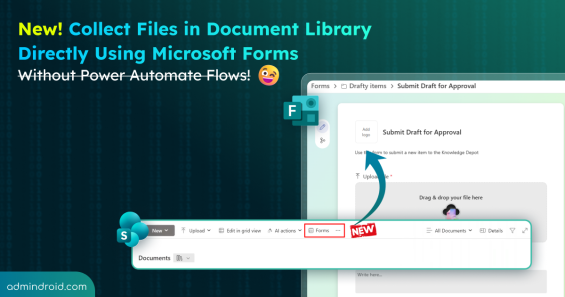
Learn how to collect files in the document library using Microsoft Forms and streamline document collection in SharePoint.
5 min read
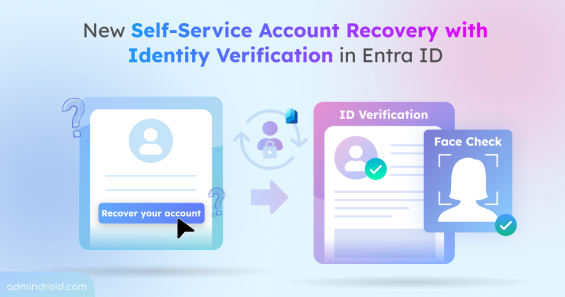
Discover the new self-service account recovery feature in Entra ID and learn how it reduces helpdesk workload while providing protection against account takeover.
6 min read
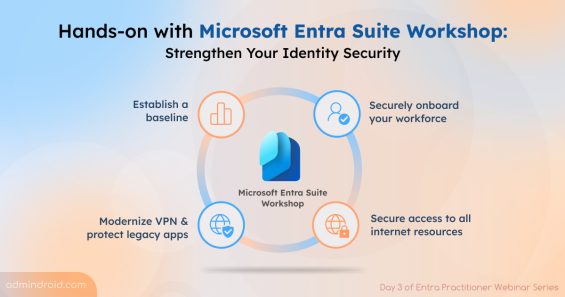
Learn how to use the Microsoft Entra Suite Workshop to effectively leverage the features within the suite.
11 min read
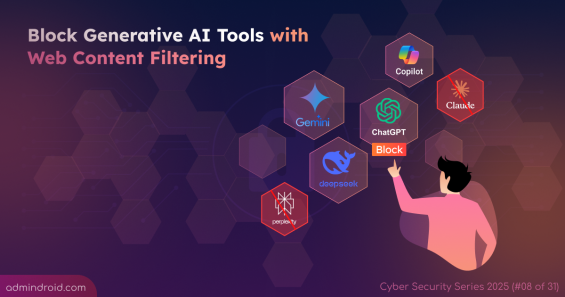
Learn how to block GenAI tools like ChatGPT, Gemini, Copilot, and more using web content filtering in Microsoft Entra to prevent data leaks.
9 min read
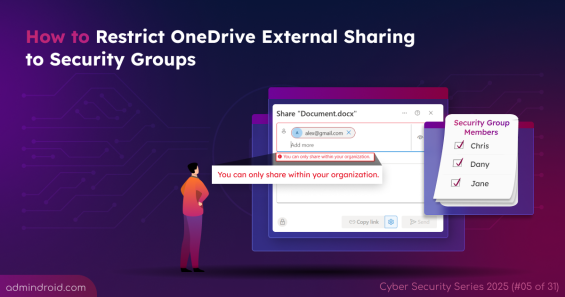
Restrict OneDrive external sharing to security groups to and protect sensitive data from unauthorized access.
4 min read
Block the creation of application client secrets in Microsoft Entra to reduce credential theft risks and strengthen app security.
6 min read
Planned maintenance is coming to Viva Engage, temporarily restricting posting and edits while keeping the platform read-only for all users.
1 min read