Microsoft 365 Community
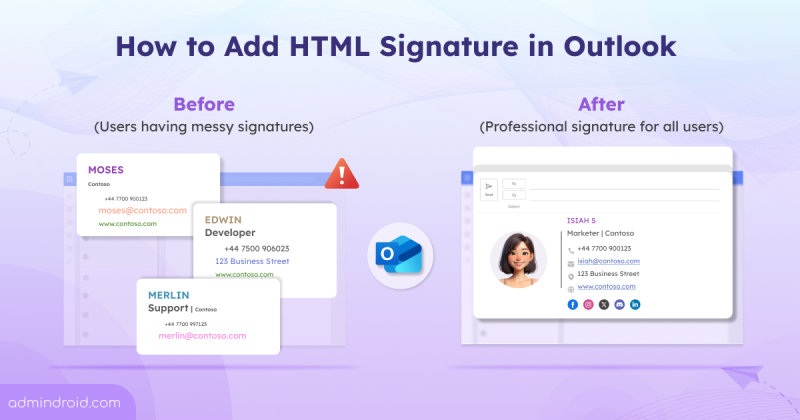
How to Add HTML Signature in Outlook
Admins can create and add html signatures in Microsoft 365 to have consistent style and formatting in the organization.
9 min read
Microsoft has introduced a long-awaited undo capability for tenant object configurations using Backup and Recovery in Entra ID. This feature automatically backs up configurations, allows you to compare changes, and restore the tenant object settings from any point within the last five days.
Microsoft Entra Tenant Governance lets organizations manage and secure multiple Microsoft tenants from a single place. It helps discover risky shadow IT tenants, manage governance relationships, and create new tenants with governance applied. Currently in public preview, this feature requires a Microsoft Entra ID Governance license to access all capabilities.
Microsoft Teams will soon detect and label third-party AI meeting assistant bots attempting to join meetings. These bots will be automatically flagged by Microsoft Teams in the meeting lobby, so organizers can admit, deny, or remove them. It'll be available from mid-May 2026.
Microsoft has announced Microsoft 365 E7, its newest premium bundle for the AI-driven enterprise. It combines Microsoft 365 E5, Copilot, Entra Suite, and Microsoft Agent 365 into a single offering. The suite is priced at $99 per user/month and will be generally available starting May 1, 2026.
Microsoft 365 Backup has extended its support to restore individual files and folders in SharePoint and OneDrive, which is currently available in public preview. With this update, admins can easily browse, search, and recover specific files or folders directly from restore points, eliminating the need to restore an entire site or drive.
Microsoft is retiring One-Time Passcode (SPO OTP) authentication and transitioning to Entra B2B guest accounts for external users. This ensures that SharePoint and OneDrive external collaboration is governed by the same security and compliance standards as internal access. SPO OTP method will be fully retired by August 31, 2026, following rollout beginning in May 2026.
Struggling to automate secure monitor manage M365?
Try AdminDroid for Free!
AdminDroid Content Team is a specialized group of domain experts across Microsoft Entra, Exchange, SharePoint, Teams, Intune, Active Directory and security. Their work focuses on administration, governance, and configuration guidance that reflects real environment conditions. This helps IT teams apply settings correctly and maintain consistent operational control.
Admins can create and add html signatures in Microsoft 365 to have consistent style and formatting in the organization.
9 min read
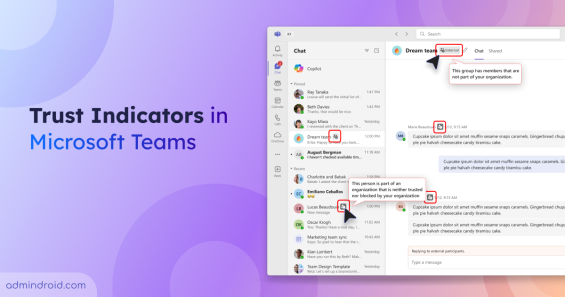
Use Trust Indicators in Teams to identify guests & anonymous users across chats & meetings to support safer sharing & prevent data exposure.
4 min read
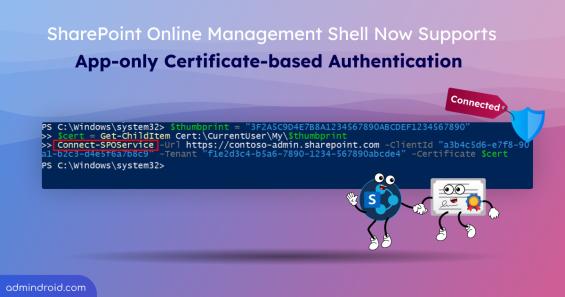
Connect and run SPO scripts non-interactively using app-only certificate-based authentication in the SharePoint Online Management Shell.
3 min read
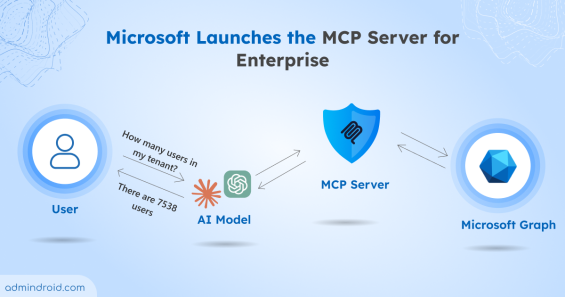
Learn how the Microsoft MCP Server for Enterprise lets AI agents query Microsoft 365 and Entra ID data through natural language.
6 min read
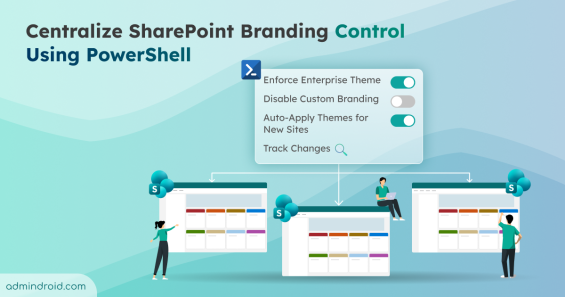
Simplify SharePoint branding governance with new PowerShell controls. Enforce enterprise themes, disable custom branding per site, and more.
4 min read
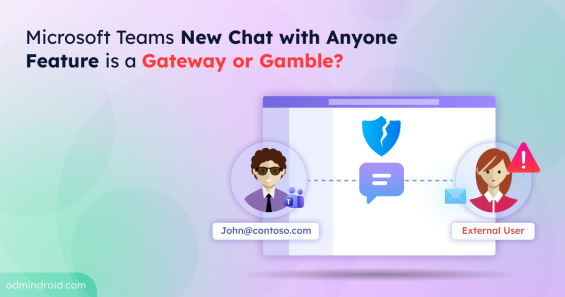
Discover how Microsoft Teams Chat with Anyone lets users connect via email while posing potential security risks.
3 min read
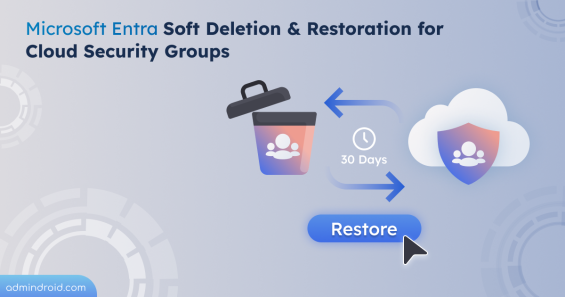
Microsoft Entra soft deletion & restoration feature helps to recover cloud security groups within 30 days while preserving settings, membership, and ownership.
2 min read
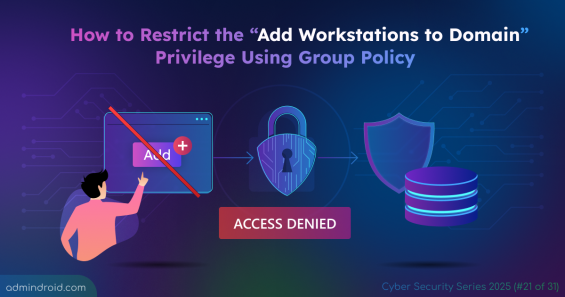
Learn how to prevent users from adding computers to Active Directory. Prevent unauthorized workstation joins and secure your AD environment.
5 min read
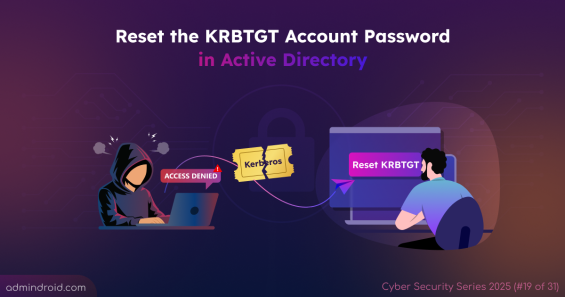
Learn how to safely reset the KRBTGT account password in Active Directory to prevent Golden Ticket attacks across your domain.
7 min read
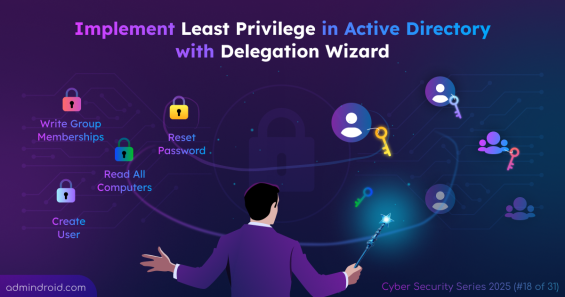
Learn how to use the Active Directory Delegation Wizard to implement Least Privilege and secure permission management across the domain.
9 min read
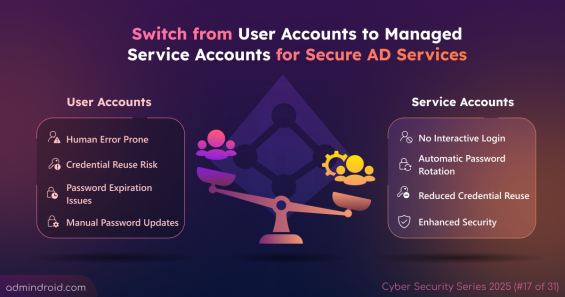
Replace traditional user accounts with Managed Service Accounts in Active Directory, covering creation, configuration, and task automation.
8 min read
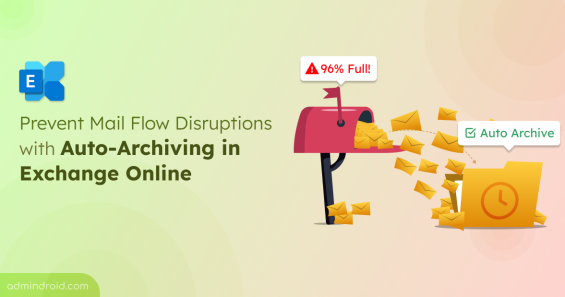
Auto-Archiving in Exchange Online automatically moves emails when a mailbox is nearing quota, keeping mail flow and storage under control.
3 min read