Microsoft 365 Community
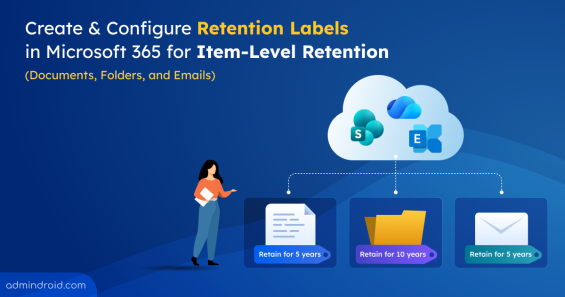
How to Configure Retention Labels in Microsoft 365
Learn how to create, publish, apply, and automate retention labels to meet compliance and records management requirements.
14 min read
Microsoft recently introduced manual incident creation in preview for Defender to help security teams investigate threats beyond automated detections. Analysts can now instantly track, manage, and correlate user reported threats and other security findings, even when no alert is generated automatically.
Microsoft has introduced two new service plans named ‘Entra Conditional Access for Agents’ and ‘Entra ID Protection for Agents’ under Microsoft 365 Agent and E7 licenses. Starting in July 2026, organizations using agent security capabilities must ensure they have the required Microsoft 365 Agent or E7 licenses to continue accessing these features without disruption. This blog explains the licensing update, its impact on organizations, and the steps admins should take to ensure AI agents remain protected.
Starting September 7, 2026, Microsoft Entra ID will require explicitly registered authentication methods for Self-Service Password Reset (SSPR) verification. This blog dives into the details of this security update and the critical actions admins must take to prepare.
Until now, organizations needed an Office 365 Extra File Storage add-on for additional SharePoint storage, which required fixed-capacity purchases that often led to unused costs. To address this, Microsoft has introduced a pay-as-you-go billing model for SharePoint storage in Microsoft 365. This allows organizations to pay only for the additional storage they consume beyond their included quota. In this blog, we’ll explore Microsoft’s pay-as-you-go SharePoint storage model and how it can help optimize costs.
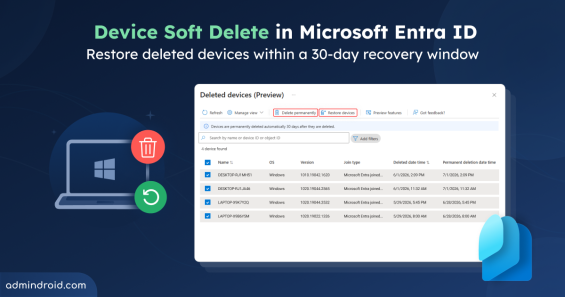
The introduction of Device Soft Delete in Microsoft Entra ID (Public Preview) brings a much-needed recovery layer for device management. Instead of being permanently deleted, devices now move into a soft-deleted state, allowing admins a 30-day window to restore them when needed.
Starting in early June 2026, Microsoft Outlook will support external email tags within inbox rules, allowing users to automatically organize and categorize external emails for improved prioritization.
Struggling to automate secure monitor manage M365?
Try AdminDroid for Free!Aima is a Microsoft 365 configuration specialist with 4 years of experience focused on SharePoint environments and tenant-level administrative configurations. She simplifies complex configuration behaviors into clear operational explanations, helping administrators understand dependencies and apply settings confidently across collaboration workloads while maintaining consistency in real deployments.

Learn how to create, publish, apply, and automate retention labels to meet compliance and records management requirements.
14 min read

Learn about Device Soft Delete in Microsoft Entra ID and how deleted devices can be recovered within a 30-day window before permanent removal.
4 min read

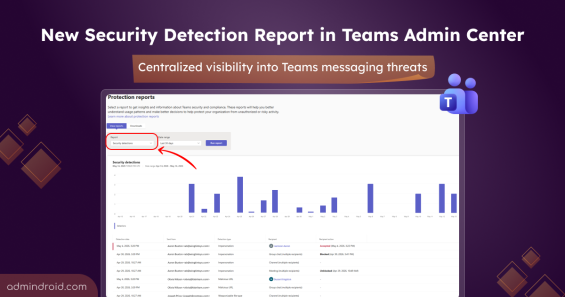
Learn how the new Security Detection Report in Teams admin center helps monitor malicious links, impersonation attempts, and unsafe files.
2 min read

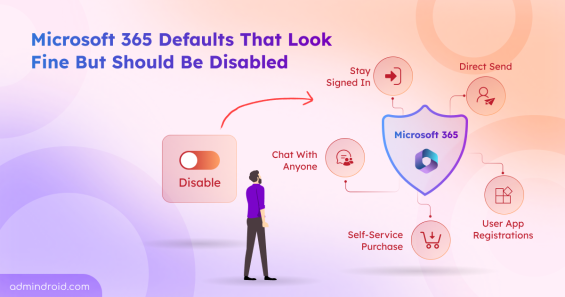
Discover the top Microsoft 365 security settings you should disable to reduce risks, prevent data exposure, and strengthen tenant security.
16 min read

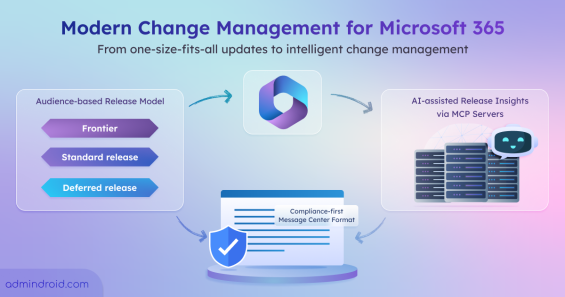
Explore Microsoft 365’s modern change management model, including audience-based releases, Message Center updates, and MCP servers.
6 min read

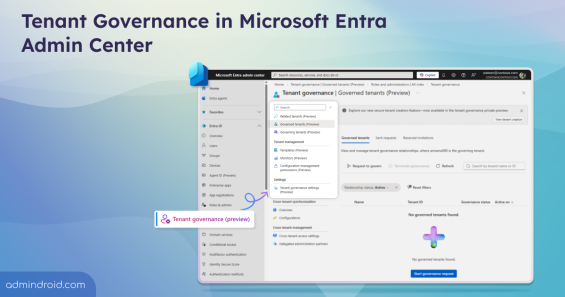
Microsoft Entra Tenant Governance helps manage and secure multiple Microsoft tenants, monitor configurations, govern shadow IT, and create new tenants with governance applied.
6 min read

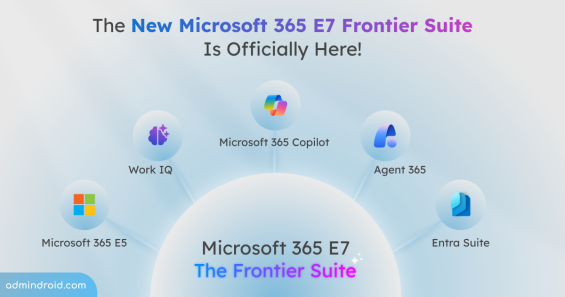
Discover Microsoft 365 E7, the premium AI-driven enterprise suite combining E5, Copilot, Entra Suite, and Agent 365.
5 min read

Discover how the new SharePoint experience in Microsoft 365 makes collaboration smarter with AI tools, modern layouts, and task-focused design.
6 min read

Learn how to disable automatic MDM enrollment during work or school account sign-in on Windows.
8 min read

Learn different ways to clean up file version history in SharePoint Online to optimize storage and maintain a healthy M365 environment.
13 min read

Learn how Protection reports in the Microsoft Teams admin center help admins monitor user-reported calls, chats, and channels.
3 min read

Discover 15 SharePoint permissions best practices to prevent unauthorized access, manage permissions efficiently, and stay in control.
13 min read

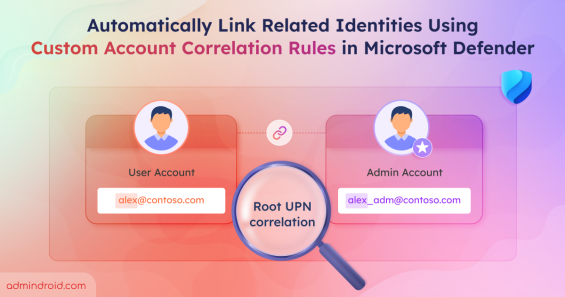
Use custom account correlation rules in Microsoft Defender to link related identities and improve threat detection.
10 min read

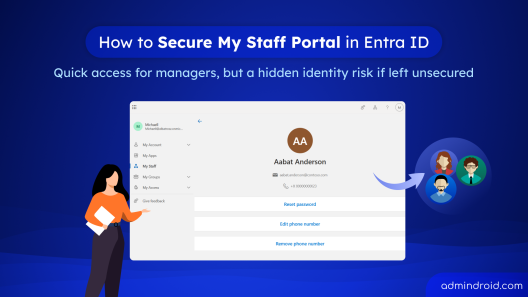
Learn how to securely configure the My Staff portal in Microsoft Entra ID using PIM and Conditional Access to protect delegated admin access.
9 min read

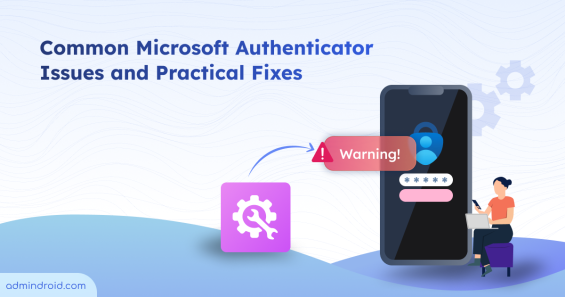
Facing Microsoft Authenticator issues? Fix push notification failures, account transfer problems, etc, with this troubleshooting guide.
13 min read

Learn how to configure device cleanup rules in Intune to automatically remove stale device records and maintain an accurate device inventory.
7 min read

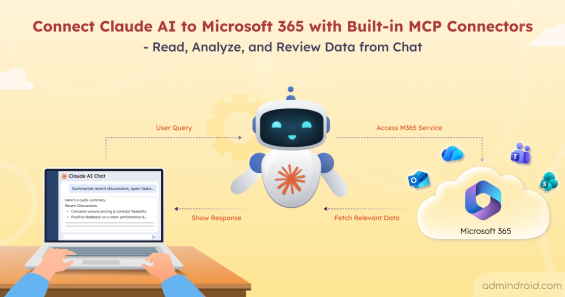
Discover how to connect Claude AI to Microsoft 365 and access SharePoint, Outlook, Teams, and OneDrive data securely from the chat.
9 min read

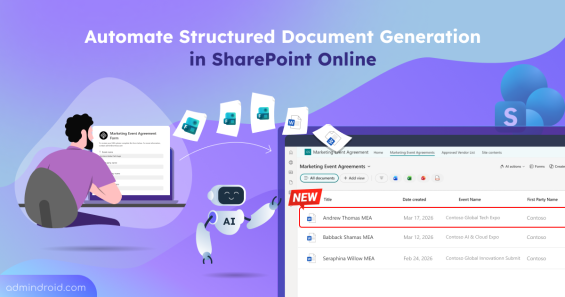
Stop manual data entry. Learn how to turn Word templates into forms to automate structured document generation in SharePoint Online.
7 min read

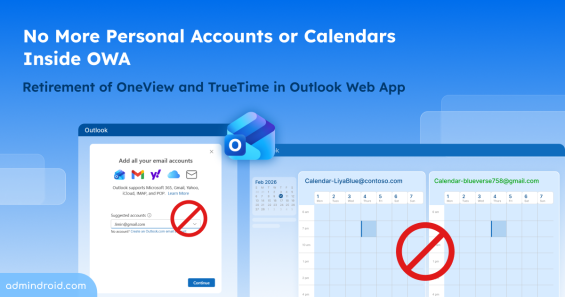
Microsoft retires OneView and TrueTime in Outlook Web App by June 2026. Explore what this update means and how it affects users.
2 min read

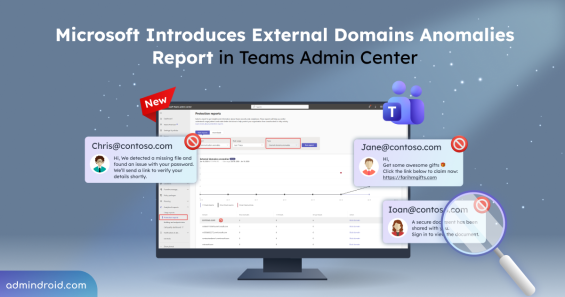
Explore the new external domains anomalies report in Teams to detect unusual behaviour from external domains early and take immediate action.
3 min read

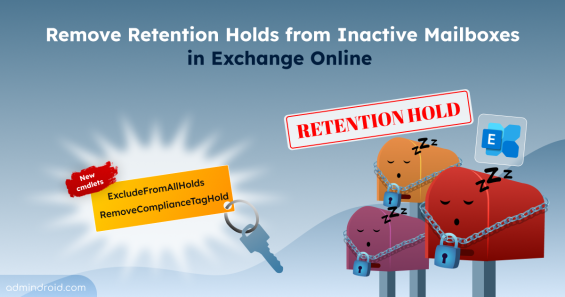
Learn how to remove retention holds from inactive mailboxes in Exchange Online using PowerShell cmdlets for single and bulk executions.
8 min read

Microsoft Entra soft deletion & restoration feature helps to recover cloud security groups within 30 days while preserving settings, membership, and ownership.
2 min read

Explore key strategies to safeguard employee personal data across apps, devices, and cloud services in modern hybrid workplaces.
8 min read

Learn how to prevent users from uploading sensitive data to ChatGPT and keep your organization’s information secure.
11 min read