Quick M365 Updates
Storm-2949 Attack: How a Single Identity Compromise Turned into a Cloud-Wide Breach
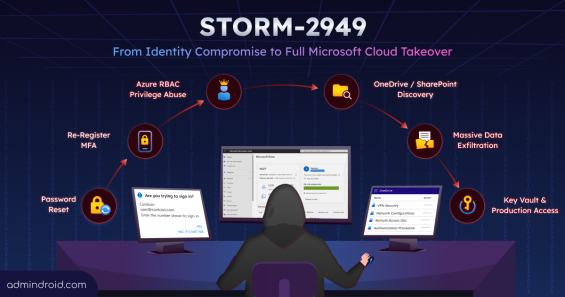
The Storm-2949 attack shows how hackers use different approaches until they gain full Microsoft 365 cloud access.
9 min read
Starting September 7, 2026, Microsoft Entra ID will require explicitly registered authentication methods for Self-Service Password Reset (SSPR) verification. This blog dives into the details of this security update and the critical actions admins must take to prepare.
Until now, organizations needed an Office 365 Extra File Storage add-on for additional SharePoint storage, which required fixed-capacity purchases that often led to unused costs. To address this, Microsoft has introduced a pay-as-you-go billing model for SharePoint storage in Microsoft 365. This allows organizations to pay only for the additional storage they consume beyond their included quota. In this blog, we’ll explore Microsoft’s pay-as-you-go SharePoint storage model and how it can help optimize costs.
The introduction of Device Soft Delete in Microsoft Entra ID (Public Preview) brings a much-needed recovery layer for device management. Instead of being permanently deleted, devices now move into a soft-deleted state, allowing admins a 30-day window to restore them when needed.
Starting in early June 2026, Microsoft Outlook will support external email tags within inbox rules, allowing users to automatically organize and categorize external emails for improved prioritization.
Microsoft has integrated the Power Automate workflow experience directly into SharePoint Online. This allows users to view, create, and manage workflows without leaving the SharePoint site interface. This also introduces a context-aware “Mad-Lib” style automation experience that automatically prefills trigger inputs such as SharePoint sites, lists, and libraries to simplify workflow creation.
Storm-2949 is a sophisticated identity-based attack campaign where a single compromised Microsoft 365 account can lead to wider access across Microsoft 365 and Azure environments. Instead of relying on malware, the attackers abused trusted Microsoft services, MFA workflows, tokens, and permissions to silently move deeper into the environment.
Struggling to automate secure monitor manage M365?
Try AdminDroid for Free!Anushya is a Microsoft 365 practitioner with 5 years of experience focused on administrative controls and security configurations. She contributes to technical knowledge resources focused on helping IT teams simplify Microsoft 365 management. Her work centers on practical implementation patterns that help administrators apply security settings step-by-step and strengthen day-to-day administrative control across environments.

The Storm-2949 attack shows how hackers use different approaches until they gain full Microsoft 365 cloud access.
9 min read

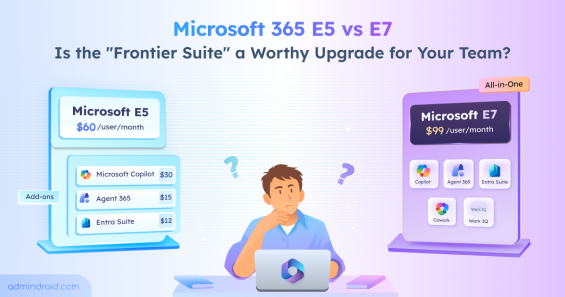
Compare Microsoft 365 E5 vs E7's features, pricing, preview limitations, and decision factors to determine if the $99 E7 upgrade is worth it.
10 min read

Beware of Fake O365 login pages. Configure Microsoft 365 Company Branding to reduce credential phishing attacks.
10 min read

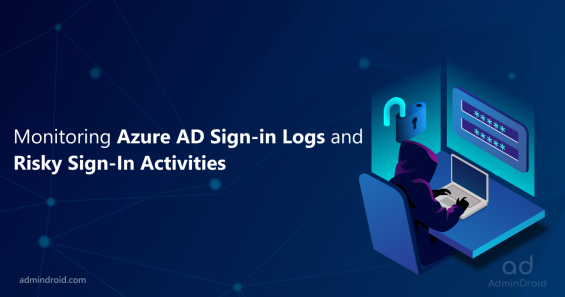
Monitoring Azure AD Sign-in logs and enabling risk policies to prevent Password Spray Attacks.
8 min read

Review permissions granted to applications and take remediations to block malicious applications in Office 365
6 min read

Configure and manage user consent to applications in office 365 to avoid consent phishing attacks.
5 min read

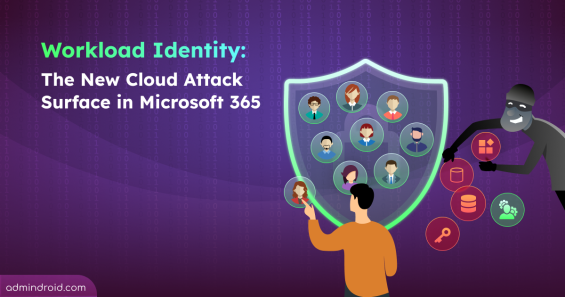
Discover why attackers target workload identities and how to detect, remediate, and secure them in Microsoft Entra ID.
13 min read

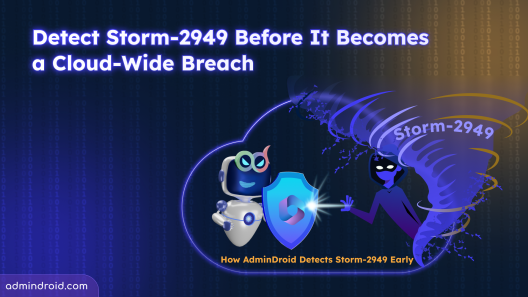
Detect Storm-2949 attacks in Microsoft 365 using AdminDroid. Identify and act early before it escalates into a cloud breach
8 min read

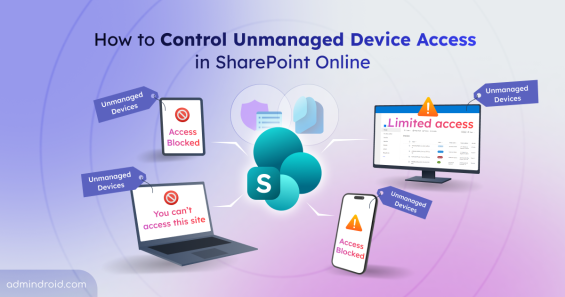
Learn how to control unmanaged device access in SharePoint Online to protect data by limiting or blocking access from non-compliant devices at tenant and site level.
11 min read

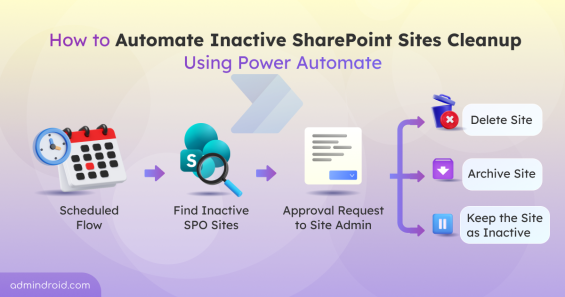
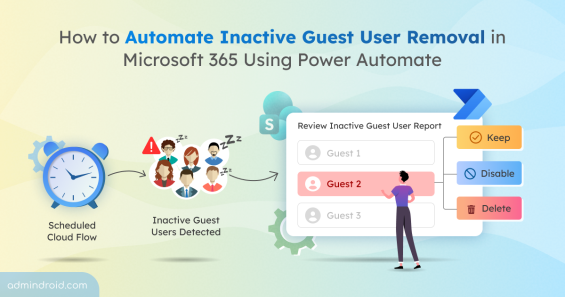
Build a review workflow to remove or disable inactive guests using Power Automate, improving governance over external access in M365
13 min read

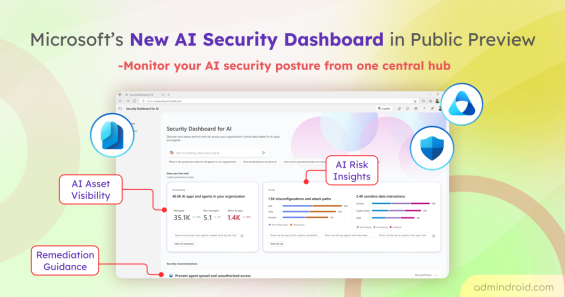
Explore Microsoft’s new Security Dashboard for AI in public preview to monitor AI assets, risks, and security posture in one place.
6 min read

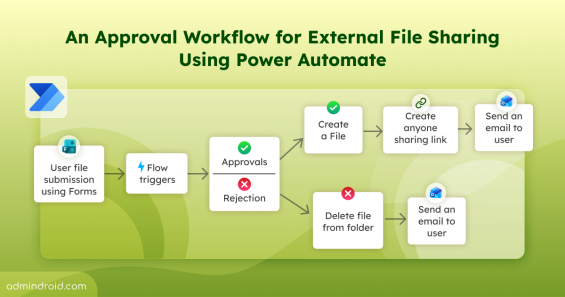
Learn how to control external file sharing in SharePoint with approval workflow using Power Automate in Microsoft 365.
16 min read

Microsoft is integrating Viva Engage communities into Teams. Explore the rollout timeline and what this means for daily collaboration.
4 min read

Microsoft Graph now supports Message Trace to help you track emails easily and programmatically through modern REST-based endpoints.
5 min read

Microsoft’s new Intune security enforcement could block access to outdated M365 apps like Outlook & Teams, if latest versions aren’t updated.
5 min read

Discover Microsoft’s new SharePoint Catalog Management feature that helps you organize scattered sites into governed clusters.
3 min read

Use Trust Indicators in Teams to identify guests & anonymous users across chats & meetings to support safer sharing & prevent data exposure.
4 min read

Learn how the Microsoft MCP Server for Enterprise lets AI agents query Microsoft 365 and Entra ID data through natural language.
6 min read