Microsoft 365 Community
How to Add HTML Signature in Outlook
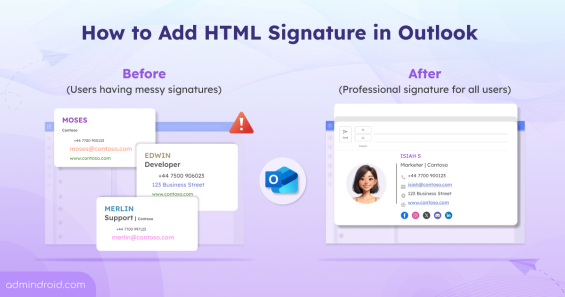
Admins can create and add html signatures in Microsoft 365 to have consistent style and formatting in the organization.
9 min read
Microsoft Entra ID replaces “most recently used” logic in system-preferred MFA with device-preferred credential selection (preview). This method automatically prompts users with the most suitable authentication method based on their device, improving both security and the sign-in experience.
Copilot Cowork introduces AI-driven task orchestration in Microsoft 365, allowing users to define goals while the system plans and executes tasks across applications. It operates within tenant boundaries with approvals and has limited third-party integration.
Microsoft 365 users can now integrate Claude AI using the built-in Microsoft 365 connector, bringing secure, conversational AI into SharePoint, OneDrive, Outlook, and Teams. With read-only access, users can search, analyze, and interact with organizational data directly from Claude chat. This integration highlights how AI is becoming the connective layer of the modern Microsoft 365 workplace.
Microsoft Defender has introduced a new Password Protection page in preview, providing security teams a unified place to track and manage password risks across all identity sources. It highlights weak password practices, password-related policies, leaked credentials, and exposed passwords, with built‑in options to remediate immediately.
Microsoft has introduced file-level archiving in SharePoint Online, which lets us archive files to a lower-cost storage tier while keeping sites active. Archived files retain permissions, metadata, and versions, and you can restore them when needed. However, archiving does not reduce storage, it changes how it is billed.
As AI adoption grows, so do the risks associated with it. The new AI pillar in the Zero Trust Workshop helps organizations apply Zero Trust principles specifically to AI systems. This enables better visibility, governance, and security across AI-driven environments.
Struggling to automate secure monitor manage M365?
Try AdminDroid for Free!AdminDroid Content Team is a specialized group of domain experts across Microsoft Entra, Exchange, SharePoint, Teams, Intune, Active Directory and security. Their work focuses on administration, governance, and configuration guidance that reflects real environment conditions. This helps IT teams apply settings correctly and maintain consistent operational control.

Admins can create and add html signatures in Microsoft 365 to have consistent style and formatting in the organization.
9 min read

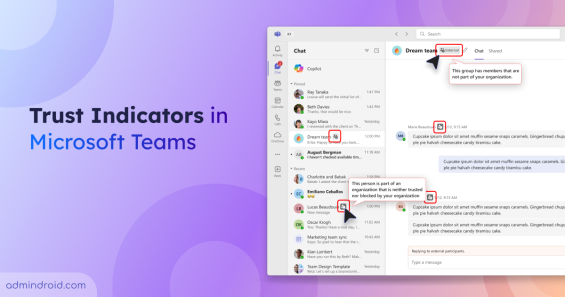
Use Trust Indicators in Teams to identify guests & anonymous users across chats & meetings to support safer sharing & prevent data exposure.
4 min read

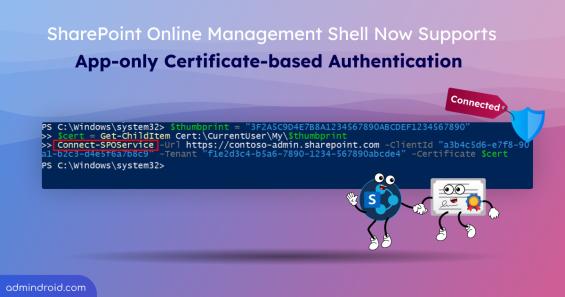
Connect and run SPO scripts non-interactively using app-only certificate-based authentication in the SharePoint Online Management Shell.
3 min read

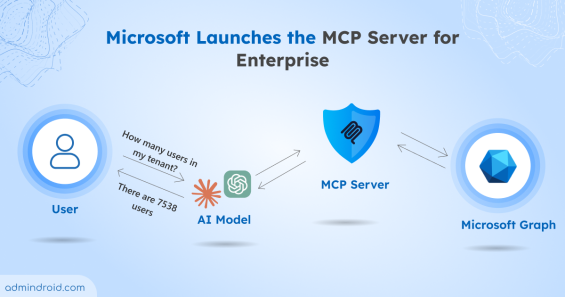
Learn how the Microsoft MCP Server for Enterprise lets AI agents query Microsoft 365 and Entra ID data through natural language.
6 min read

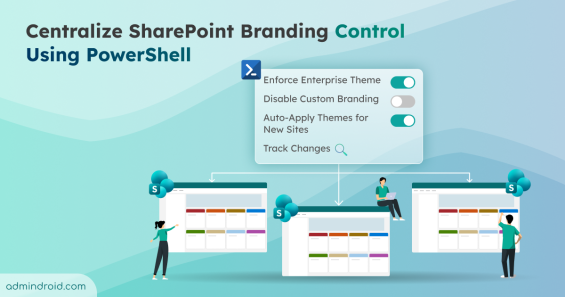
Simplify SharePoint branding governance with new PowerShell controls. Enforce enterprise themes, disable custom branding per site, and more.
4 min read

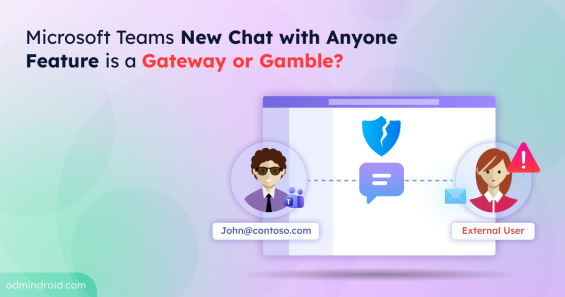
Discover how Microsoft Teams Chat with Anyone lets users connect via email while posing potential security risks.
3 min read

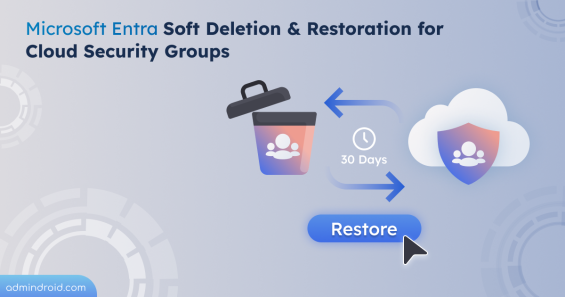
Microsoft Entra soft deletion & restoration feature helps to recover cloud security groups within 30 days while preserving settings, membership, and ownership.
2 min read

Learn how to prevent users from adding computers to Active Directory. Prevent unauthorized workstation joins and secure your AD environment.
5 min read

Learn how to safely reset the KRBTGT account password in Active Directory to prevent Golden Ticket attacks across your domain.
7 min read

Learn how to use the Active Directory Delegation Wizard to implement Least Privilege and secure permission management across the domain.
9 min read

Replace traditional user accounts with Managed Service Accounts in Active Directory, covering creation, configuration, and task automation.
8 min read

Auto-Archiving in Exchange Online automatically moves emails when a mailbox is nearing quota, keeping mail flow and storage under control.
3 min read