Quick M365 Updates
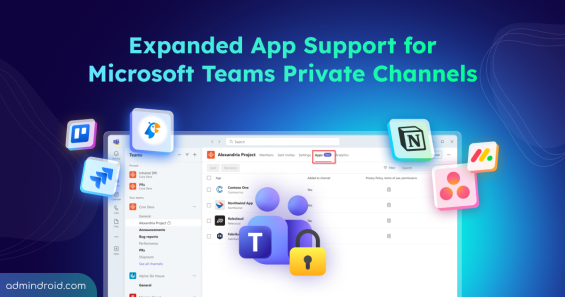
Expanded App Support for Microsoft Teams Private Channel
Explore Microsoft’s major update for Teams private channels that support apps, bots, and message extensions, along with new admin controls.
5 min read
For years, private channels were the “quiet corners” of Microsoft Teams, excellent for security. However, they were frustratingly limited when it came to the apps and bots that drive daily workflows. Only a limited set of tabs was supported, forcing admins to move from private channels to standard channels to access Teams app functionality. That limitation…
Have you ever managed a Microsoft 365 tenant-to-tenant migration during a merger, acquisition, or organizational split? If so, you know how complex it can be—separate tools for Exchange and OneDrive, multiple scripts to track progress, and limited visibility into what’s moving and what’s not. For admins, cross-tenant migrations have often…
Imagine you’re in a Microsoft Teams meeting. Someone shares a link, another asks for a file, and a new name appears in the chat. You respond without hesitation. But do you really know who’s on the other side? Is that person an internal colleague? A trusted external partner? Or a guest with limited access? That’s where Microsoft Teams Trust…
When responding to suspicious MFA sessions, compromised accounts, or device loss, most admins instinctively go for revoking MFA sessions. However, what’s often misunderstood is how this action actually works. The “Revoke MFA sessions” option only clears per-user MFA sessions created through per-user MFA. It does not revoke MFA claims issued…
SharePoint Online is a go-to platform for collaboration, where users upload audio files for teamwork and share large videos for training. The catch? Even small updates to these media files generate massive new versions. These media formats typically generate much larger versions than standard documents, causing storage to balloon quickly in…
Managing inactive mailboxes in Exchange Online is often complicated by overlapping retention policies, litigation holds, and compliance requirements. Sometimes, admins need to remove holds that are no longer necessary, but the process has traditionally been far more complex than it should be. They had to juggle multiple steps and clear holds one mailbox at…
Struggling to automate secure monitor manage M365?
Try AdminDroid for Free!