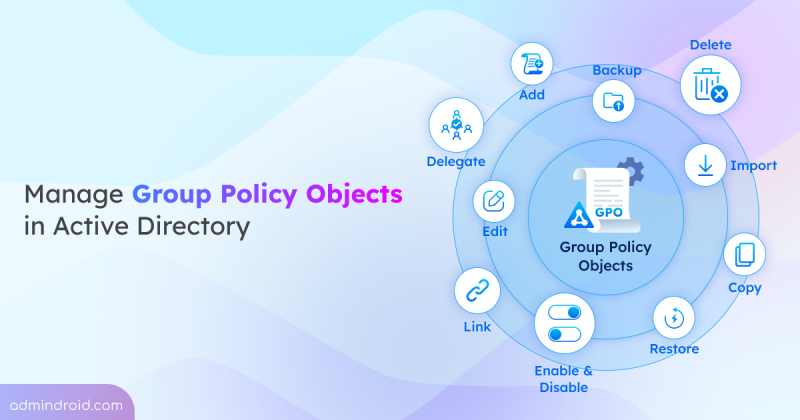
Group Policy Management in Active Directory
Learn Group Policy Management in Active Directory with 10+ key actions, including creating, linking, importing GPOs, and more.
20 min read
As AI adoption grows, so do the risks associated with it. The new AI pillar in the Zero Trust Workshop helps organizations apply Zero Trust principles specifically to AI systems. This enables better visibility, governance, and security across AI-driven environments.
Microsoft has introduced a long-awaited undo capability for tenant object configurations using Backup and Recovery in Entra ID. This feature automatically backs up configurations, allows you to compare changes, and restore the tenant object settings from any point within the last five days.
Microsoft Entra Tenant Governance lets organizations manage and secure multiple Microsoft tenants from a single place. It helps discover risky shadow IT tenants, manage governance relationships, and create new tenants with governance applied. Currently in public preview, this feature requires a Microsoft Entra ID Governance license to access all capabilities.
Microsoft Teams will soon detect and label third-party AI meeting assistant bots attempting to join meetings. These bots will be automatically flagged by Microsoft Teams in the meeting lobby, so organizers can admit, deny, or remove them. It'll be available from mid-May 2026.
Microsoft has announced Microsoft 365 E7, its newest premium bundle for the AI-driven enterprise. It combines Microsoft 365 E5, Copilot, Entra Suite, and Microsoft Agent 365 into a single offering. The suite is priced at $99 per user/month and will be generally available starting May 1, 2026.
Microsoft 365 Backup has extended its support to restore individual files and folders in SharePoint and OneDrive, which is currently available in public preview. With this update, admins can easily browse, search, and recover specific files or folders directly from restore points, eliminating the need to restore an entire site or drive.
Struggling to automate secure monitor manage M365?
Try AdminDroid for Free!Explore hands-on guides, admin tips, and automation to simplify Active Directory management.
Learn Group Policy Management in Active Directory with 10+ key actions, including creating, linking, importing GPOs, and more.
20 min read
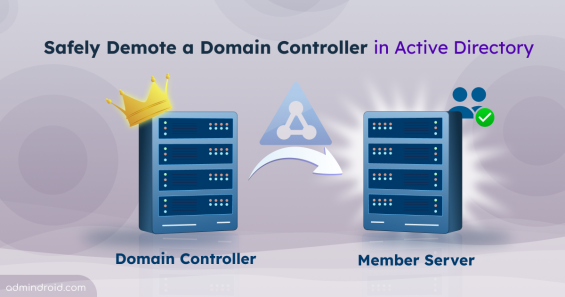
Learn how to demote a domain controller in AD with pre-checks, graceful and forced demotion methods, metadata cleanup, and common fixes.
17 min read
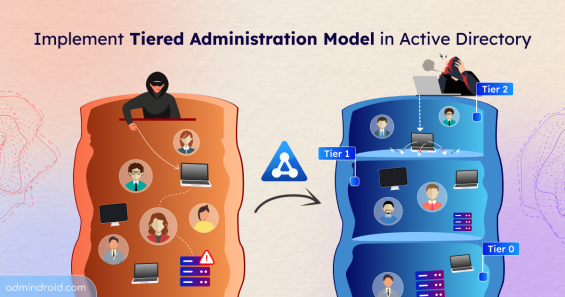
Learn how to implement the Active Directory tiered administration model to reduce credential exposure and prevent lateral movement attacks.
14 min read
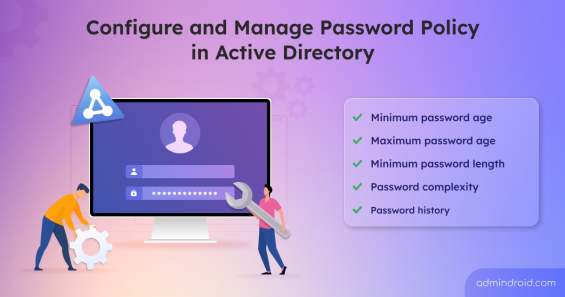
Learn how to configure and manage password policies in Active Directory to enforce strong passwords and secure your environment.
11 min read
Explore step-by-step methods to identify insecure RC4 usage in Active Directory Kerberos tickets and disable them to strengthen security.
16 min read
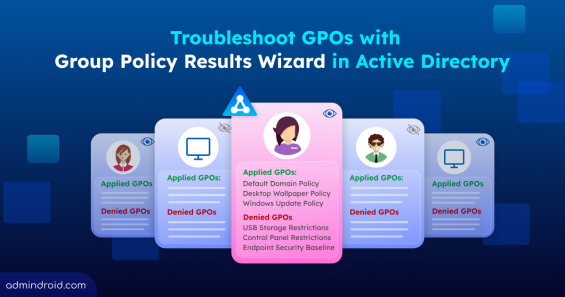
Learn how Group Policy Results Wizard helps troubleshoot Active Directory GPO issues by showing all applied and denied policy settings with clear troubleshooting insights.
10 min read
Explore why Microsoft is disabling NTLM by default in Active Directory and Windows environment and learn how to prepare using NTLM auditing.
4 min read
Discover how to find the account lockout source in Active Directory to quickly pinpoint the cause and resolve recurring user lockouts.
12 min read
Explore why Microsoft deprecates RC4 encryption in Kerberos authentication and learn how to prepare for the upcoming AES enforcement.
6 min read
Learn how to set up Account Lockout Policy in Windows Active Directory to prevent password-guessing attacks on user accounts.
10 min read
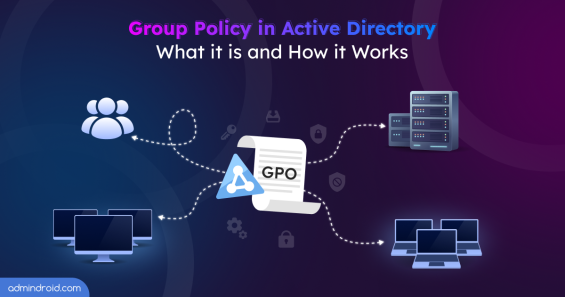
Understand Group Policy Objects in Active Directory and learn how GPOs work to control user and computer settings across your domain.
15 min read
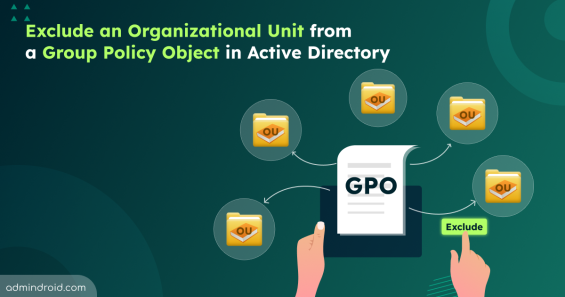
Learn all methods to exclude a OU from a GPO in Active Directory, including WMI filters, GPO permissions, item-level targeting, and more.
14 min read