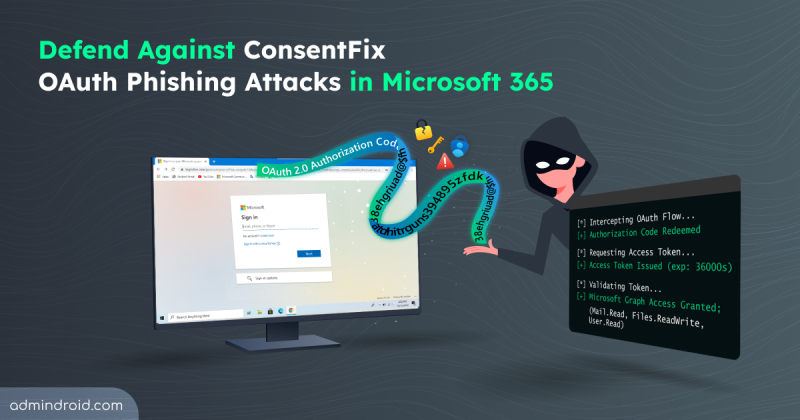
What is ConsentFix Attack and How to Mitigate it in Microsoft 365
Explore how ConsentFix attack abuses trusted Microsoft 365 first-party app access and learn mitigations to prevent OAuth token misuse.
15 min read
Microsoft has introduced file-level archiving in SharePoint Online, which lets us archive files to a lower-cost storage tier while keeping sites active. Archived files retain permissions, metadata, and versions, and you can restore them when needed. However, archiving does not reduce storage, it changes how it is billed.
As AI adoption grows, so do the risks associated with it. The new AI pillar in the Zero Trust Workshop helps organizations apply Zero Trust principles specifically to AI systems. This enables better visibility, governance, and security across AI-driven environments.
Microsoft has introduced a long-awaited undo capability for tenant object configurations using Backup and Recovery in Entra ID. This feature automatically backs up configurations, allows you to compare changes, and restore the tenant object settings from any point within the last five days.
Microsoft Entra Tenant Governance lets organizations manage and secure multiple Microsoft tenants from a single place. It helps discover risky shadow IT tenants, manage governance relationships, and create new tenants with governance applied. Currently in public preview, this feature requires a Microsoft Entra ID Governance license to access all capabilities.
Microsoft Teams will soon detect and label third-party AI meeting assistant bots attempting to join meetings. These bots will be automatically flagged by Microsoft Teams in the meeting lobby, so organizers can admit, deny, or remove them. It'll be available from mid-May 2026.
Microsoft has announced Microsoft 365 E7, its newest premium bundle for the AI-driven enterprise. It combines Microsoft 365 E5, Copilot, Entra Suite, and Microsoft Agent 365 into a single offering. The suite is priced at $99 per user/month and will be generally available starting May 1, 2026.
Struggling to automate secure monitor manage M365?
Try AdminDroid for Free!One stop place for comprehensive Microsoft 365 security checklists, covering all services.
Explore how ConsentFix attack abuses trusted Microsoft 365 first-party app access and learn mitigations to prevent OAuth token misuse.
15 min read
Explore step-by-step methods to identify insecure RC4 usage in Active Directory Kerberos tickets and disable them to strengthen security.
16 min read
Discover 15 SharePoint permissions best practices to prevent unauthorized access, manage permissions efficiently, and stay in control.
13 min read
Learn how to prevent Teams sprawl with 10 proven strategies to improve governance and reduce security risks.
12 min read
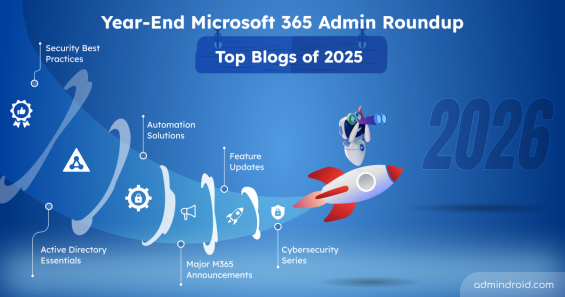
Discover the top Microsoft 365 admin blogs of 2025, featuring the latest tips and best practices to help you manage your M365 environment.
15 min read
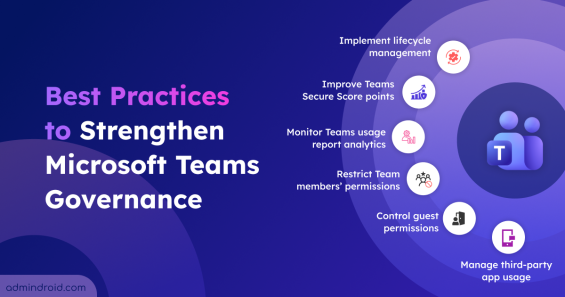
Explore the crucial Microsoft Teams governance strategies to improve collaboration and ensure compliant use of Teams across the organization.
11 min read

Cybersecurity Month wrap-up: Strengthen IT environments and secure Microsoft 365, Active Directory, hybrid, and AI platforms.
11 min read
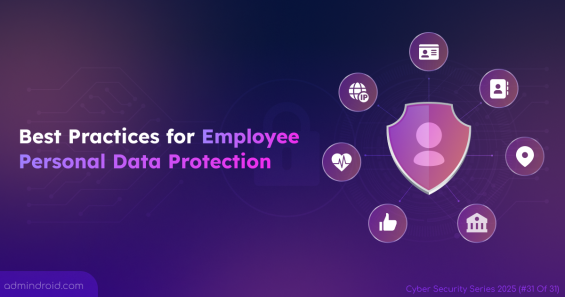
Explore key strategies to safeguard employee personal data across apps, devices, and cloud services in modern hybrid workplaces.
8 min read
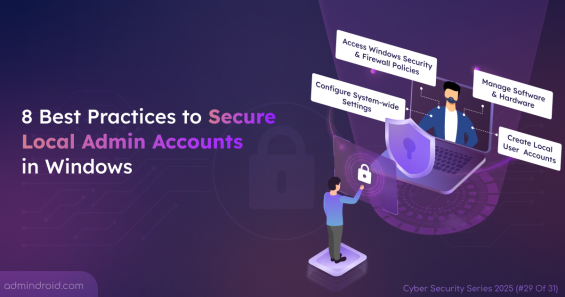
Local admin accounts can make or break security. Learn all risks and practical steps to secure local admins and protect devices from privilege abuse.
7 min read
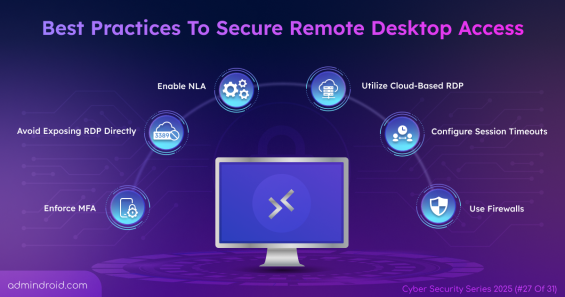
Protect your remote work environment by implementing 11 remote desktop access best practices to prevent data leaks caused by unauthorized access.
8 min read
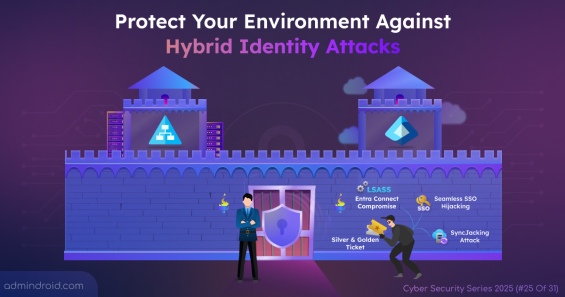
Learn how to defend against Microsoft hybrid identity attacks such as Entra Connect compromise, Pass-the-PRT, and more.
10 min read
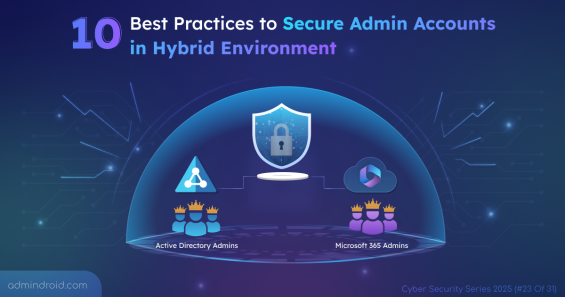
Explore 10 best practices to secure admin accounts in a hybrid environment to reduce the attack surface & safeguard against evolving threats.
7 min read