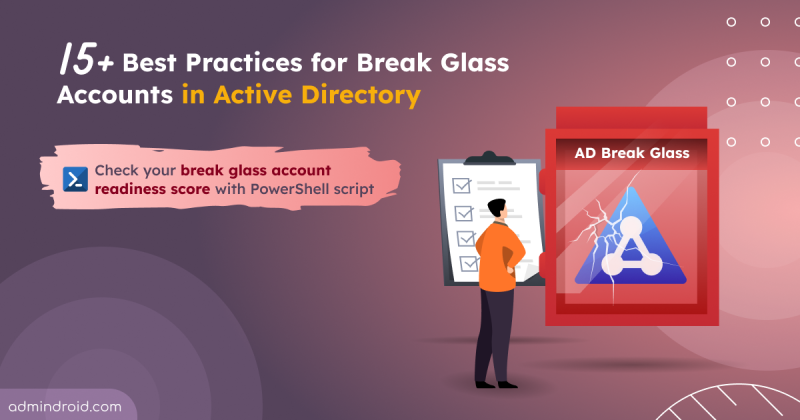
Best Practices for Emergency Accounts in Active Directory
Discover best practices for Active Directory break glass accounts to ensure secure and reliable access during critical incidents.
11 min read
Microsoft Teams is set to allow two separate users to share their screens simultaneously during a meeting. The feature is expected to roll out from November 2026.
Starting mid-September 2026, admins can automatically archive OneDrive and SharePoint files using Microsoft Purview retention policies. Archived files move to Microsoft 365 Archive and are excluded from Microsoft 365 Copilot indexing.
One of the most requested features in Microsoft Teams is rolling out now. I have waited years for this rollout, but before I get to the news, let’s start with the problem it solves. Most of us have done this more times than we can count. Some messages don’t need immediate attention, and some chat or channel messages…
Changing the organizer of a meeting has traditionally been a challenge for Microsoft 365 users. If someone left the organization, changed responsibilities, or needed another person to take ownership of a meeting, they often had to create a new meeting. A few months ago, Microsoft introduced admin-initiated meeting ownership transfer,…
Microsoft is introducing outbound external messaging limits in Teams for organizations using only the default MOERA (onmicrosoft.com) domain. The limitation will begin rolling out in mid-September 2026 to help protect Teams from any abusive activity. Once the limit is reached, users may be temporarily unable to message external users. Admins can add a custom domain to avoid being subject to this limitation.
Microsoft Teams admin center is introducing a single-pane experience for monitoring and troubleshooting meetings and calls across the organization. Rolling out from late September to mid-October 2026, it lets admins view meetings, identify issues, access diagnostics, search and filter data, export results, and use Microsoft 365 Copilot for analysis.
Struggling to automate secure monitor manage M365?
Try AdminDroid for Free!One stop place for comprehensive Microsoft 365 security checklists, covering all services.
Discover best practices for Active Directory break glass accounts to ensure secure and reliable access during critical incidents.
11 min read
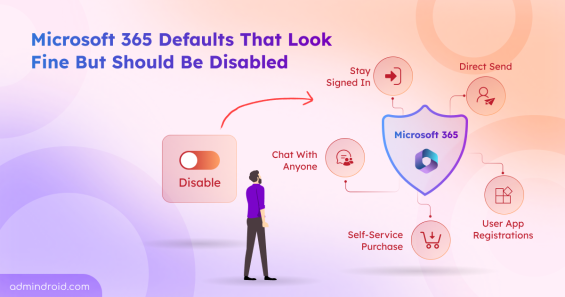
Discover the top Microsoft 365 security settings you should disable to reduce risks, prevent data exposure, and strengthen tenant security.
16 min read
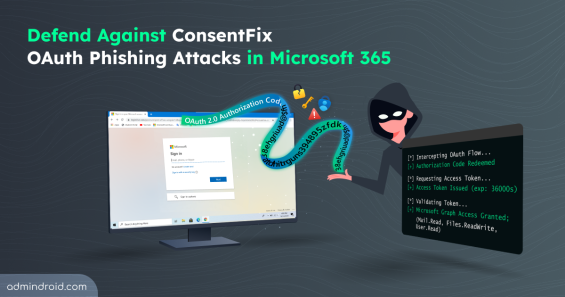
Explore how ConsentFix attack abuses trusted Microsoft 365 first-party app access and learn mitigations to prevent OAuth token misuse.
15 min read
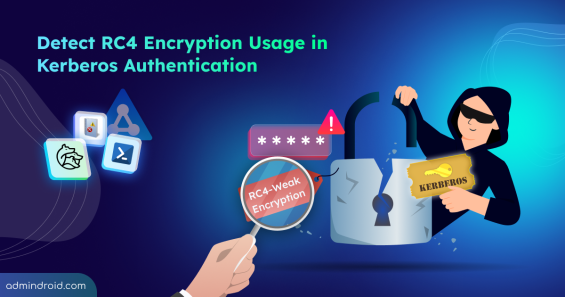
Explore step-by-step methods to identify insecure RC4 usage in Active Directory Kerberos tickets and disable them to strengthen security.
16 min read
Discover 15 SharePoint permissions best practices to prevent unauthorized access, manage permissions efficiently, and stay in control.
13 min read
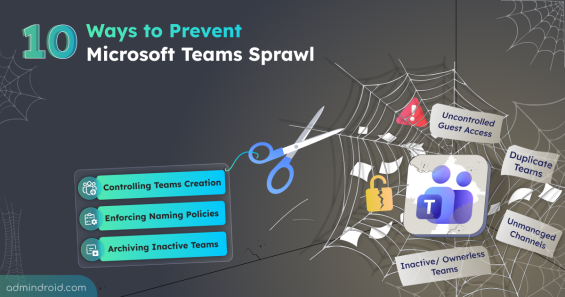
Learn how to prevent Teams sprawl with 10 proven strategies to improve governance and reduce security risks.
12 min read
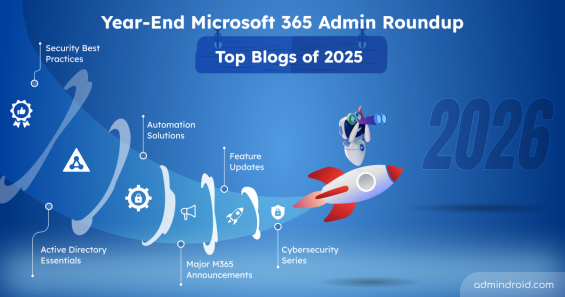
Discover the top Microsoft 365 admin blogs of 2025, featuring the latest tips and best practices to help you manage your M365 environment.
15 min read
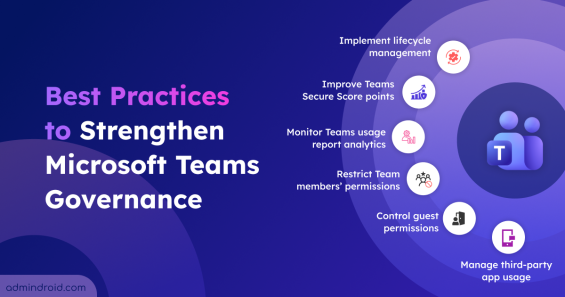
Explore the crucial Microsoft Teams governance strategies to improve collaboration and ensure compliant use of Teams across the organization.
11 min read

Cybersecurity Month wrap-up: Strengthen IT environments and secure Microsoft 365, Active Directory, hybrid, and AI platforms.
11 min read
Explore key strategies to safeguard employee personal data across apps, devices, and cloud services in modern hybrid workplaces.
8 min read
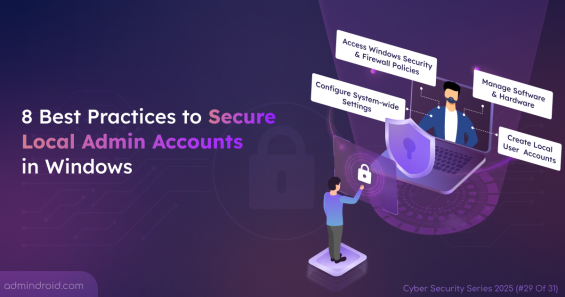
Local admin accounts can make or break security. Learn all risks and practical steps to secure local admins and protect devices from privilege abuse.
7 min read
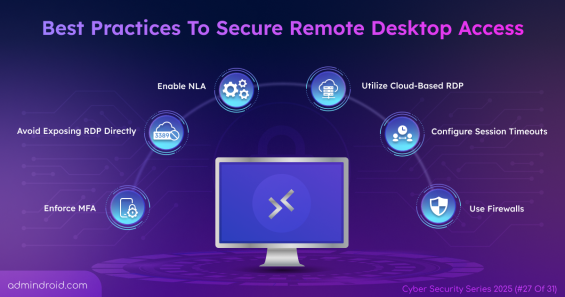
Protect your remote work environment by implementing 11 remote desktop access best practices to prevent data leaks caused by unauthorized access.
8 min read