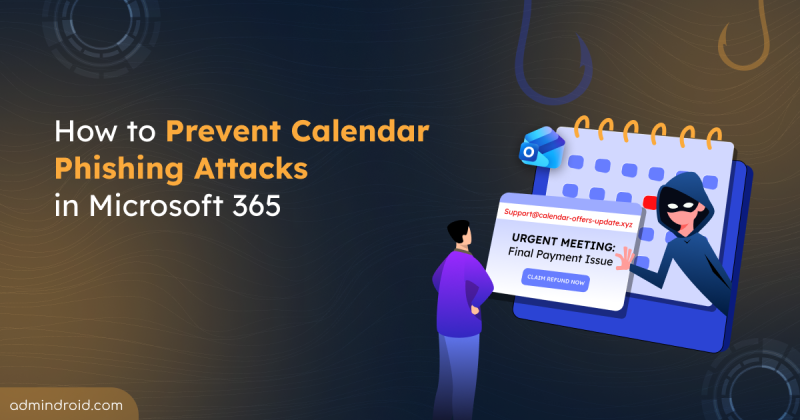
How to Prevent Calendar Phishing Attacks in Microsoft 365
Learn how to prevent calendar phishing attacks in Microsoft 365 and protect users from malicious meeting invites that bypass email security.
12 min read
Microsoft Entra ID replaces “most recently used” logic in system-preferred MFA with device-preferred credential selection (preview). This method automatically prompts users with the most suitable authentication method based on their device, improving both security and the sign-in experience.
Copilot Cowork introduces AI-driven task orchestration in Microsoft 365, allowing users to define goals while the system plans and executes tasks across applications. It operates within tenant boundaries with approvals and has limited third-party integration.
Microsoft 365 users can now integrate Claude AI using the built-in Microsoft 365 connector, bringing secure, conversational AI into SharePoint, OneDrive, Outlook, and Teams. With read-only access, users can search, analyze, and interact with organizational data directly from Claude chat. This integration highlights how AI is becoming the connective layer of the modern Microsoft 365 workplace.
Microsoft Defender has introduced a new Password Protection page in preview, providing security teams a unified place to track and manage password risks across all identity sources. It highlights weak password practices, password-related policies, leaked credentials, and exposed passwords, with built‑in options to remediate immediately.
Microsoft has introduced file-level archiving in SharePoint Online, which lets us archive files to a lower-cost storage tier while keeping sites active. Archived files retain permissions, metadata, and versions, and you can restore them when needed. However, archiving does not reduce storage, it changes how it is billed.
As AI adoption grows, so do the risks associated with it. The new AI pillar in the Zero Trust Workshop helps organizations apply Zero Trust principles specifically to AI systems. This enables better visibility, governance, and security across AI-driven environments.
Struggling to automate secure monitor manage M365?
Try AdminDroid for Free!Get Microsoft 365 Security tips & best practices
Learn how to prevent calendar phishing attacks in Microsoft 365 and protect users from malicious meeting invites that bypass email security.
12 min read
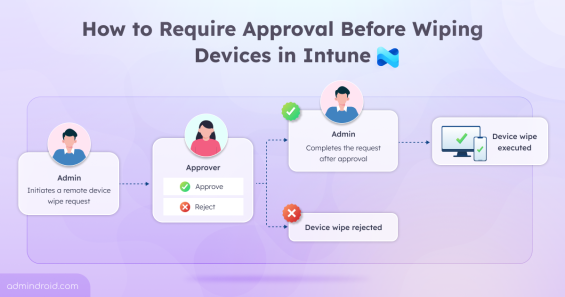
Learn how to configure Multi Admin Approval in Intune to prevent accidental device wipes and add an extra layer of administrative control.
11 min read
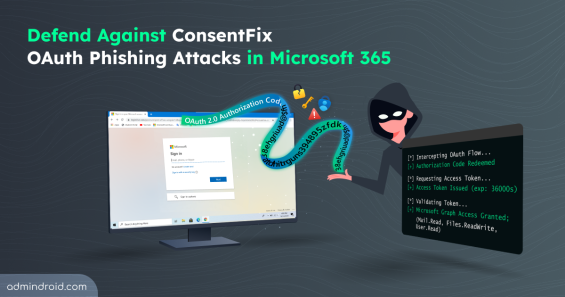
Explore how ConsentFix attack abuses trusted Microsoft 365 first-party app access and learn mitigations to prevent OAuth token misuse.
15 min read
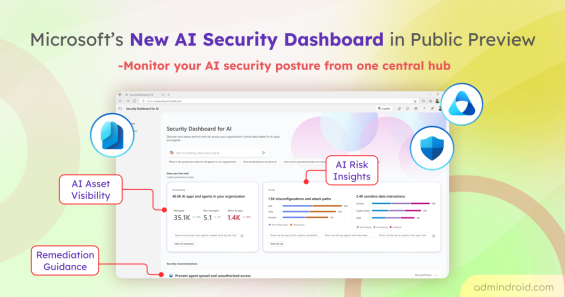
Explore Microsoft’s new Security Dashboard for AI in public preview to monitor AI assets, risks, and security posture in one place.
6 min read
Explore step-by-step methods to identify insecure RC4 usage in Active Directory Kerberos tickets and disable them to strengthen security.
16 min read
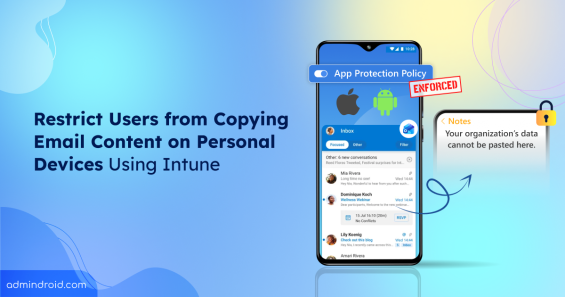
Learn how to protect email data on unmanaged devices using app protection policy in Microsoft Intune.
12 min read
Discover the top Microsoft 365 admin blogs of 2025, featuring the latest tips and best practices to help you manage your M365 environment.
15 min read
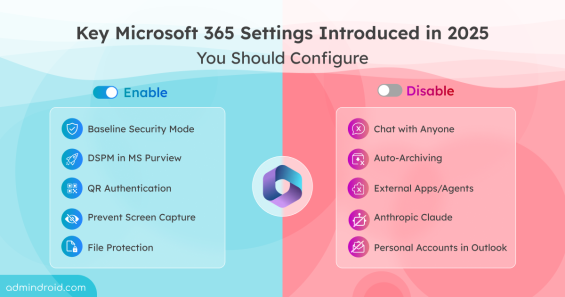
Discover the key Microsoft 365 security settings added in 2025 and learn which features to enable or disable to strengthen security posture.
12 min read
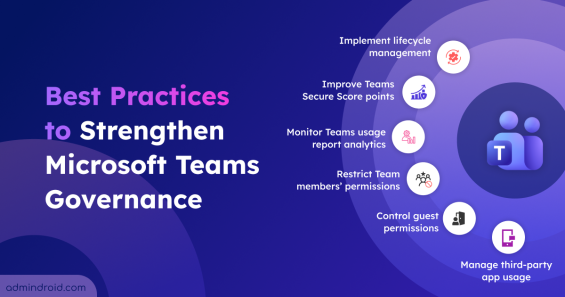
Explore the crucial Microsoft Teams governance strategies to improve collaboration and ensure compliant use of Teams across the organization.
11 min read
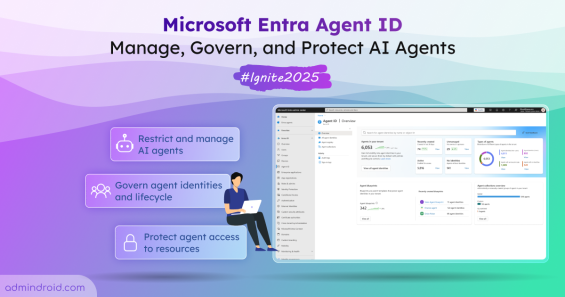
Microsoft Ignite 2025 announced the public preview of Entra Agent ID with new capabilities to help organizations manage and secure AI agents.
8 min read
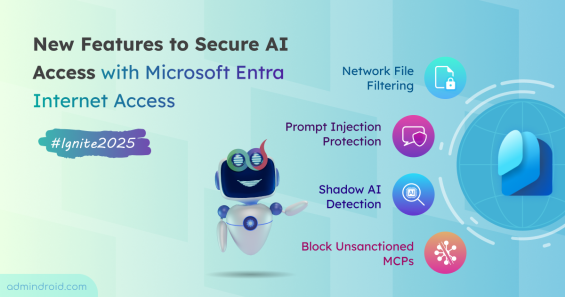
Discover new capabilities of ignite to secure AI access with Microsoft Entra Internet Access and ensure safe, compliant connectivity.
4 min read
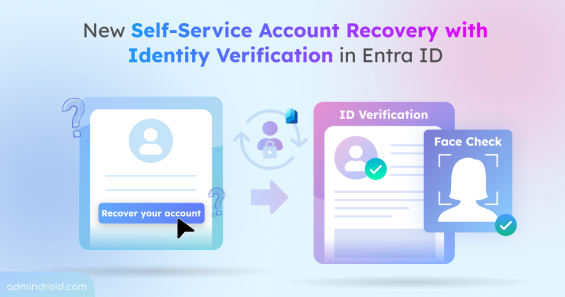
Discover the new self-service account recovery feature in Entra ID and learn how it reduces helpdesk workload while providing protection against account takeover.
6 min read