Quick M365 Updates
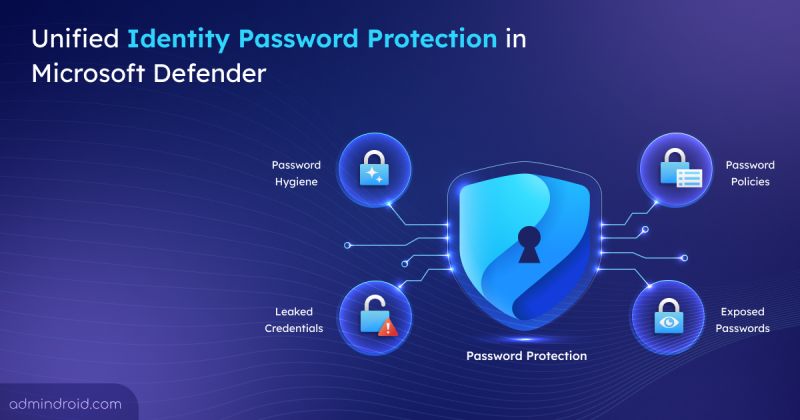
New Password Protection Page in Microsoft Defender for Identity
Explore the new password Protection feature in Microsoft Defender and learn how to monitor and remediate password risks across providers.
5 min read
Microsoft Defender has introduced a new Password Protection page in preview, providing security teams a unified place to track and manage password risks across all identity sources. It highlights weak password practices, password-related policies, leaked credentials, and exposed passwords, with built‑in options to remediate immediately.
Microsoft has introduced file-level archiving in SharePoint Online, which lets us archive files to a lower-cost storage tier while keeping sites active. Archived files retain permissions, metadata, and versions, and you can restore them when needed. However, archiving does not reduce storage, it changes how it is billed.
As AI adoption grows, so do the risks associated with it. The new AI pillar in the Zero Trust Workshop helps organizations apply Zero Trust principles specifically to AI systems. This enables better visibility, governance, and security across AI-driven environments.
Microsoft has introduced a long-awaited undo capability for tenant object configurations using Backup and Recovery in Entra ID. This feature automatically backs up configurations, allows you to compare changes, and restore the tenant object settings from any point within the last five days.
Microsoft Entra Tenant Governance lets organizations manage and secure multiple Microsoft tenants from a single place. It helps discover risky shadow IT tenants, manage governance relationships, and create new tenants with governance applied. Currently in public preview, this feature requires a Microsoft Entra ID Governance license to access all capabilities.
Microsoft Teams will soon detect and label third-party AI meeting assistant bots attempting to join meetings. These bots will be automatically flagged by Microsoft Teams in the meeting lobby, so organizers can admit, deny, or remove them. It'll be available from mid-May 2026.
Struggling to automate secure monitor manage M365?
Try AdminDroid for Free!
Kanaga is a Microsoft 365 and Active Directory specialist focused on security-centric configurations and practical administrative use cases. By translating security concepts into approachable operational steps, she enables admins to implement recommendations confidently while maintaining stable and secure environments.
Explore the new password Protection feature in Microsoft Defender and learn how to monitor and remediate password risks across providers.
5 min read
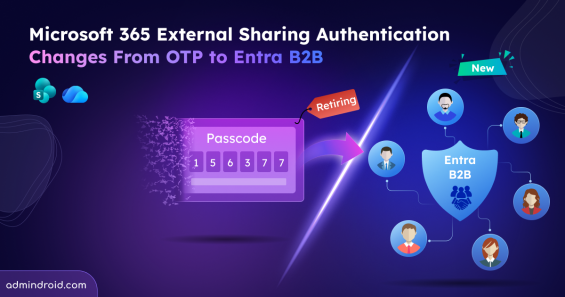
External sharing now uses Entra B2B identity-based access and email OTP is no longer supported for accessing SharePoint and OneDrive content.
6 min read
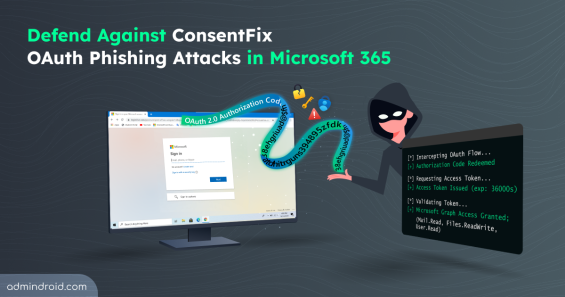
Explore how ConsentFix attack abuses trusted Microsoft 365 first-party app access and learn mitigations to prevent OAuth token misuse.
15 min read
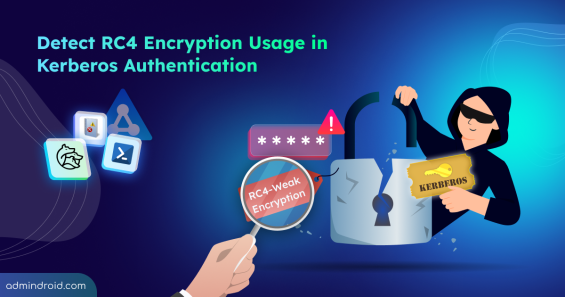
Explore step-by-step methods to identify insecure RC4 usage in Active Directory Kerberos tickets and disable them to strengthen security.
16 min read
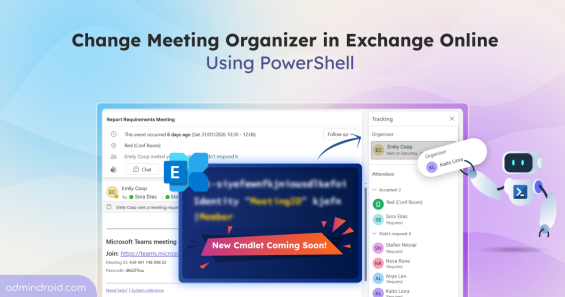
Discover more about the new Exchange Online PowerShell cmdlet that lets admins change meeting organizer without recreating meetings.
5 min read
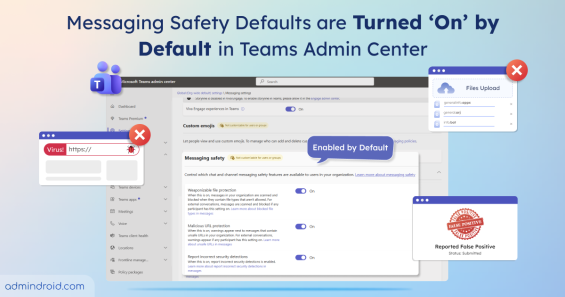
Messaging safety defaults in Microsoft Teams are now enabled by default. This strengthens security & reduces exposure to malicious contents.
3 min read
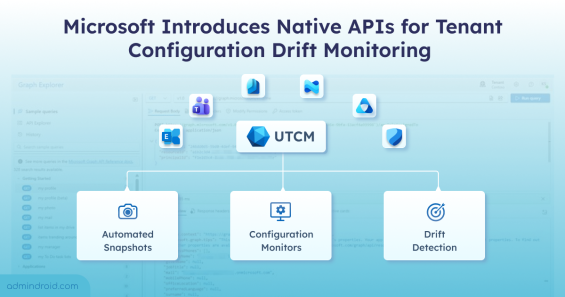
Monitor tenant configuration in Microsoft 365 with UTCM APIs to detect drift and maintain compliant settings across multiple workloads.
5 min read
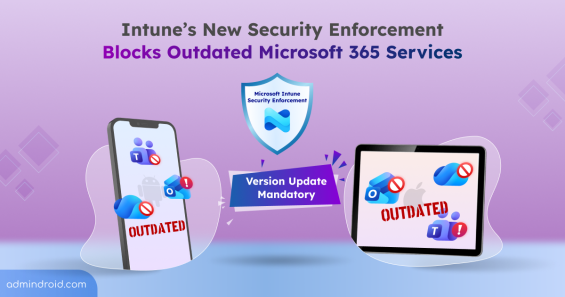
Microsoft’s new Intune security enforcement could block access to outdated M365 apps like Outlook & Teams, if latest versions aren’t updated.
5 min read
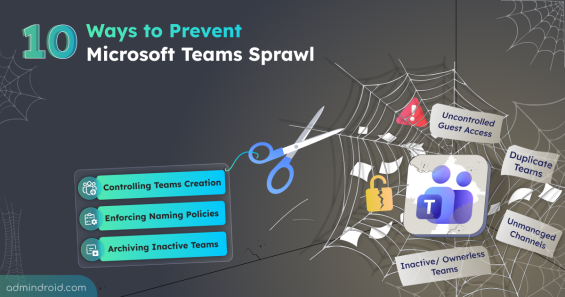
Learn how to prevent Teams sprawl with 10 proven strategies to improve governance and reduce security risks.
12 min read
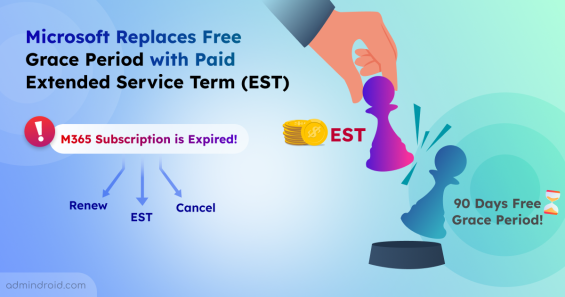
Learn how Microsoft’s new Extended Service Term replaces the free 90-day grace period to keep services active while finalizing renewal plan.
3 min read
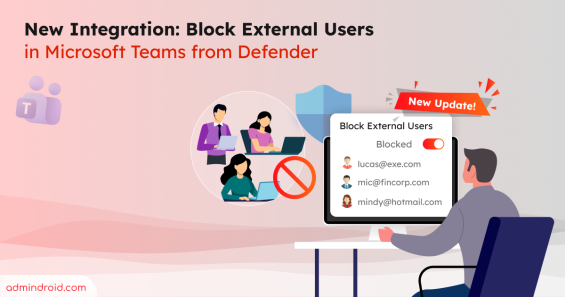
Learn how to block external Teams users directly from the Defender portal and manage blocked users to keep your organization secure.
5 min read
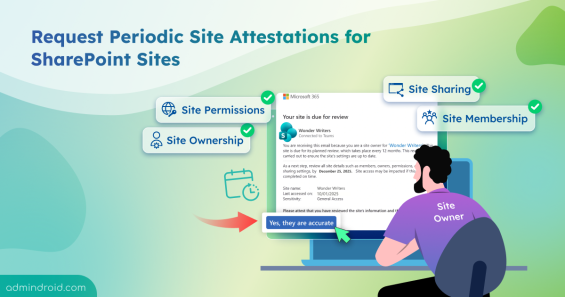
Learn how to create site attestation policy in SharePoint to verify site owners, permissions, etc, improving SharePoint sites governance.
7 min read