Quick M365 Updates
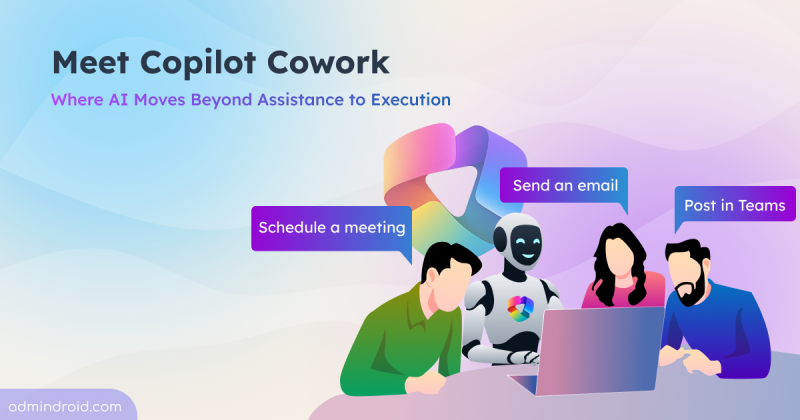
Microsoft Copilot Cowork: A New Era of AI-Driven Multi-Step Work Execution
Learn how Copilot Cowork automates tasks across M365 apps with user control and real-time tracking.
5 min read
Microsoft has introduced a new link-sharing experience for each file and folder in SharePoint and OneDrive with hero link. This persistent link reflects changes to sharing permissions, without requiring users to create and share new links for every access update.
Microsoft is retiring the Search-UnifiedAuditLog PowerShell cmdlet on October 15, 2027. Learn what this change means and how to migrate your existing PowerShell scripts to the AuditLogQuery API with practical examples.
Microsoft Teams introduces a 'pause notifications' feature that lets users temporarily pause Teams notifications for a selected duration. Notifications resume automatically when the pause ends, while existing notification settings remain unchanged. Learn how to use this feature and check its rollout timeline.
Microsoft Entra ID Security Defaults currently uses a single toggle to enable or disable all security protections together. Now, Microsoft is introducing four individually managed rules, allowing admins to control specific protections based on their requirements. Currently in private preview, this feature is available to selected Microsoft Entra ID Free tenants and requires no additional licenses.
Starting November 4, 2026, Microsoft Entra will allow default users without built-in or custom roles to create agent identity blueprints unless administrators explicitly disable this capability.
Microsoft has introduced a separate application configuration for Outlook attachment operations. It brings Conditional Access enforcement to attachment download, preview, and upload actions in Outlook. Users who don't meet your policy conditions are now blocked from attachment actions.
Struggling to automate secure monitor manage M365?
Try AdminDroid for Free!
Praba is a Microsoft 365 practitioner with 5 years of experience focused on access management and policy enforcement across identity-driven administrative workflows. Her approach emphasizes hands-on steps that help administrators apply conditional access, permission controls, and policy configurations directly in real environments, supporting consistent enforcement and operational decision-making.
Learn how Copilot Cowork automates tasks across M365 apps with user control and real-time tracking.
5 min read
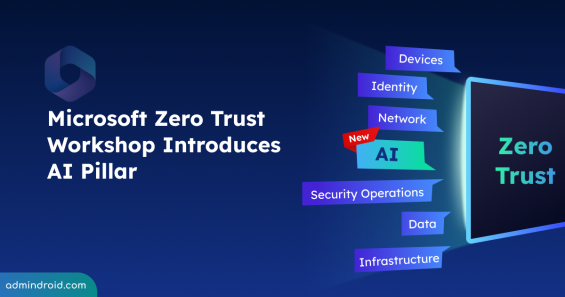
Explore the new AI pillar in the Zero Trust Workshop and learn how it helps organizations secure AI systems and build a prioritized roadmap.
4 min read
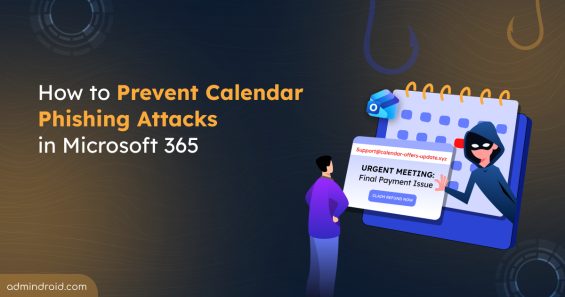
Learn how to prevent calendar phishing attacks in Microsoft 365 and protect users from malicious meeting invites that bypass email security.
12 min read
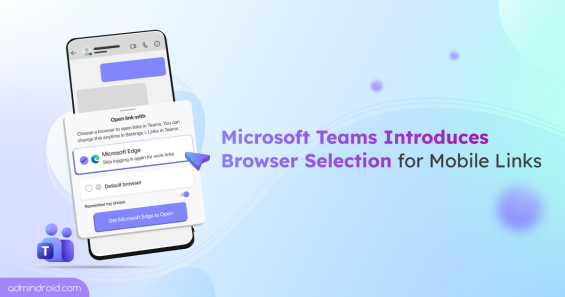
Microsoft Teams Mobile links now prompts users to choose between Microsoft Edge and default browser for non-Office or PDF links.
4 min read
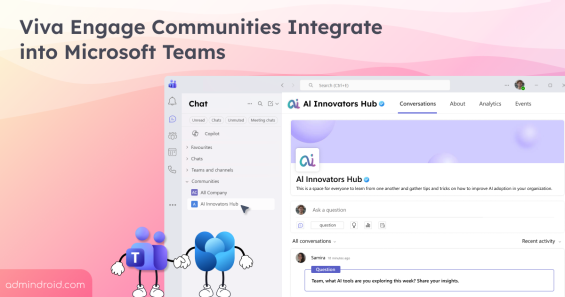
Microsoft is integrating Viva Engage communities into Teams. Explore the rollout timeline and what this means for daily collaboration.
4 min read
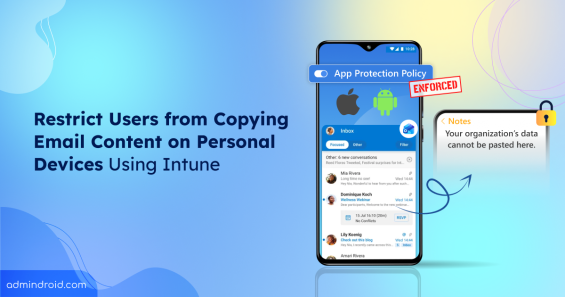
Learn how to protect email data on unmanaged devices using app protection policy in Microsoft Intune.
12 min read
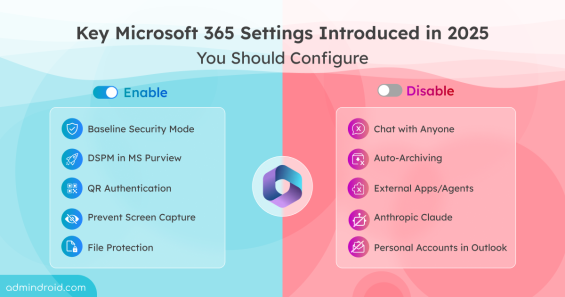
Discover the key Microsoft 365 security settings added in 2025 and learn which features to enable or disable to strengthen security posture.
12 min read
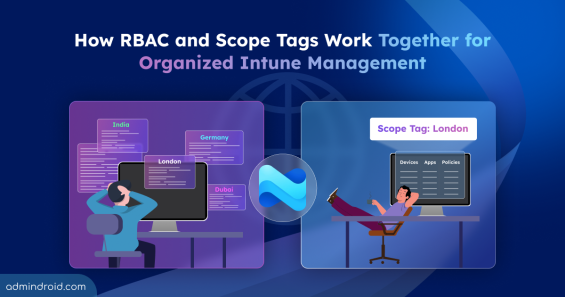
Learn how to create and assign scope tags in Microsoft Intune to control visibility and streamline Intune resources management.
10 min read

Microsoft is enforcing Content Security Policy (CSP) across all SharePoint tenants. Time to audit and update SPFx solutions.
7 min read

Discover how Work IQ in Microsoft 365 brings real context to Copilot, enabling smarter automation, faster agent development, and more.
4 min read
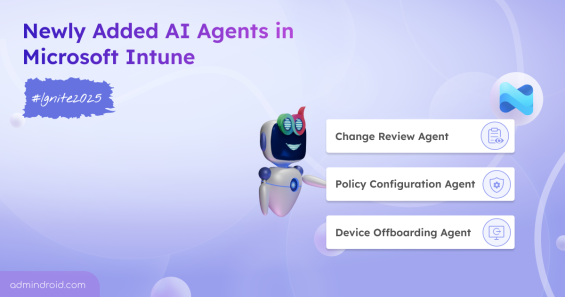
Discover the latest AI agents in Microsoft Intune previewed at Ignite 2025. Managing endpoints just got a whole lot smarter!
3 min read
Explore key strategies to safeguard employee personal data across apps, devices, and cloud services in modern hybrid workplaces.
8 min read
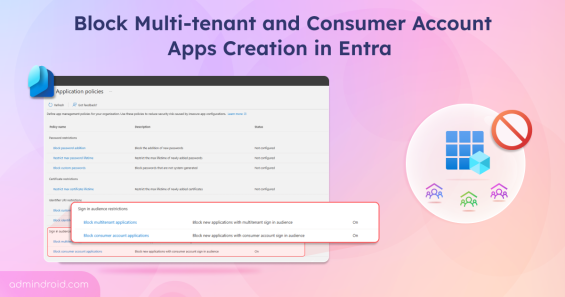
Block multi-tenant and consumer apps in Microsoft Entra using new sign-in audience restrictions in application policies.
5 min read
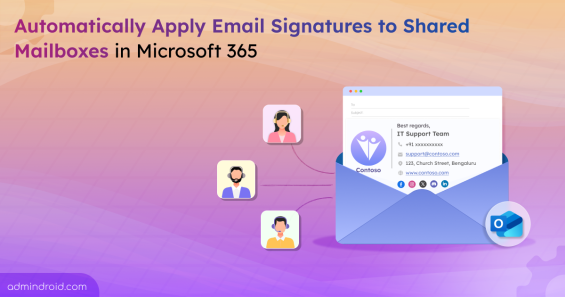
Learn how to automatically apply email signatures for shared mailboxes in Microsoft 365 to maintain consistent branding.
5 min read
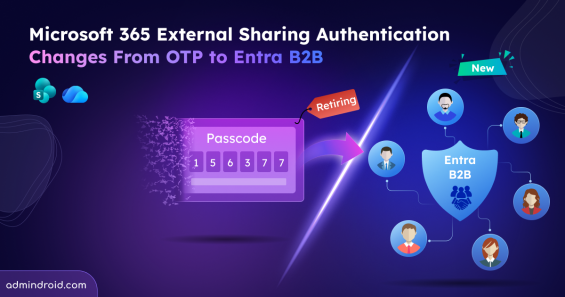
External sharing now uses Entra B2B identity-based access and email OTP is no longer supported for accessing SharePoint and OneDrive content.
6 min read

Discover how the new SharePoint experience in Microsoft 365 makes collaboration smarter with AI tools, modern layouts, and task-focused design.
6 min read
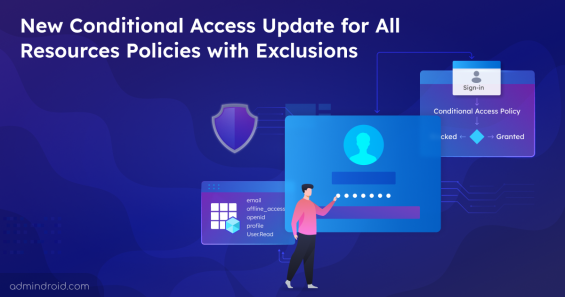
Discover how Microsoft’s new Conditional Access change enforces policies targeting All resources with exclusion and improves security for sign-ins.
4 min read
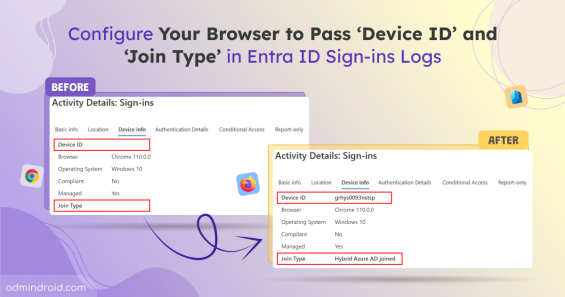
Learn how to fix blank Device ID and Join Type fields in Entra ID sign-in logs by integrating authentication to share device context details.
8 min read

Explore how the Shared tab in MS Teams Channels that makes it easier to access files and links shared in posts and document libraries for good collaboration.
3 min read
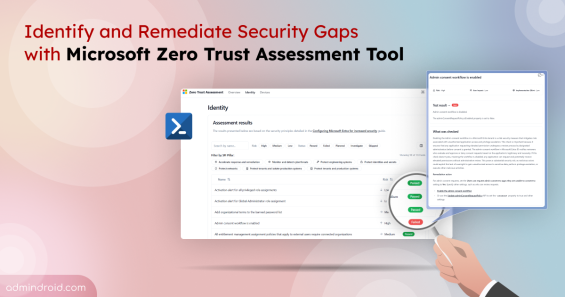
Learn how to install and run the Microsoft Zero Trust Assessment tool to identify security gaps and strengthen your Microsoft 365 tenant.
6 min read
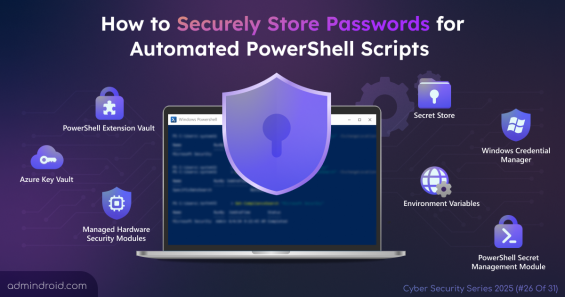
Explore methods to securely store passwords for PowerShell script to avoid unauthorized access, credential leaks, and ensure safe automation.
9 min read
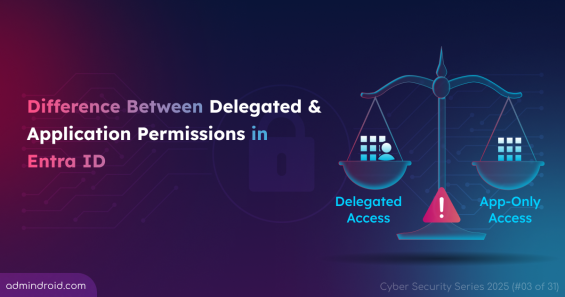
Learn the differences between delegated and application permissions in Entra ID. Discover the best practices and risks of over-permissioning.
7 min read
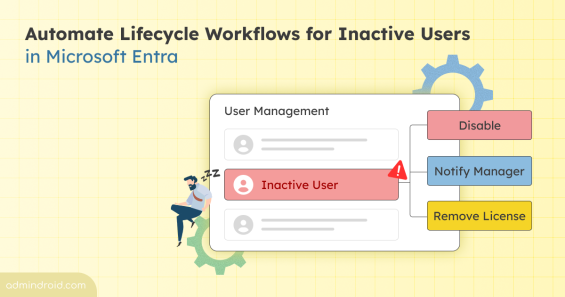
Microsoft Entra now includes lifecycle workflows for inactive users. Automatically detect, disable, or manage unused accounts.
3 min read
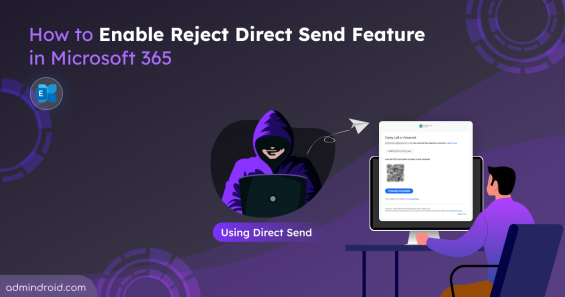
Learn how to enable the Reject Direct Send feature in Exchange Online to keep your organization safe from evolving phishing attacks.
5 min read