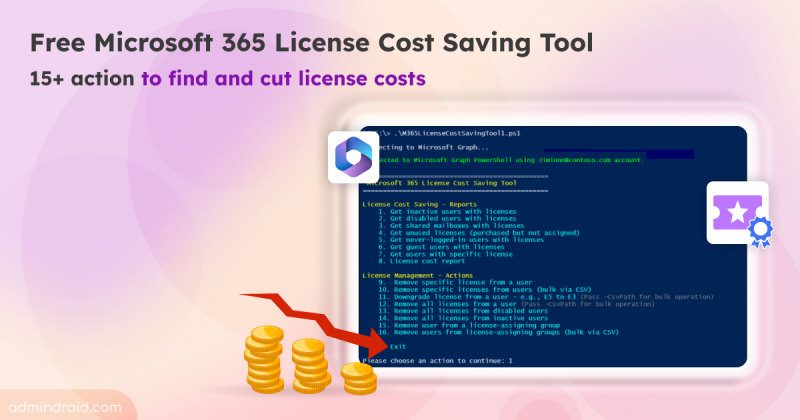
Microsoft 365 License Cost Optimization Tool to Reduce IT Spend
Discover the free Microsoft 365 license cost optimization tool with 15+ actions to find hidden license costs, monthly savings, & cut costs.
12 min read
Microsoft is retiring the Search-UnifiedAuditLog PowerShell cmdlet on October 15, 2027. Learn what this change means and how to migrate your existing PowerShell scripts to the AuditLogQuery API with practical examples.
Microsoft Teams introduces a 'pause notifications' feature that lets users temporarily pause Teams notifications for a selected duration. Notifications resume automatically when the pause ends, while existing notification settings remain unchanged. Learn how to use this feature and check its rollout timeline.
Microsoft Entra ID Security Defaults currently uses a single toggle to enable or disable all security protections together. Now, Microsoft is introducing four individually managed rules, allowing admins to control specific protections based on their requirements. Currently in private preview, this feature is available to selected Microsoft Entra ID Free tenants and requires no additional licenses.
Starting November 4, 2026, Microsoft Entra will allow default users without built-in or custom roles to create agent identity blueprints unless administrators explicitly disable this capability.
Microsoft has introduced a separate application configuration for Outlook attachment operations. It brings Conditional Access enforcement to attachment download, preview, and upload actions in Outlook. Users who don't meet your policy conditions are now blocked from attachment actions.
Microsoft introduces a new pay-as-you-go billing option for OneDrive Storage, where admins pay only for the storage users actually consume beyond their licensed quota. The feature is currently available in public preview for commercial tenants.
Struggling to automate secure monitor manage M365?
Try AdminDroid for Free!Explore built-in Microsoft 365 reports from 25+ diverse places hidden across multiple admin portals!
Discover the free Microsoft 365 license cost optimization tool with 15+ actions to find hidden license costs, monthly savings, & cut costs.
12 min read
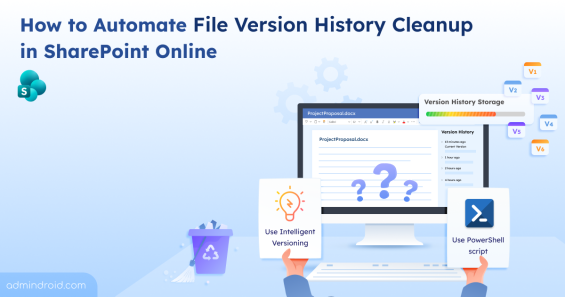
Learn different ways to clean up file version history in SharePoint Online to optimize storage and maintain a healthy M365 environment.
13 min read
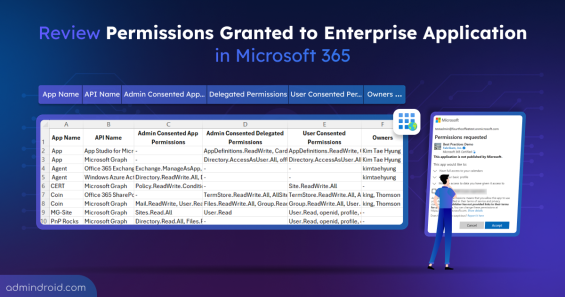
Learn how to export Entra ID enterprise apps and their permissions to secure M365 resources and streamline access management.
9 min read
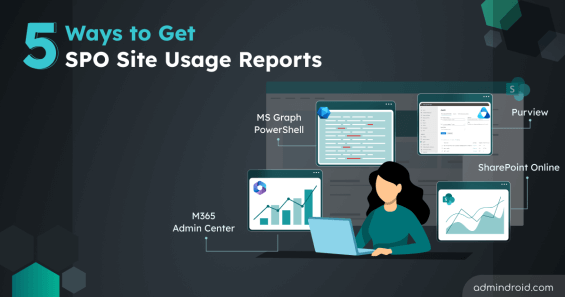
Learn proven methods to get SharePoint Online site usage reports to monitor activity, optimize resource, and improve data access governance.
7 min read
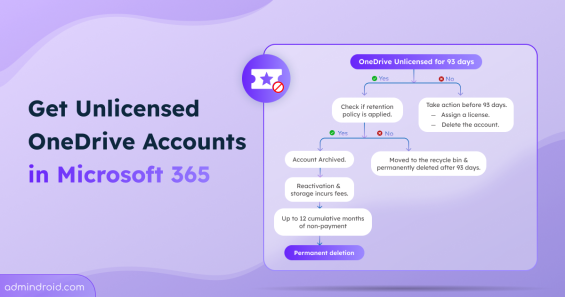
Learn how to manage unlicensed OneDrive accounts, understand the archiving process, and ensure data preservation with retention policies.
7 min read
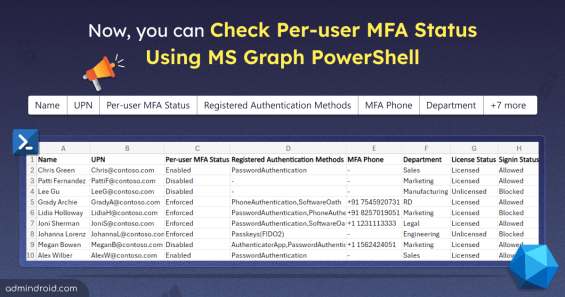
Now, MS Graph has the ability to retrieve per-user MFA status for M365 users. Download this PowerShell script to export per-user MFA status report to CSV file.
4 min read
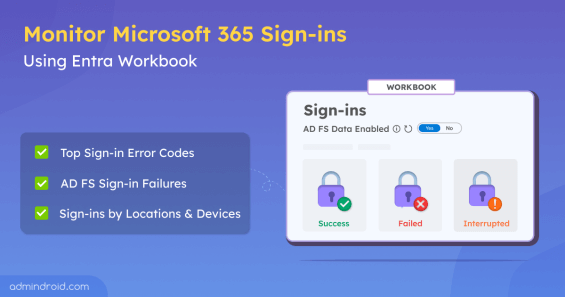
Use Entra workbook to monitor Microsoft 365 sign-ins, where you can audit Azure AD and AD FS sign-in activity and troubleshoot login issues easily.
7 min read
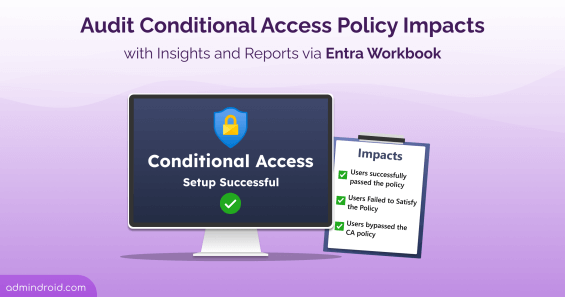
Use Conditional Access insights and reporting workbook in Entra ID to monitor Conditional access policies impacts in Microsoft 365.
9 min read
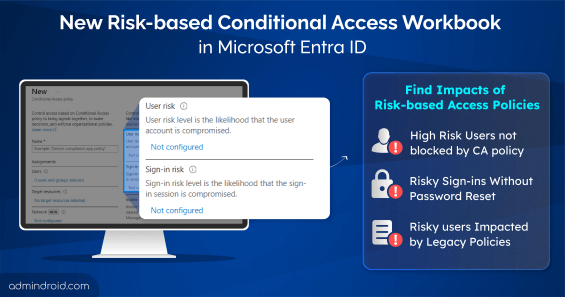
Use the risk-based access policies workbook in Entra ID to analyze the impact of risk-based conditional access policies based on user/sign-in risk scenarios.
8 min read
Learn to use the multifactor authentication gaps workbook in Entra ID to find users without MFA in Microsoft 365 and applications lacking MFA requirements.
7 min read
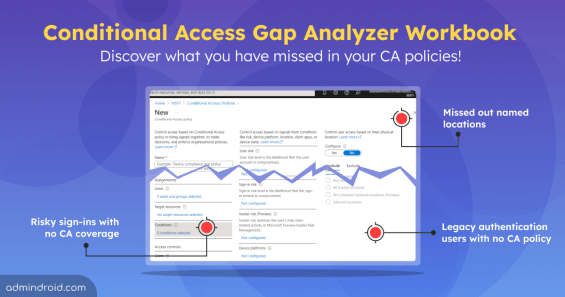
The Conditional Access gap analyzer workbook helps identify gaps like users without any CA policies applied, missed named locations, legacy authentication users
9 min read
Use Entra workbook to audit sign-in failures in Microsoft 365, giving you insights into top sign-in error codes, interrupted sign-ins and failed user logins.
8 min read