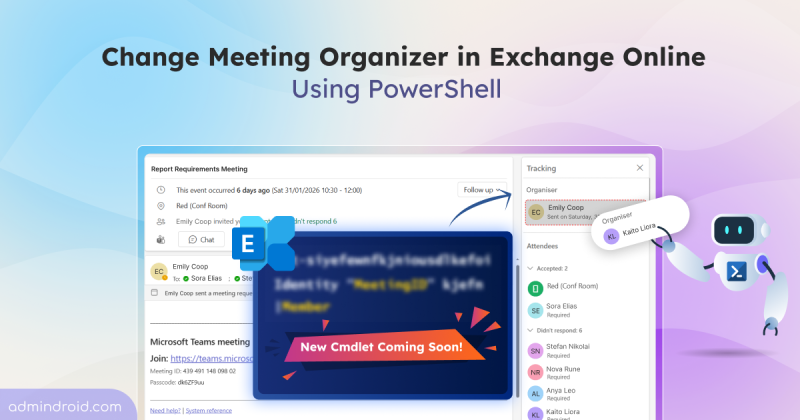
Microsoft Introduces Exchange Online PowerShell Cmdlet to Change Meeting Organizer
Discover more about the new Exchange Online PowerShell cmdlet that lets admins change meeting organizer without recreating meetings.
5 min read
Summary Microsoft is introducing a new Exchange Online PowerShell cmdlet that allows admins to change meeting organizers without recreating meetings or losing history. The cmdlet will roll out starting mid-May 2026. User-driven organizer changes are planned for Outlook and Teams in a future release. When users switch roles or leave…
Summary Beginning March 2026, Microsoft will retire OneView and TrueTime in Outlook Web App, removing support for personal accounts and calendars. Users needing multi-account support should move to the Outlook desktop app. For years, users have relied on Outlook web to manage both their work mailbox and personal accounts in one place. Features like OneView and TrueTime made it possible to manage meetings, appointments, and…
Summary: Microsoft Teams has enabled messaging safety protections, automatically turning on features such as weaponizable file type blocking, malicious URL detection, and user reporting for false positives. This change applies only to tenants that were using default settings, while existing custom configurations remain unaffected. Some Microsoft Teams users in your organization may start complaining that certain file uploads are blocked or links flagged as…
Summary Viva Engage communities will be integrated into Microsoft Teams, allowing users to access community discussions, announcements, and events directly within Teams. The integration is enabled by default for users with Viva Engage access. Microsoft has started rolling out Viva Engage communities into Microsoft Teams as part of a public preview. Starting in April 2026,…
NTLM has long been a fallback authentication protocol for legacy applications and systems in Windows environment, with a history spanning more than 30 years. However, it introduces well-known security risks that no longer align with today’s Zero Trust and identity-first security models. As part of its ongoing focus on advancing…
Summary Starting January 30, 2026, Microsoft began enforcing billing meter for guest governance in Microsoft Entra ID. Now organizations are required to link an Azure subscription to continue using governance features for guest users. Billing is calculated based on Monthly active users (MAU) involved in Entra ID governance actions. Microsoft…
Struggling to automate secure monitor manage M365?
Try AdminDroid for Free!Stay updated with the latest Microsoft 365 news and features.
Discover more about the new Exchange Online PowerShell cmdlet that lets admins change meeting organizer without recreating meetings.
5 min read
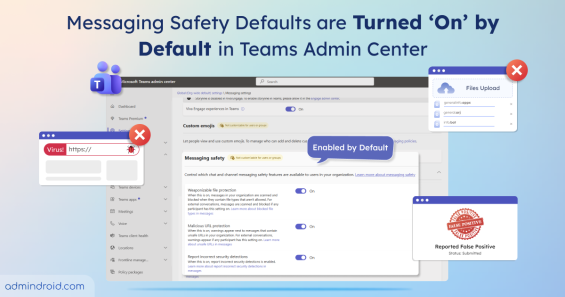
Messaging safety defaults in Microsoft Teams are now enabled by default. This strengthens security & reduces exposure to malicious contents.
3 min read
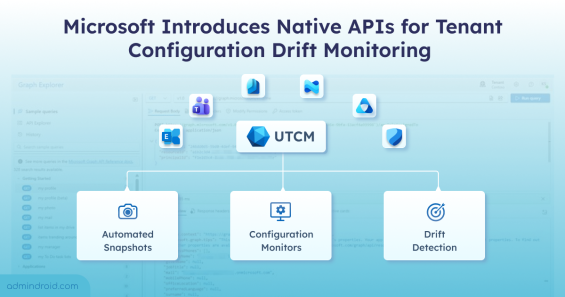
Monitor tenant configuration in Microsoft 365 with UTCM APIs to detect drift and maintain compliant settings across multiple workloads.
5 min read
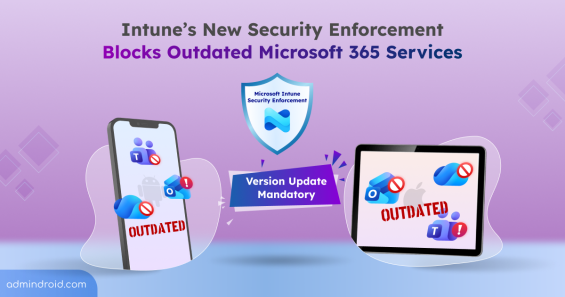
Microsoft’s new Intune security enforcement could block access to outdated M365 apps like Outlook & Teams, if latest versions aren’t updated.
5 min read
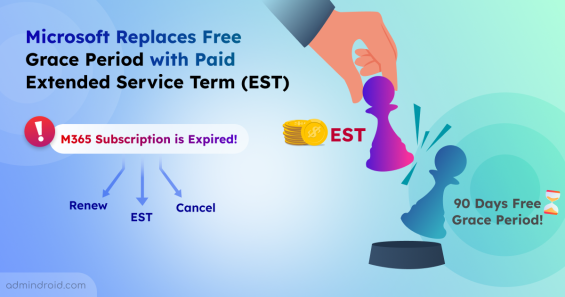
Learn how Microsoft’s new Extended Service Term replaces the free 90-day grace period to keep services active while finalizing renewal plan.
3 min read
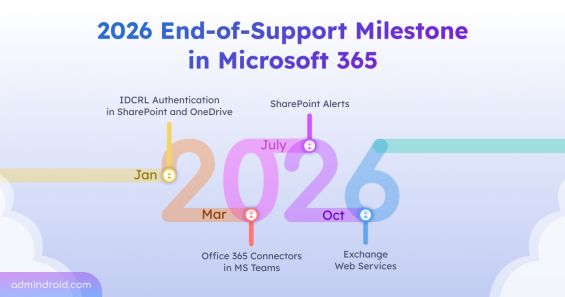
Learn which Microsoft 365 services and technologies are reaching end-of-support milestone in 2026 and how admins can plan ahead.
10 min read
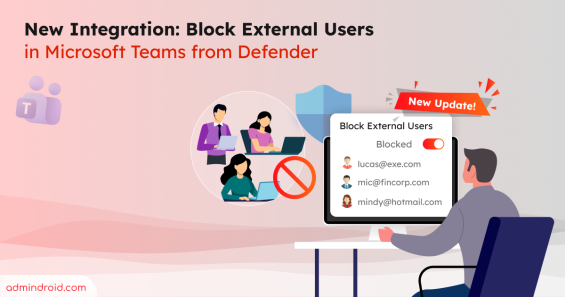
Learn how to block external Teams users directly from the Defender portal and manage blocked users to keep your organization secure.
5 min read
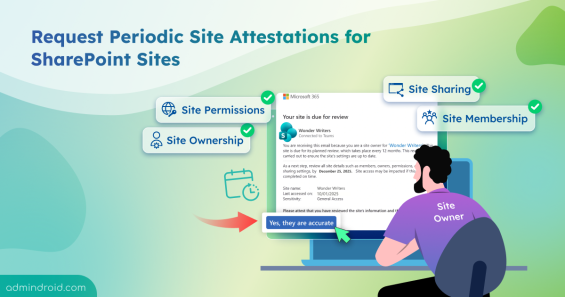
Learn how to create site attestation policy in SharePoint to verify site owners, permissions, etc, improving SharePoint sites governance.
7 min read

Learn how Microsoft now enables admins to manage version expiration for audio and video files in SharePoint Online to reduce storage.
6 min read
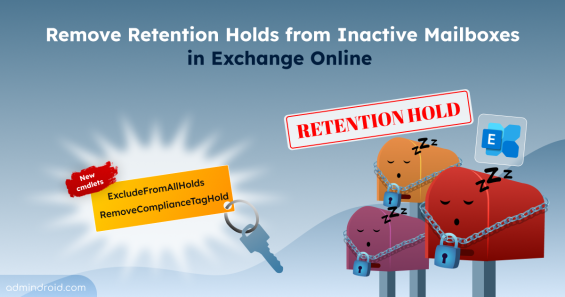
Learn how to remove retention holds from inactive mailboxes in Exchange Online using PowerShell cmdlets for single and bulk executions.
8 min read
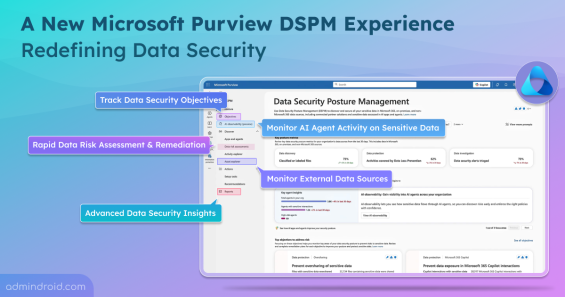
Explore Microsoft Purview’s new Data Security Posture Management (DSPM), which secure both user and AI data interactions.
5 min read
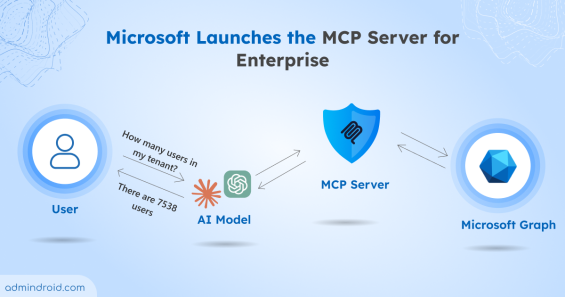
Learn how the Microsoft MCP Server for Enterprise lets AI agents query Microsoft 365 and Entra ID data through natural language.
6 min read