Security
How to Manage Default User Permissions in Microsoft 365
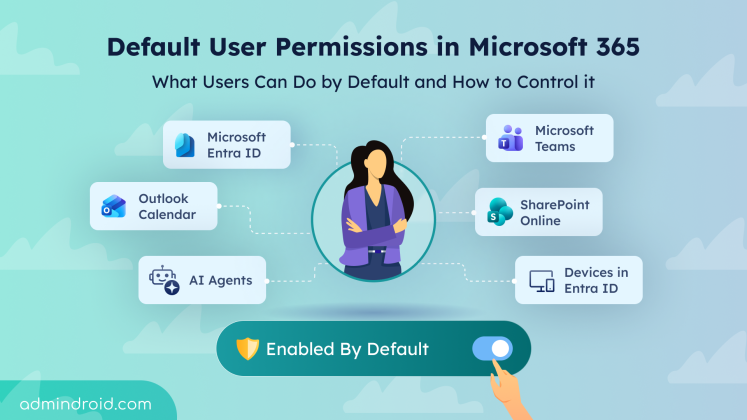
Explore default user permissions in Microsoft 365 and learn how to manage these built-in settings that are enabled by default.
13 min read
Microsoft has introduced a separate application configuration for Outlook attachment operations. It brings Conditional Access enforcement to attachment download, preview, and upload actions in Outlook. Users who don't meet your policy conditions are now blocked from attachment actions.
Microsoft introduces a new pay-as-you-go billing option for OneDrive Storage, where admins pay only for the storage users actually consume beyond their licensed quota. The feature is currently available in public preview for commercial tenants.
Starting in October 2026, Microsoft Purview Data Lifecycle Management is doubling the auto-expanding archive limit for eligible Exchange Online mailboxes from 1.5 TB to 3 TB. The change requires no additional configuration for mailboxes that already use auto-expanding archiving.
Microsoft Teams is set to allow two separate users to share their screens simultaneously during a meeting. The feature is expected to roll out from November 2026.
Starting mid-September 2026, admins can automatically archive OneDrive and SharePoint files using Microsoft Purview retention policies. Archived files move to Microsoft 365 Archive and are excluded from Microsoft 365 Copilot indexing.
One of the most requested features in Microsoft Teams is rolling out now. I have waited years for this rollout, but before I get to the news, let’s start with the problem it solves. Most of us have done this more times than we can count. Some messages don’t need immediate attention, and some chat or channel messages…
Struggling to automate secure monitor manage M365?
Try AdminDroid for Free!
Explore default user permissions in Microsoft 365 and learn how to manage these built-in settings that are enabled by default.
13 min read
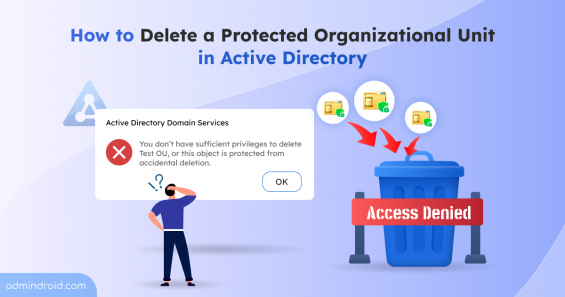
Learn how to delete unwanted protected OUs to maintain a clean and well-organized Active Directory.
6 min read
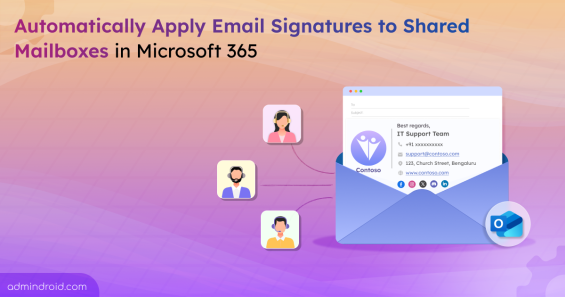
Learn how to automatically apply email signatures for shared mailboxes in Microsoft 365 to maintain consistent branding.
5 min read
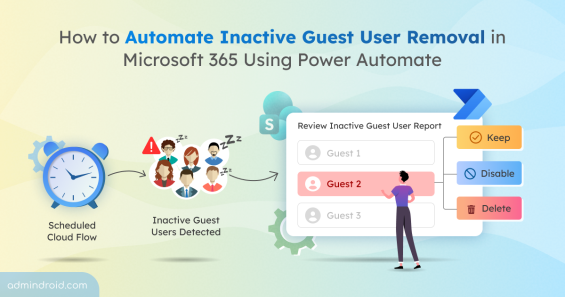
Build a review workflow to remove or disable inactive guests using Power Automate, improving governance over external access in M365
13 min read
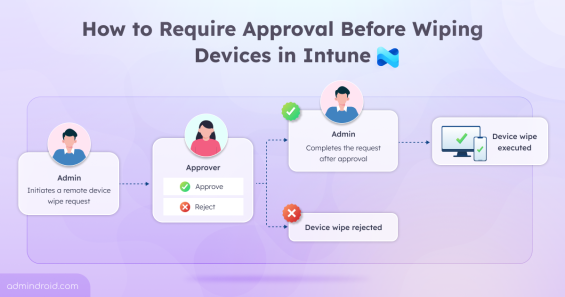
Learn how to configure Multi Admin Approval in Intune to prevent accidental device wipes and add an extra layer of administrative control.
11 min read
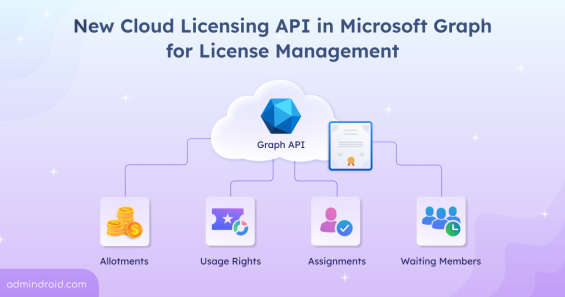
Learn how the new Microsoft Graph Cloud Licensing API enhances Microsoft 365 license management with better visibility and control.
6 min read
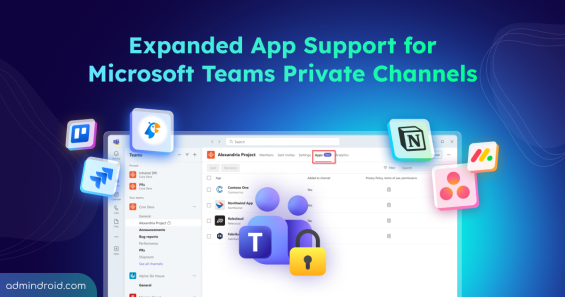
Explore Microsoft’s major update for Teams private channels that support apps, bots, and message extensions, along with new admin controls.
5 min read