Microsoft Entra roles control access to identity settings and Microsoft 365 services. However, workload services such as Exchange, Intune, Purview, and Defender have their own role management experiences.
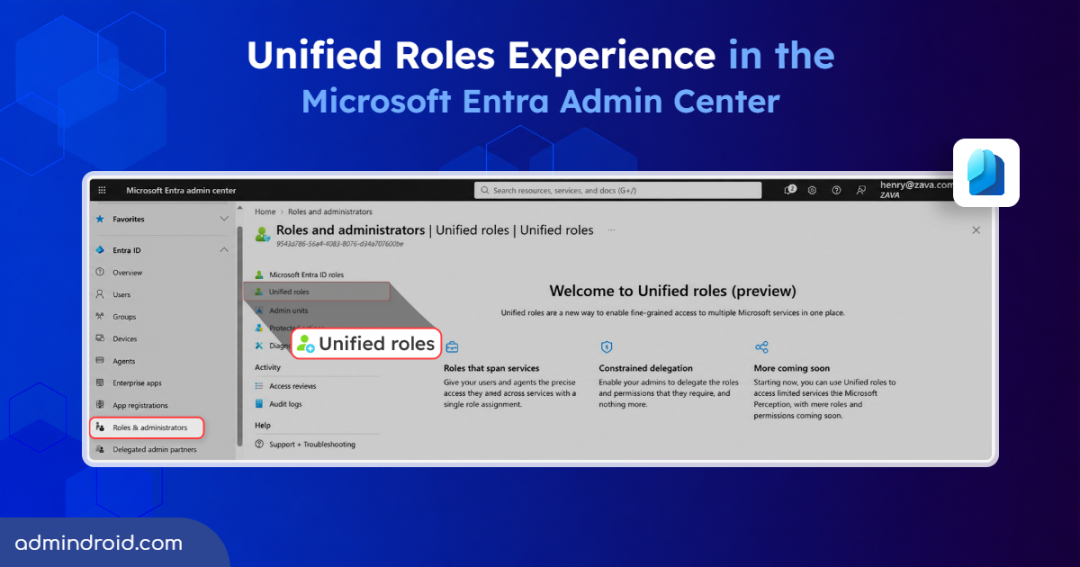
To address this separation, Microsoft is preparing to introduce Unified roles (preview) as a new experience in the Microsoft Entra admin center.
Let’s explore what this upcoming experience offers.
What are Unified Roles in Microsoft Entra ID?
Unified roles is a new experience in the Microsoft Entra admin center that simplifies role assignments and constrained delegation through a dedicated tab. It helps admins provide fine-grained access across supported Microsoft services.
The feature focuses on two key capabilities:
1. Roles that Span Multiple Services: Unified roles allow admins to give users and agents the specific permissions they need across multiple Microsoft services through a single role assignment.
This reduces the need to maintain separate role assignments for each service. This also makes it easier to review who has access across services.
2. Constrained Delegation for Least Privilege: Unified roles also introduce constrained delegation, allowing admins to delegate only the specific roles and permissions required for a task instead of granting broader administrative access.
This provides greater control over delegated responsibilities and supports the principle of least privilege. However, admins still need to review the scope of each delegated role to ensure it provides only the intended access.
Microsoft indicates that Unified roles will support more services, roles, and permissions in the future.
How to Access the Unified Roles Feature in the Microsoft Entra Admin Center
Before you start, make sure your account has the required permissions to access this experience. Managing Microsoft Entra role assignments requires the Privileged Role Administrator or Global Administrator role.
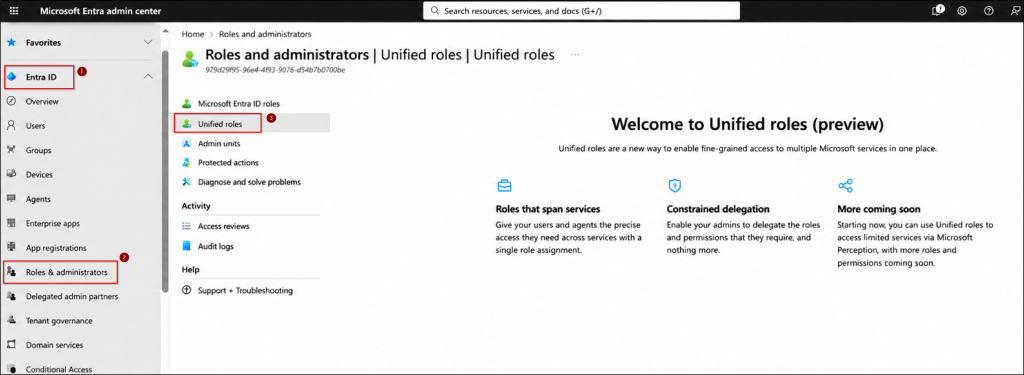
Follow the steps below to access the Unified roles (preview) experience.
- Sign in to the Microsoft Entra admin center.
- From the left navigation pane, navigate to Entra ID > Roles & admins.
- Select Unified roles from the available role management options.
This opens the Unified roles (preview) experience, where admins can explore cross-service role management and constrained delegation.
Conclusion
Unified roles are a step toward simplifying administrative access management in Microsoft Entra ID. By bringing cross-service role assignments and constrained delegation together, Microsoft aims to make permission management easier while supporting least privilege.
As more services and capabilities roll out, we’ll keep you updated. Meanwhile, review existing role assignments and remove unnecessary privileged access where possible.
Have questions or thoughts? Share them in the comments below!