Best Practices for Emergency Accounts in Active Directory
Discover best practices for Active Directory break glass accounts to ensure secure and reliable access during critical incidents.
11 min read
Microsoft has introduced a new link-sharing experience for each file and folder in SharePoint and OneDrive with hero link. This persistent link reflects changes to sharing permissions, without requiring users to create and share new links for every access update.
Microsoft is retiring the Search-UnifiedAuditLog PowerShell cmdlet on October 15, 2027. Learn what this change means and how to migrate your existing PowerShell scripts to the AuditLogQuery API with practical examples.
Microsoft Teams introduces a 'pause notifications' feature that lets users temporarily pause Teams notifications for a selected duration. Notifications resume automatically when the pause ends, while existing notification settings remain unchanged. Learn how to use this feature and check its rollout timeline.
Microsoft Entra ID Security Defaults currently uses a single toggle to enable or disable all security protections together. Now, Microsoft is introducing four individually managed rules, allowing admins to control specific protections based on their requirements. Currently in private preview, this feature is available to selected Microsoft Entra ID Free tenants and requires no additional licenses.
Starting November 4, 2026, Microsoft Entra will allow default users without built-in or custom roles to create agent identity blueprints unless administrators explicitly disable this capability.
Microsoft has introduced a separate application configuration for Outlook attachment operations. It brings Conditional Access enforcement to attachment download, preview, and upload actions in Outlook. Users who don't meet your policy conditions are now blocked from attachment actions.
Struggling to automate secure monitor manage M365?
Try AdminDroid for Free!One stop place for comprehensive Microsoft 365 security checklists, covering all services.
Discover best practices for Active Directory break glass accounts to ensure secure and reliable access during critical incidents.
11 min read
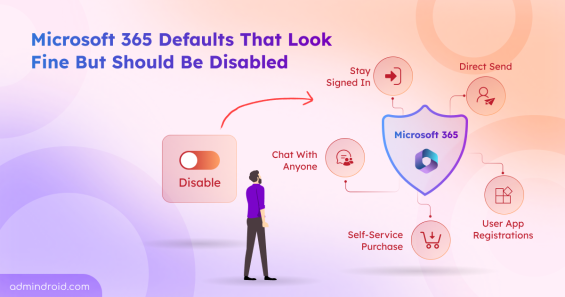
Discover the top Microsoft 365 security settings you should disable to reduce risks, prevent data exposure, and strengthen tenant security.
16 min read
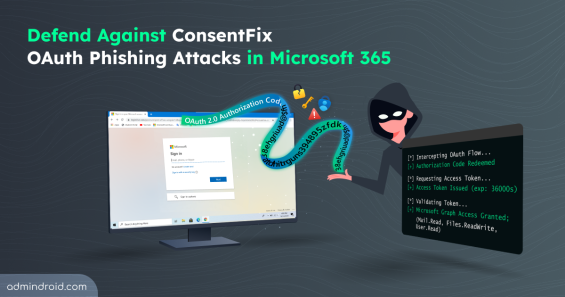
Explore how ConsentFix attack abuses trusted Microsoft 365 first-party app access and learn mitigations to prevent OAuth token misuse.
15 min read
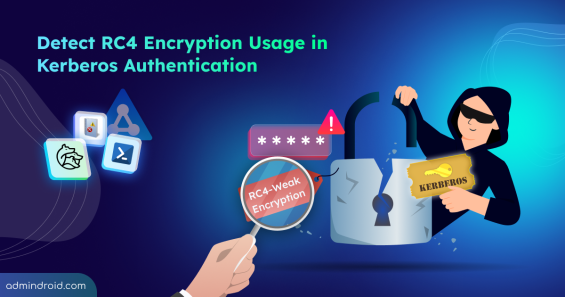
Explore step-by-step methods to identify insecure RC4 usage in Active Directory Kerberos tickets and disable them to strengthen security.
16 min read
Discover 15 SharePoint permissions best practices to prevent unauthorized access, manage permissions efficiently, and stay in control.
13 min read
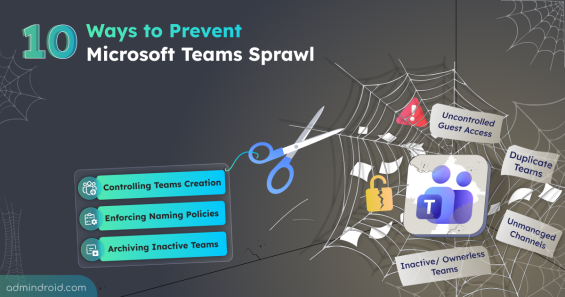
Learn how to prevent Teams sprawl with 10 proven strategies to improve governance and reduce security risks.
12 min read
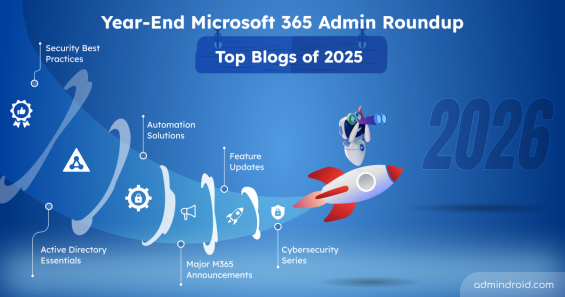
Discover the top Microsoft 365 admin blogs of 2025, featuring the latest tips and best practices to help you manage your M365 environment.
15 min read
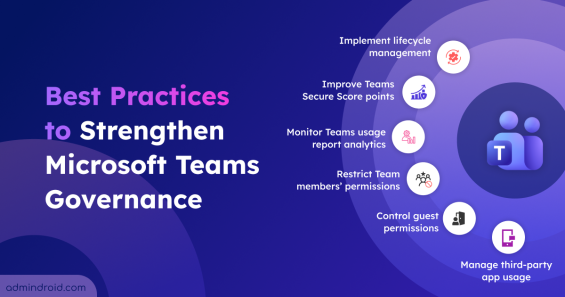
Explore the crucial Microsoft Teams governance strategies to improve collaboration and ensure compliant use of Teams across the organization.
11 min read

Cybersecurity Month wrap-up: Strengthen IT environments and secure Microsoft 365, Active Directory, hybrid, and AI platforms.
11 min read
Explore key strategies to safeguard employee personal data across apps, devices, and cloud services in modern hybrid workplaces.
8 min read
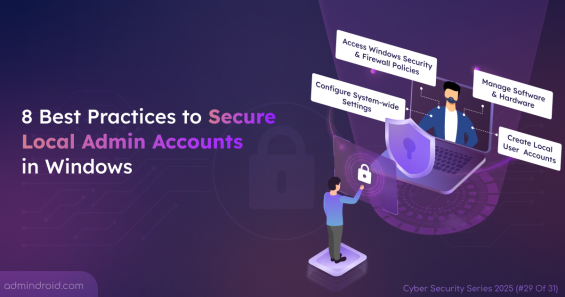
Local admin accounts can make or break security. Learn all risks and practical steps to secure local admins and protect devices from privilege abuse.
7 min read
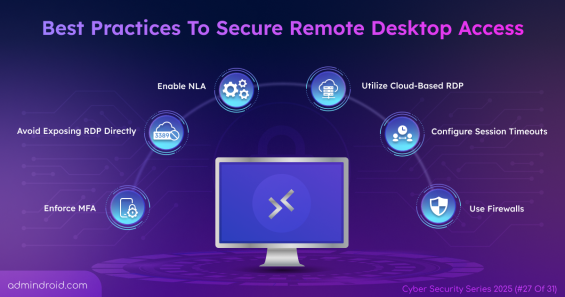
Protect your remote work environment by implementing 11 remote desktop access best practices to prevent data leaks caused by unauthorized access.
8 min read