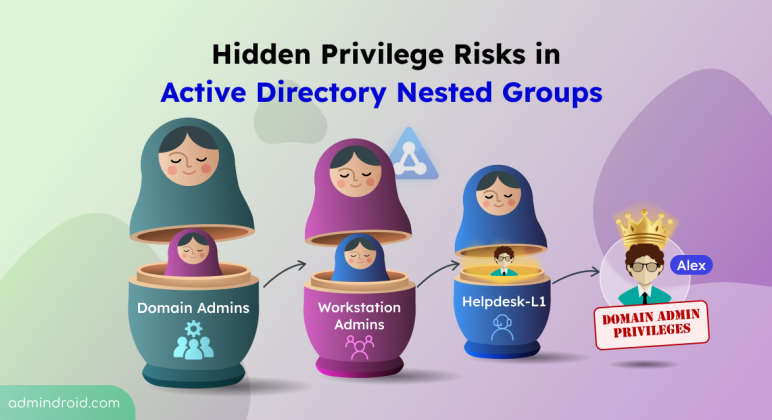
Hidden Privilege Risks of Nested Groups in Active Directory
Uncover hidden privilege risks in Active Directory nested groups. Explore common causes and best practices to fix those security risks.
7 min read
Microsoft Teams introduces a 'pause notifications' feature that lets users temporarily pause Teams notifications for a selected duration. Notifications resume automatically when the pause ends, while existing notification settings remain unchanged. Learn how to use this feature and check its rollout timeline.
Microsoft Entra ID Security Defaults currently uses a single toggle to enable or disable all security protections together. Now, Microsoft is introducing four individually managed rules, allowing admins to control specific protections based on their requirements. Currently in private preview, this feature is available to selected Microsoft Entra ID Free tenants and requires no additional licenses.
Starting November 4, 2026, Microsoft Entra will allow default users without built-in or custom roles to create agent identity blueprints unless administrators explicitly disable this capability.
Microsoft has introduced a separate application configuration for Outlook attachment operations. It brings Conditional Access enforcement to attachment download, preview, and upload actions in Outlook. Users who don't meet your policy conditions are now blocked from attachment actions.
Microsoft introduces a new pay-as-you-go billing option for OneDrive Storage, where admins pay only for the storage users actually consume beyond their licensed quota. The feature is currently available in public preview for commercial tenants.
Starting in October 2026, Microsoft Purview Data Lifecycle Management is doubling the auto-expanding archive limit for eligible Exchange Online mailboxes from 1.5 TB to 3 TB. The change requires no additional configuration for mailboxes that already use auto-expanding archiving.
Struggling to automate secure monitor manage M365?
Try AdminDroid for Free!Explore hands-on guides, admin tips, and automation to simplify Active Directory management.
Uncover hidden privilege risks in Active Directory nested groups. Explore common causes and best practices to fix those security risks.
7 min read
Explore 12 free Active Directory tools for management, security assessment, attack-path analysis, hardening, Group Policy, AD CS, DNS, etc.
12 min read
Explore BloodHound tool to find Domain Admin privilege paths, risky permissions, privilege escalations, and more in Active Directory.
15 min read
Learn different ways to disable Print Spooler service on domain controllers and follow best practices to avoid PrintNightmare risk.
7 min read
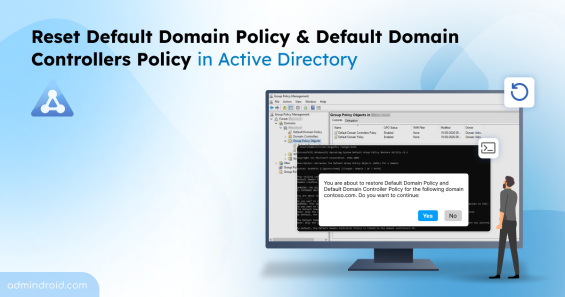
Learn how to reset the Default Domain Policy and Default Domain Controllers Policy in Active Directory to restore back their factory state.
10 min read
Discover best practices for Active Directory break glass accounts to ensure secure and reliable access during critical incidents.
11 min read
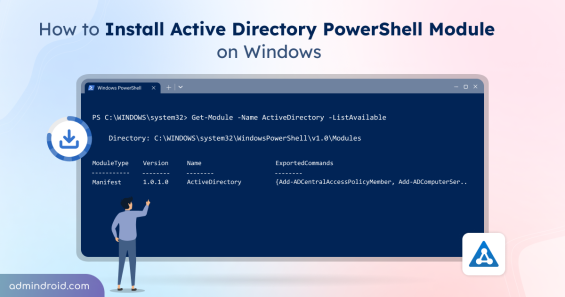
Learn how to install and import the Active Directory PowerShell module on workstations and servers to manage users, groups, OUs, GPOs, etc.
9 min read
Learn how to delete unwanted protected OUs to maintain a clean and well-organized Active Directory.
6 min read
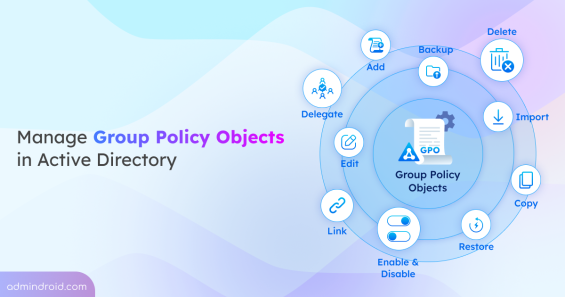
Learn Group Policy Management in Active Directory with 10+ key actions, including creating, linking, importing GPOs, and more.
20 min read
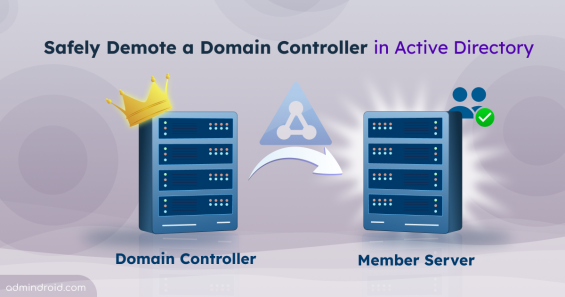
Learn how to demote a domain controller in AD with pre-checks, graceful and forced demotion methods, metadata cleanup, and common fixes.
17 min read
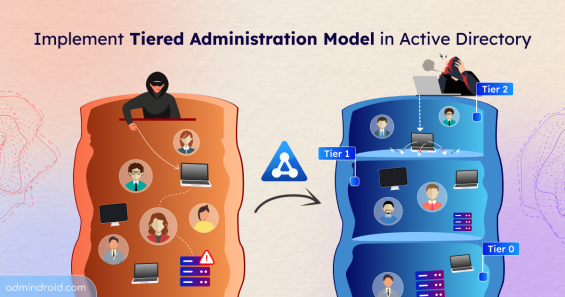
Learn how to implement the Active Directory tiered administration model to reduce credential exposure and prevent lateral movement attacks.
15 min read
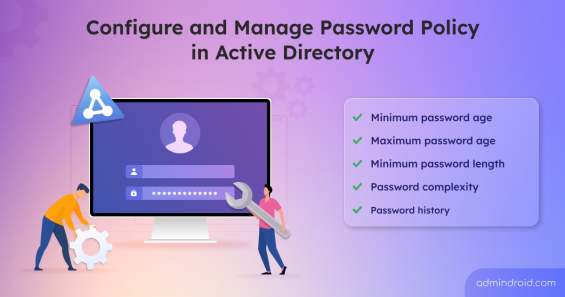
Learn how to configure and manage password policies in Active Directory to enforce strong passwords and secure your environment.
11 min read