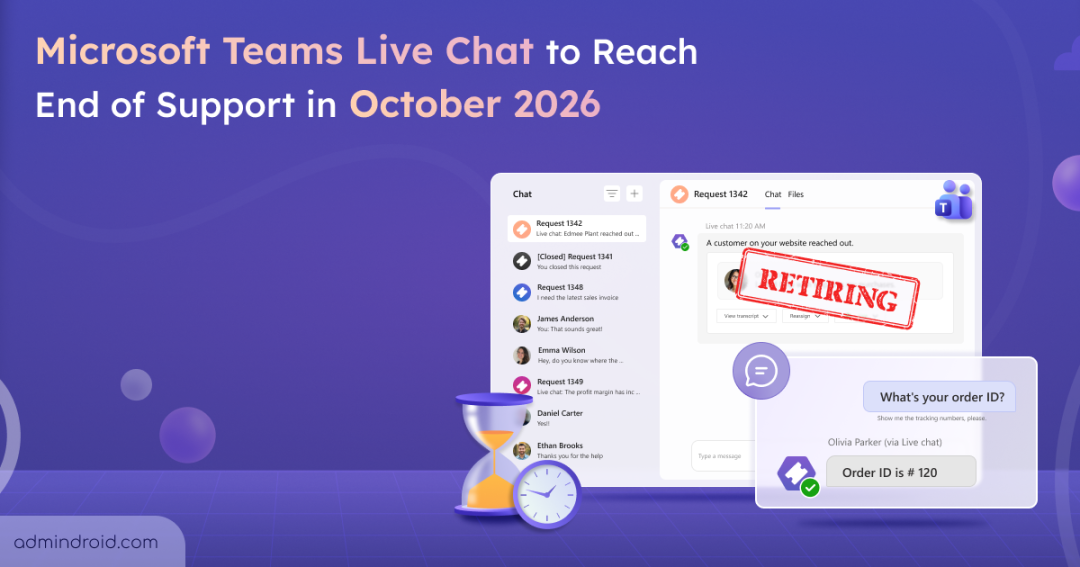
Designed as a simple bridge between website visitors and internal support staff, Microsoft Teams Live Chat gave organizations a convenient way to handle customer queries. It allowed support teams to manage chats without leaving Microsoft 365.
That convenience is coming to an end, as Microsoft is retiring the Teams Live Chat.
Let’s take a quick look at what Teams Live Chat is and what its retirement means for organizations.
What is Microsoft Teams Live Chat?
Microsoft Teams Live Chat enabled organizations to embed a chat widget on their websites and route customer conversations to a Teams channel. This allowed support teams to respond to website visitors directly from Teams without relying on a separate customer engagement platform.
The feature was available with Microsoft 365 Business Basic, Business Standard, and Business Premium licenses. Thereby, allowing admins to configure business hours and assign up to 25 users to handle incoming conversations.
But now, Microsoft is moving away from Teams Live Chat to make room for newer and more capable customer communication experiences.
Once the retirement takes effect,
- The embedded Live Chat widgets on websites will be hidden, preventing customers from starting new conversations or escalating existing ones.
- Existing customer chat data will remain available in Teams channels and associated Lists, subject to applicable Microsoft 365 data retention and lifecycle policies.
🗓️ Retirement Timeline
The retirement will happen in stages:
- August 6, 2026: New customers will no longer be able to set up Microsoft Teams Live Chat.
- October 5, 2026: Microsoft Teams Live Chat will no longer be supported, and incoming customer chats from the website widget will no longer be relayed to Teams.
- Mid-October 2026: The retirement rollout will be completed.
How to Prepare for Teams Live Chat Retirement
Organizations currently using Microsoft Teams Live Chat should start preparing before the October 5, 2026 deadline. Admins can take the following steps:
- Remove the live chat widget: Locate the Teams Live Chat widget on your websites and remove it from the embedded HTML. Look for the <script> tag with id=”chatbot” and remove the associated code.
- Inform support teams: Let employees who handle customer conversations through Teams Live Chat know about the upcoming change and the date when the service will stop working.
- Review existing workflows: Identify websites, support processes, and customer engagement workflows that currently depend on Teams Live Chat and plan a suitable replacement.
- Plan for customer data: Review your organization’s retention requirements and export any customer information that needs to be preserved independently.
Alternatives to Microsoft Teams Live Chat
With Teams Live Chat reaching the end of support, organizations will need to move their website-based customer conversations to another solution. Microsoft currently highlights the following options as alternatives:
1. Dynamics 365 Contact Center with Live Chat
Microsoft Dynamics 365 Contact Center provides a dedicated customer service environment for organizations that need to manage customer interactions across multiple channels. Its Live Chat capability can be used to connect website visitors with customer service agents.
This can be a suitable option for organizations that already have dedicated customer service teams or need a more complete contact center experience rather than simply routing website chats to Teams.
2. Microsoft Copilot Studio Contact Center AI Solutions
Organizations looking to add AI capabilities to their customer support experience can also consider Microsoft Copilot Studio-based contact center solutions. These can help automate customer interactions and assist with handling common questions before a conversation needs to be passed to a human agent.
This approach can be useful for organizations that want to reduce the amount of routine work handled by support agents while providing customers with faster responses.
Closing Thoughts
Teams Live Chat may be going away, but customer conversations don’t have to stop. With the right alternative in place, organizations can continue supporting website visitors without disrupting their existing customer experience. The earlier you plan the transition, the smoother the move will be when Teams Live Chat reaches its October 2026 deadline.