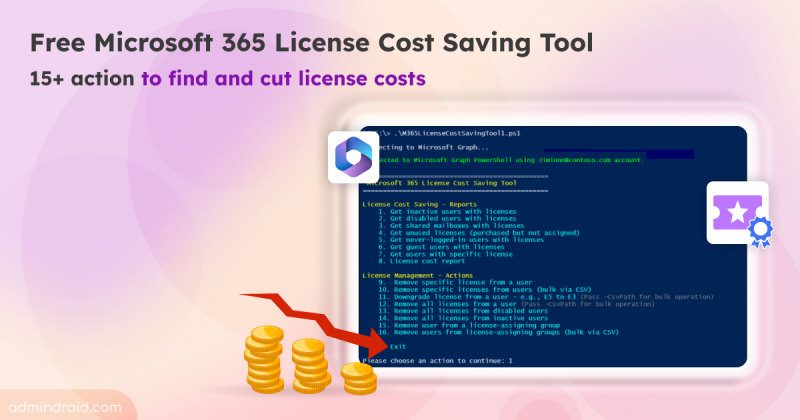
Microsoft 365 License Cost Optimization Tool to Reduce IT Spend
Discover the free Microsoft 365 license cost optimization tool with 15+ actions to find hidden license costs, monthly savings, & cut costs.
12 min read
Microsoft has introduced a separate application configuration for Outlook attachment operations. It brings Conditional Access enforcement to attachment download, preview, and upload actions in Outlook. Users who don't meet your policy conditions are now blocked from attachment actions.
Microsoft introduces a new pay-as-you-go billing option for OneDrive Storage, where admins pay only for the storage users actually consume beyond their licensed quota. The feature is currently available in public preview for commercial tenants.
Starting in October 2026, Microsoft Purview Data Lifecycle Management is doubling the auto-expanding archive limit for eligible Exchange Online mailboxes from 1.5 TB to 3 TB. The change requires no additional configuration for mailboxes that already use auto-expanding archiving.
Microsoft Teams is set to allow two separate users to share their screens simultaneously during a meeting. The feature is expected to roll out from November 2026.
Starting mid-September 2026, admins can automatically archive OneDrive and SharePoint files using Microsoft Purview retention policies. Archived files move to Microsoft 365 Archive and are excluded from Microsoft 365 Copilot indexing.
One of the most requested features in Microsoft Teams is rolling out now. I have waited years for this rollout, but before I get to the news, let’s start with the problem it solves. Most of us have done this more times than we can count. Some messages don’t need immediate attention, and some chat or channel messages…
Struggling to automate secure monitor manage M365?
Try AdminDroid for Free!Explore built-in Microsoft 365 reports from 25+ diverse places hidden across multiple admin portals!
Discover the free Microsoft 365 license cost optimization tool with 15+ actions to find hidden license costs, monthly savings, & cut costs.
12 min read
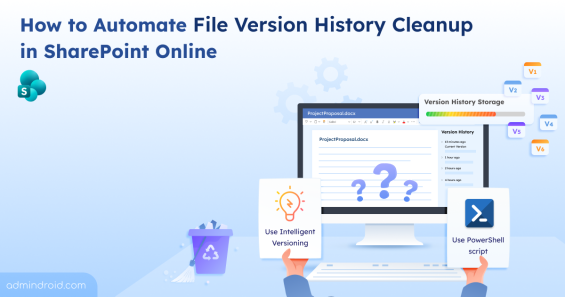
Learn different ways to clean up file version history in SharePoint Online to optimize storage and maintain a healthy M365 environment.
13 min read
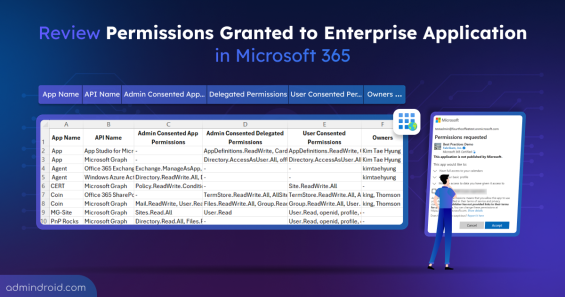
Learn how to export Entra ID enterprise apps and their permissions to secure M365 resources and streamline access management.
9 min read
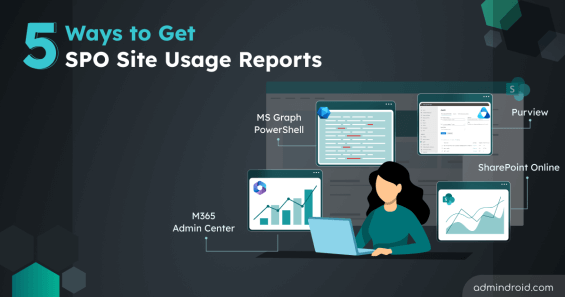
Learn proven methods to get SharePoint Online site usage reports to monitor activity, optimize resource, and improve data access governance.
7 min read
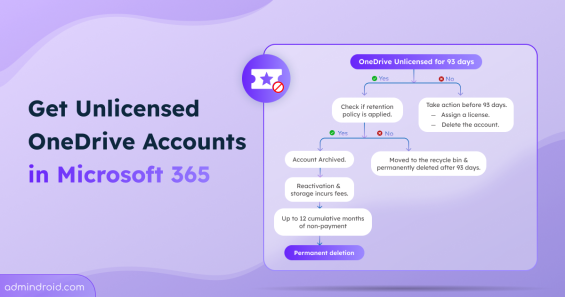
Learn how to manage unlicensed OneDrive accounts, understand the archiving process, and ensure data preservation with retention policies.
7 min read
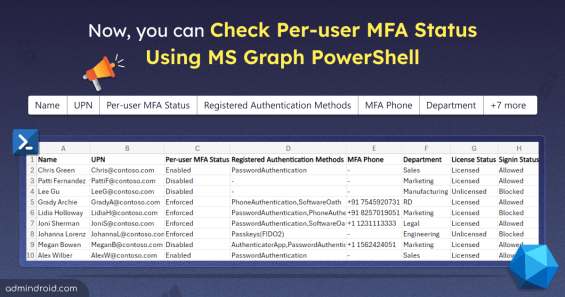
Now, MS Graph has the ability to retrieve per-user MFA status for M365 users. Download this PowerShell script to export per-user MFA status report to CSV file.
4 min read
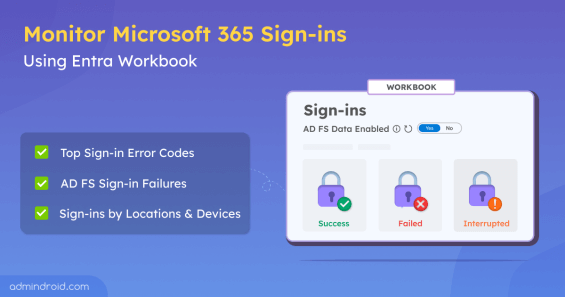
Use Entra workbook to monitor Microsoft 365 sign-ins, where you can audit Azure AD and AD FS sign-in activity and troubleshoot login issues easily.
7 min read
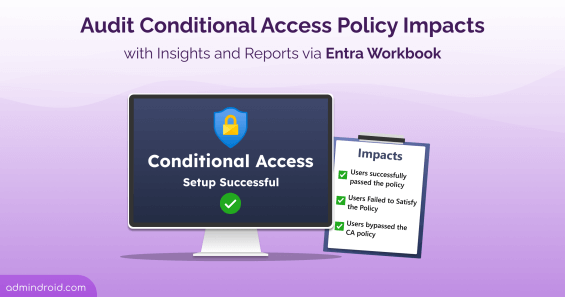
Use Conditional Access insights and reporting workbook in Entra ID to monitor Conditional access policies impacts in Microsoft 365.
9 min read
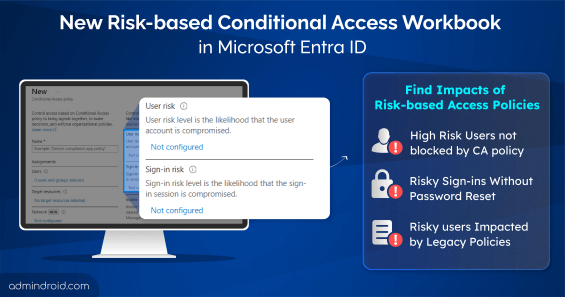
Use the risk-based access policies workbook in Entra ID to analyze the impact of risk-based conditional access policies based on user/sign-in risk scenarios.
8 min read
Learn to use the multifactor authentication gaps workbook in Entra ID to find users without MFA in Microsoft 365 and applications lacking MFA requirements.
7 min read
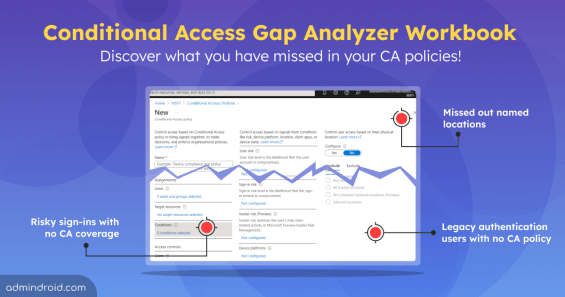
The Conditional Access gap analyzer workbook helps identify gaps like users without any CA policies applied, missed named locations, legacy authentication users
9 min read
Use Entra workbook to audit sign-in failures in Microsoft 365, giving you insights into top sign-in error codes, interrupted sign-ins and failed user logins.
8 min read