General
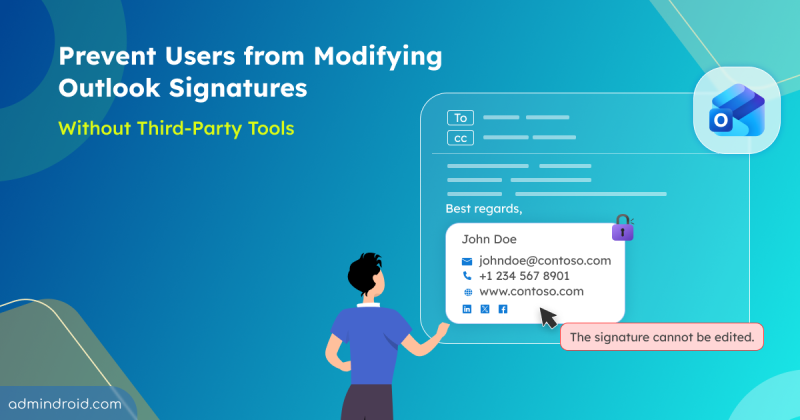
How to Prevent Users from Modifying Outlook Signatures in Microsoft 365
Learn how to prevent users modify outlook signature using PowerShell and built-in policies to enforce consistent email branding.
9 min read
Microsoft has introduced two new service plans named ‘Entra Conditional Access for Agents’ and ‘Entra ID Protection for Agents’ under Microsoft 365 Agent and E7 licenses. Starting in July 2026, organizations using agent security capabilities must ensure they have the required Microsoft 365 Agent or E7 licenses to continue accessing these features without disruption. This blog explains the licensing update, its impact on organizations, and the steps admins should take to ensure AI agents remain protected.
Starting September 7, 2026, Microsoft Entra ID will require explicitly registered authentication methods for Self-Service Password Reset (SSPR) verification. This blog dives into the details of this security update and the critical actions admins must take to prepare.
Until now, organizations needed an Office 365 Extra File Storage add-on for additional SharePoint storage, which required fixed-capacity purchases that often led to unused costs. To address this, Microsoft has introduced a pay-as-you-go billing model for SharePoint storage in Microsoft 365. This allows organizations to pay only for the additional storage they consume beyond their included quota. In this blog, we’ll explore Microsoft’s pay-as-you-go SharePoint storage model and how it can help optimize costs.
The introduction of Device Soft Delete in Microsoft Entra ID (Public Preview) brings a much-needed recovery layer for device management. Instead of being permanently deleted, devices now move into a soft-deleted state, allowing admins a 30-day window to restore them when needed.
Starting in early June 2026, Microsoft Outlook will support external email tags within inbox rules, allowing users to automatically organize and categorize external emails for improved prioritization.
Microsoft has integrated the Power Automate workflow experience directly into SharePoint Online. This allows users to view, create, and manage workflows without leaving the SharePoint site interface. This also introduces a context-aware “Mad-Lib” style automation experience that automatically prefills trigger inputs such as SharePoint sites, lists, and libraries to simplify workflow creation.
Struggling to automate secure monitor manage M365?
Try AdminDroid for Free!
Learn how to prevent users modify outlook signature using PowerShell and built-in policies to enforce consistent email branding.
9 min read
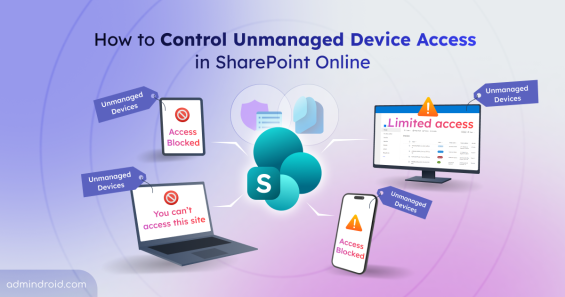
Learn how to control unmanaged device access in SharePoint Online to protect data by limiting or blocking access from non-compliant devices at tenant and site level.
11 min read
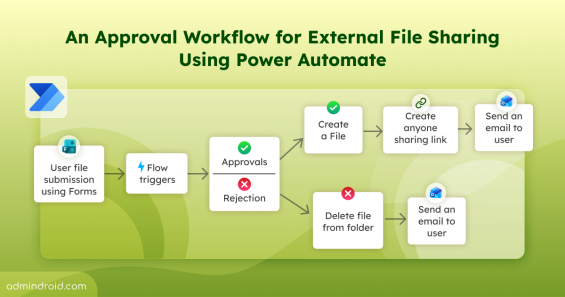
Learn how to control external file sharing in SharePoint with approval workflow using Power Automate in Microsoft 365.
16 min read
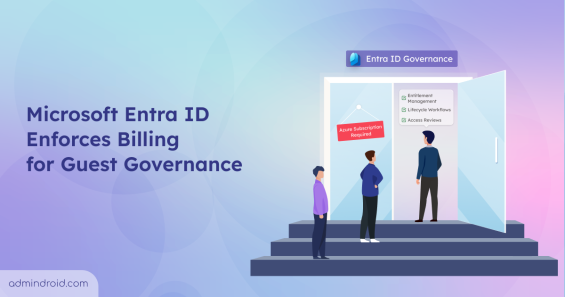
Understand the impact of guest governance billing enforcement in Entra ID and learn how to add an Azure subscription to M365 tenant.
4 min read
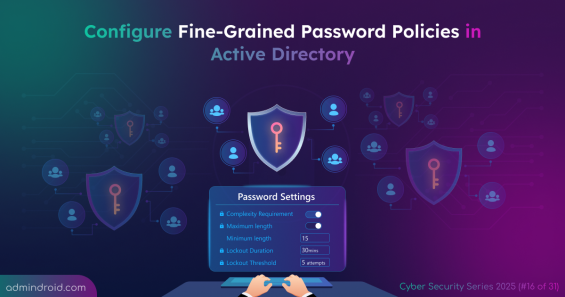
Learn how to set up Fine-Grained Password Policy in Active Directory to enforce stronger passwords and protect sensitive data.
4 min read
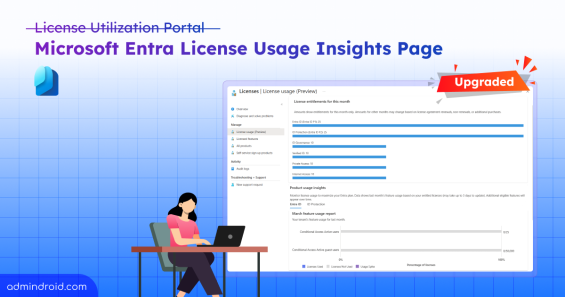
Explore the Entra License usage insights page with enhanced insights and simplified visuals to optimize license usage.
6 min read