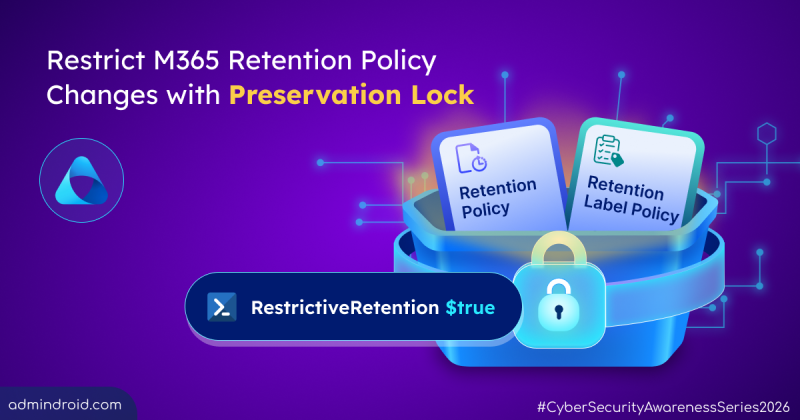
How to Configure Preservation Lock in Microsoft 365
Learn how to configure Preservation Lock in Microsoft 365 to prevent unintended changes to retention policies & label policies.
7 min read
Microsoft has introduced a separate application configuration for Outlook attachment operations. It brings Conditional Access enforcement to attachment download, preview, and upload actions in Outlook. Users who don't meet your policy conditions are now blocked from attachment actions.
Microsoft introduces a new pay-as-you-go billing option for OneDrive Storage, where admins pay only for the storage users actually consume beyond their licensed quota. The feature is currently available in public preview for commercial tenants.
Starting in October 2026, Microsoft Purview Data Lifecycle Management is doubling the auto-expanding archive limit for eligible Exchange Online mailboxes from 1.5 TB to 3 TB. The change requires no additional configuration for mailboxes that already use auto-expanding archiving.
Microsoft Teams is set to allow two separate users to share their screens simultaneously during a meeting. The feature is expected to roll out from November 2026.
Starting mid-September 2026, admins can automatically archive OneDrive and SharePoint files using Microsoft Purview retention policies. Archived files move to Microsoft 365 Archive and are excluded from Microsoft 365 Copilot indexing.
One of the most requested features in Microsoft Teams is rolling out now. I have waited years for this rollout, but before I get to the news, let’s start with the problem it solves. Most of us have done this more times than we can count. Some messages don’t need immediate attention, and some chat or channel messages…
Struggling to automate secure monitor manage M365?
Try AdminDroid for Free!Get Microsoft 365 Security tips & best practices
Learn how to configure Preservation Lock in Microsoft 365 to prevent unintended changes to retention policies & label policies.
7 min read
Cybersecurity Awareness Month 2026 explores 31 interactive challenges on phishing, threats, identities, attacks, and security awareness.
4 min read
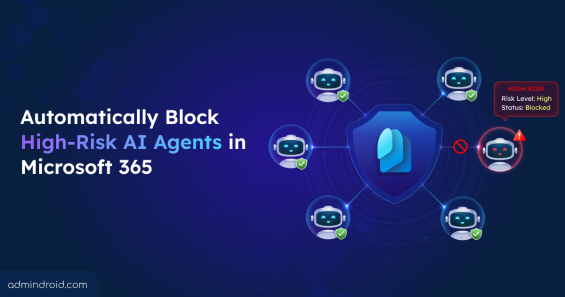
Detect and block high-risk agents automatically using Identity Protection and Conditional Access for Agents based on real-time risk signals.
8 min read
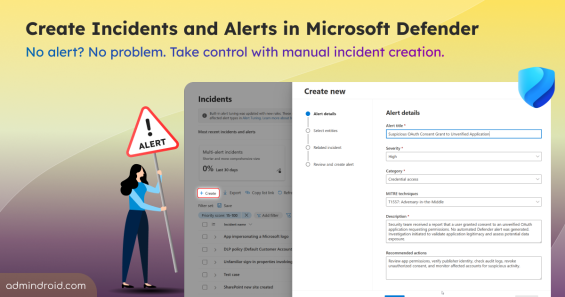
Learn how to create manual incidents and alerts in Microsoft Defender and investigate user reported threats beyond automated detections.
6 min read
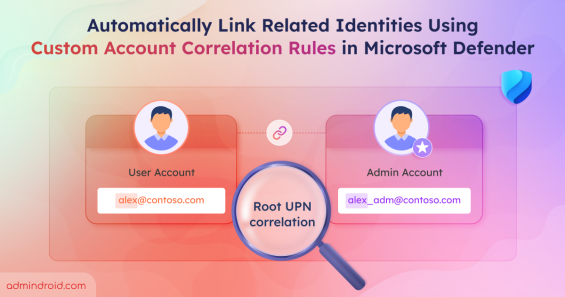
Use custom account correlation rules in Microsoft Defender to link related identities and improve threat detection.
10 min read
Discover why attackers target workload identities and how to detect, remediate, and secure them in Microsoft Entra ID.
13 min read
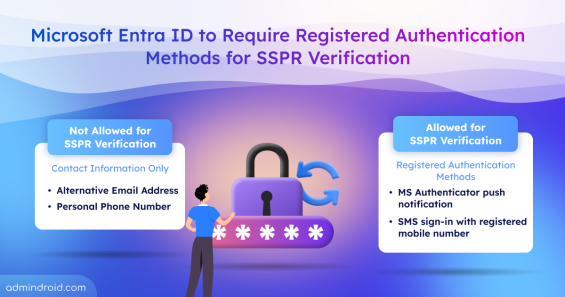
Microsoft will require registered authentication methods for SSPR verification. Find unregistered users amd prepare for enforcement.
4 min read
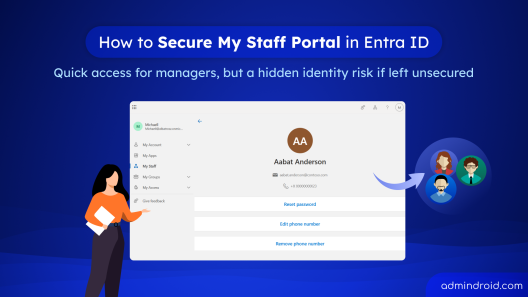
Learn how to securely configure the My Staff portal in Microsoft Entra ID using PIM and Conditional Access to protect delegated admin access.
9 min read
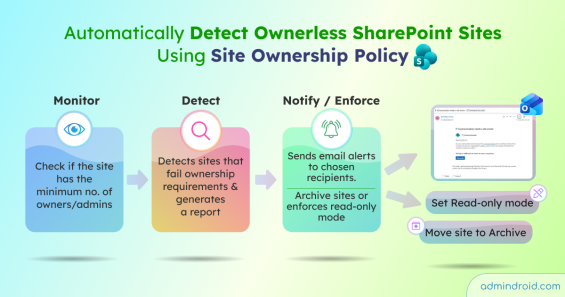
Create a SharePoint site ownership policy to detect ownerless sites, notify users to assign owners, and enforce read-only or archive actions.
11 min read
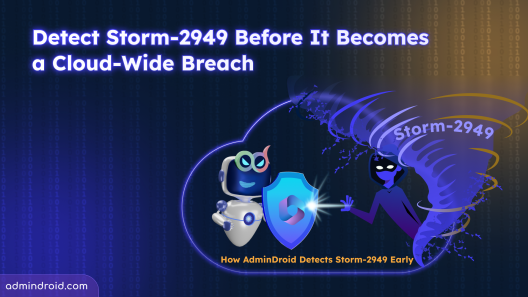
Detect Storm-2949 attacks in Microsoft 365 using AdminDroid. Identify and act early before it escalates into a cloud breach
8 min read
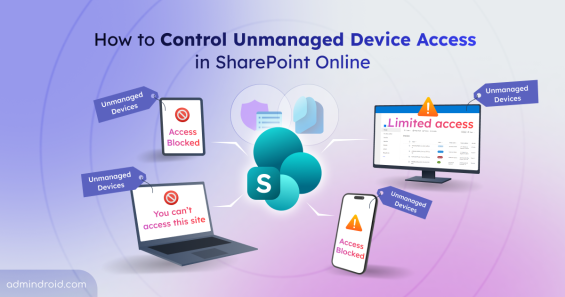
Learn how to control unmanaged device access in SharePoint Online to protect data by limiting or blocking access from non-compliant devices at tenant and site level.
11 min read
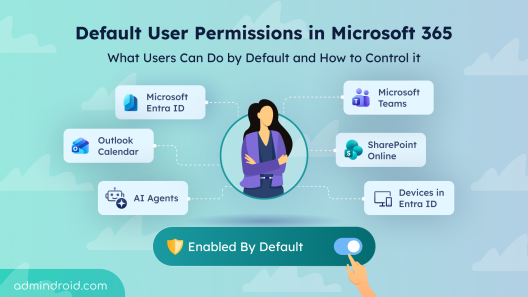
Explore default user permissions in Microsoft 365 and learn how to manage these built-in settings that are enabled by default.
13 min read