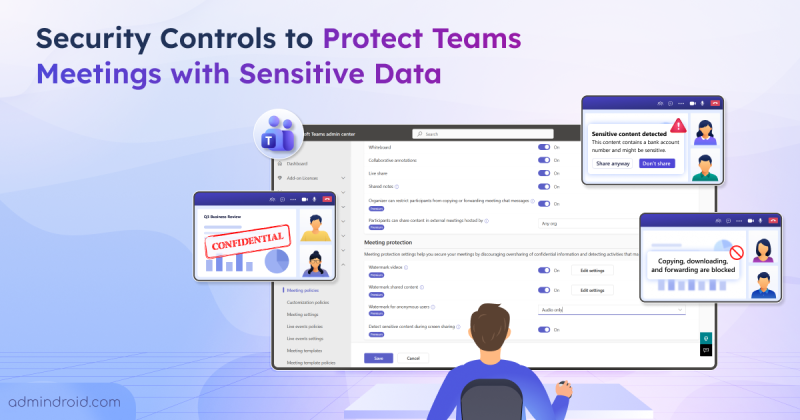
Security
Key Controls to Secure Microsoft Teams Meetings
Learn how to protect Microsoft Teams meetings with sensitive content detection, watermarks, sharing restrictions, and copy/forward controls.
16 min read
Microsoft has introduced a new link-sharing experience for each file and folder in SharePoint and OneDrive with hero link. This persistent link reflects changes to sharing permissions, without requiring users to create and share new links for every access update.
Microsoft is retiring the Search-UnifiedAuditLog PowerShell cmdlet on October 15, 2027. Learn what this change means and how to migrate your existing PowerShell scripts to the AuditLogQuery API with practical examples.
Microsoft Teams introduces a 'pause notifications' feature that lets users temporarily pause Teams notifications for a selected duration. Notifications resume automatically when the pause ends, while existing notification settings remain unchanged. Learn how to use this feature and check its rollout timeline.
Microsoft Entra ID Security Defaults currently uses a single toggle to enable or disable all security protections together. Now, Microsoft is introducing four individually managed rules, allowing admins to control specific protections based on their requirements. Currently in private preview, this feature is available to selected Microsoft Entra ID Free tenants and requires no additional licenses.
Starting November 4, 2026, Microsoft Entra will allow default users without built-in or custom roles to create agent identity blueprints unless administrators explicitly disable this capability.
Microsoft has introduced a separate application configuration for Outlook attachment operations. It brings Conditional Access enforcement to attachment download, preview, and upload actions in Outlook. Users who don't meet your policy conditions are now blocked from attachment actions.
Struggling to automate secure monitor manage M365?
Try AdminDroid for Free!Learn how to protect Microsoft Teams meetings with sensitive content detection, watermarks, sharing restrictions, and copy/forward controls.
16 min read
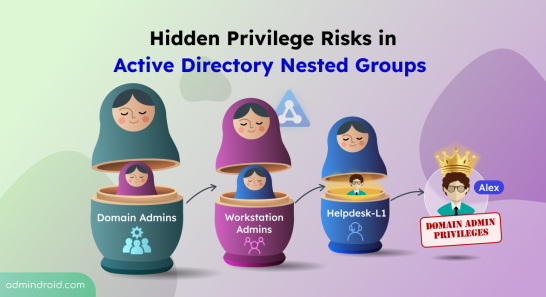
Uncover hidden privilege risks in Active Directory nested groups. Explore common causes and best practices to fix those security risks.
7 min read
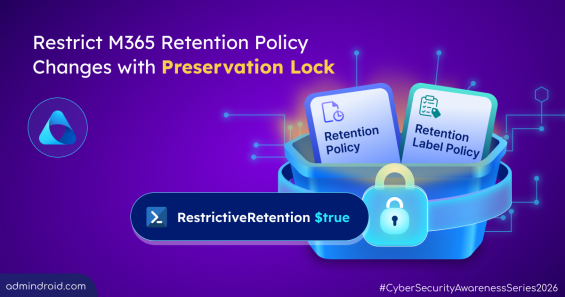
Learn how to configure Preservation Lock in Microsoft 365 to prevent unintended changes to retention policies & label policies.
7 min read
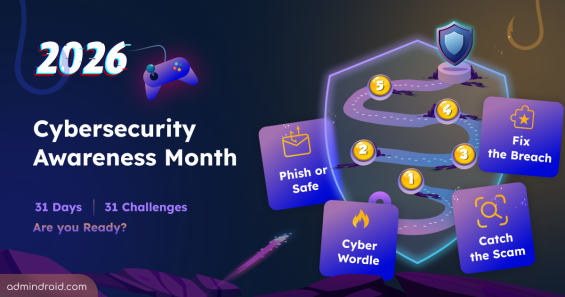
Cybersecurity Awareness Month 2026 explores 31 interactive challenges on phishing, threats, identities, attacks, and security awareness.
4 min read
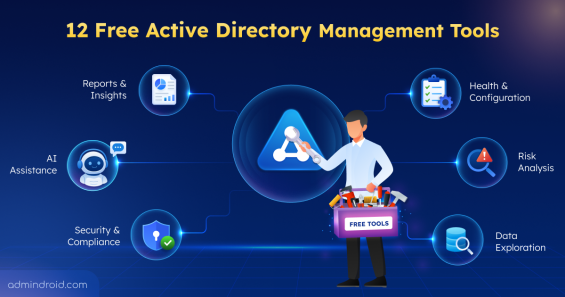
Explore 12 free Active Directory tools for management, security assessment, attack-path analysis, hardening, Group Policy, AD CS, DNS, etc.
12 min read
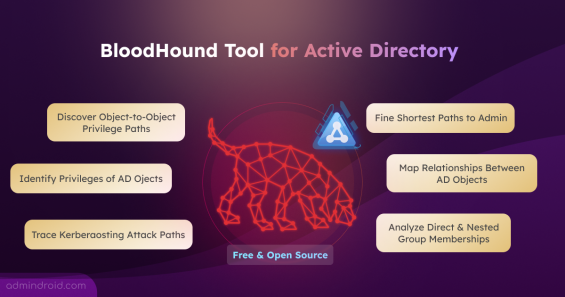
Explore BloodHound tool to find Domain Admin privilege paths, risky permissions, privilege escalations, and more in Active Directory.
15 min read
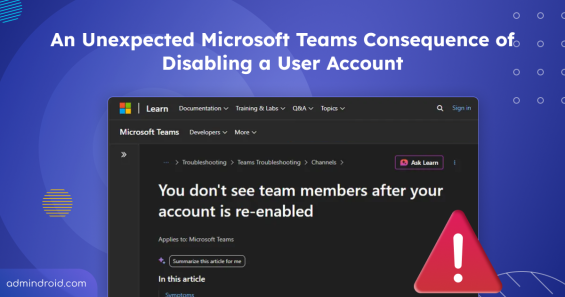
Learn how disabling and re-enabling a Microsoft 365 account affects Teams memberships and how admins can preserve private channel access.
4 min read
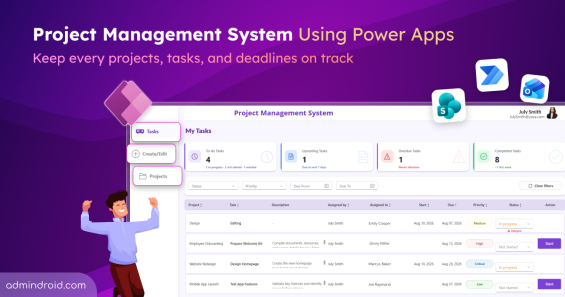
Explore the project management system using Power Apps to create projects, assign tasks, track progress, and manage deadlines in one place.
15 min read
AI can write the script. Sysadmins decide whether it should run. Here's our unique Sysadmin Day letter from AI's perspective.
3 min read
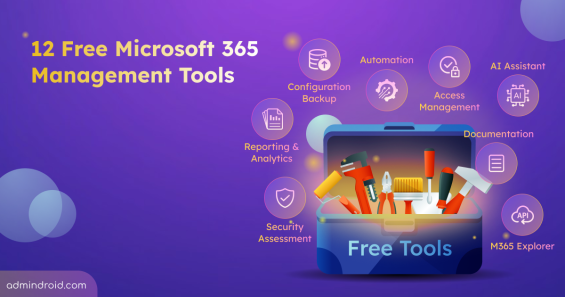
Discover 12 free Microsoft 365 management tools for reporting, security assessments, configuration backup, & more to simplify administration.
13 min read
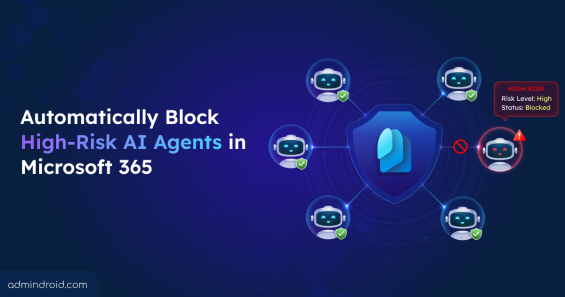
Detect and block high-risk agents automatically using Identity Protection and Conditional Access for Agents based on real-time risk signals.
8 min read
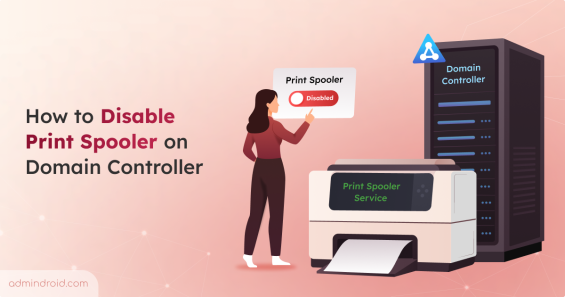
Learn different ways to disable Print Spooler service on domain controllers and follow best practices to avoid PrintNightmare risk.
7 min read