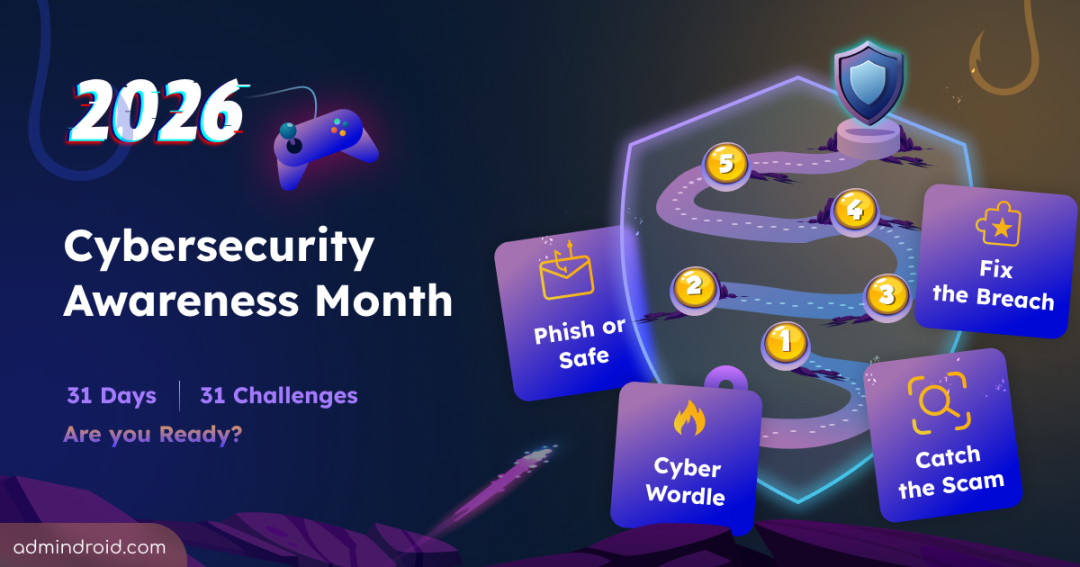
October is back, and so is our favorite tradition at AdminDroid: Cybersecurity Awareness Month.🛡️
This is our fifth year celebrating it with a dedicated series. A lot has changed since we started, and I feel like no year has moved as fast as this one! 🤯
In just one year, threats, technology, and the way we work have all changed. Our IT environments have become more connected and complex, and AI has grown faster than any of us probably expected.
Think about AI alone. It went from being an assistant to a co-worker that works alongside us, and more and more, it takes on tasks on our behalf.
And if we start thinking about attackers, they’ve leveled up just as fast. Phishing emails don’t come with spelling mistakes anymore. They’re clean, convincing, personalized, and generated in seconds.
With every new technology come new identities to manage and new attack paths to watch. Even the warning signs we all learned to look for are quietly disappearing!
That got us thinking. If threats have changed this much, why should the way we learn about them stay the same? 🤔
For the past four years, October has meant 31 days of security guides from us: configurations, recommendations, checklists, and best practices you could put to work right away. But reading about an attack and actually facing one are two very different things.
So, this year, we wanted to give you something to actually participate in.
That thought led us somewhere completely new for Cybersecurity Awareness Month 2026, and we can’t wait to show you what we’ve been working on! 💥
But before I reveal what’s coming, let’s take a quick look back at how this series has grown over the past four years. ⏪
A Quick Rewind: Four Octobers with You ⏪
2022: Starting with the Essentials.
We covered the Microsoft 365 security configurations that admins often miss, many of them available even in the free tiers.
2023: The Advanced Edition.
We took it up a notch with advanced Microsoft 365 security practices that go beyond the usual “enable MFA and use strong passwords” advice. We also added Microsoft 365 memes alongside the technical content.
2024: Secure Score and Beyond.
Half the month focused on Secure Score recommendations. The other half covered important protections that Secure Score doesn’t measure.
2025: And last year, we went broader.
Instead of staying only within Microsoft 365, we expanded the series to cover security across Active Directory, hybrid environments, endpoints, AI, identities, and other areas of IT.
Four years of security settings, recommendations, and checklists. The topic changed every year, but the format never did: 31 days, 31 blogs.
This year, that changes!
Welcome to Cybersecurity Awareness Month 2026
So, what could we possibly do differently this year?
- What if we stopped asking you to just read about cybersecurity?
- What if, instead, we gave you something to play?
That’s exactly where we went with this year’s series.
31 Days → 31 Cybersecurity Challenges.
Yes, you heard it right! This October, we’re bringing you 31 interactive cybersecurity challenges, with a new one unlocking every day on our Cybersecurity Awareness Month 2026 page.
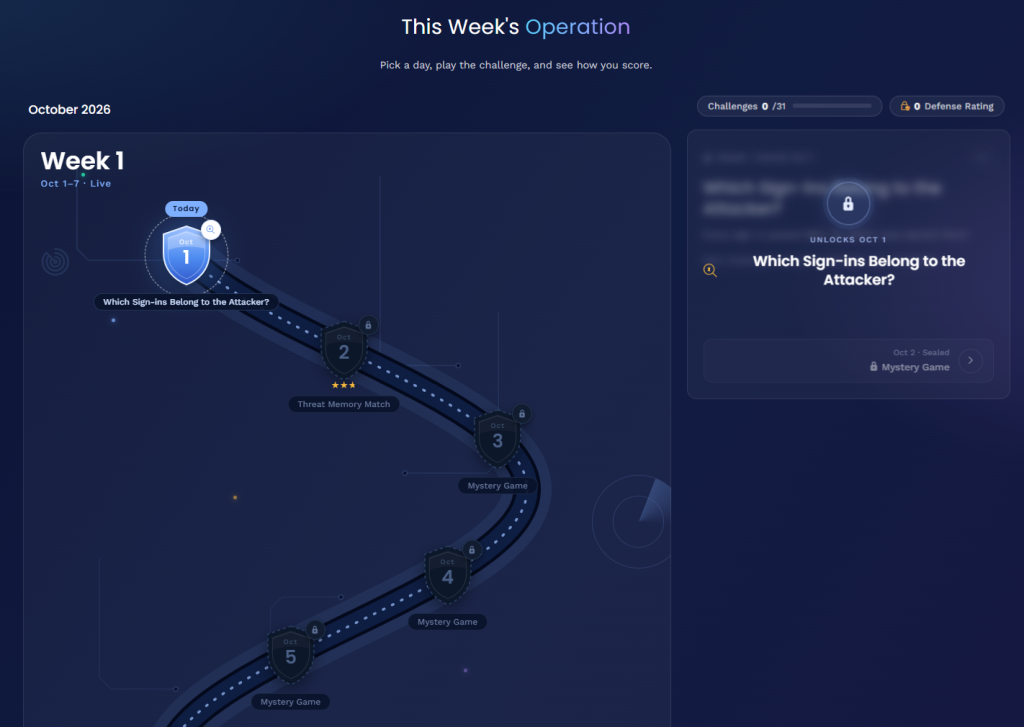
Every challenge is built around situations that happen in real organizations.
There’ll be games to play, puzzles to crack, incidents to investigate, attacks to stop, and decisions to make. You might have to spot what’s wrong, figure out what happens next, find your way through an attack path, or simply trust your security instincts. Maybe even a few things you won’t expect! 😉
The challenges will cover different corners of cybersecurity. Some will be quick and simple. Some might make you stop and think for a while. The experiences are designed for different audiences, with different difficulty levels and different ways to approach a security problem.
| And more importantly: This year’s series is made for a wider audience too. So, there’s something here for everyone, from the front desk to the server room. And no two days will feel like the same game. Promise. 🤝 |
A Quick Security Awareness Warm-Up: Truth or Lie?
How about a quick warm-up before the month begins? Two of these statements are true, and one is a lie. Can you spot the lie?
- Browsing in incognito mode keeps you safe from malware and tracking.
- An attacker can get into an account protected by MFA without ever knowing the MFA code.
- Hidden text in an email or document can trick an AI assistant into doing something it shouldn’t.
Made your pick? The answers are at the end of this post. 😉
The First Cybersecurity Challenge Unlocks on October 1st
Four years of Cybersecurity Awareness Month brought us here, and this year, we’re doing it a little differently.
The first challenge goes live on October 1st. We’ve had a lot of fun putting this series together, and we hope you enjoy playing it just as much. 😊
Take the challenges at your own pace, and if one gets you thinking, share it with your team.
| Warm-up answers: 1. Lie. Incognito mode only stops your browser from saving your history on that device. It won’t block malware or phishing, and your employer, network, and the websites you visit can still see what you do. 2. Truth. With adversary-in-the-middle phishing, attackers put a fake sign-in page between you and the real one. You complete MFA yourself, and they steal the signed-in session that comes back. 3. Truth. This is called a prompt injection. Attackers hide instructions in content the AI reads, and the AI may follow them as if they came from you. |