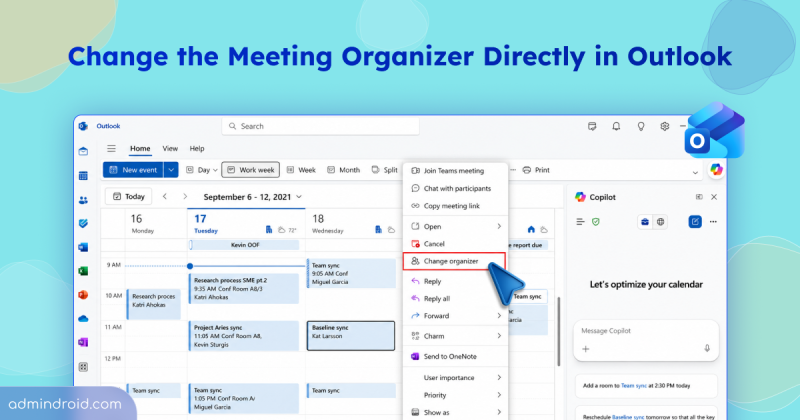
Quick M365 Updates
Change the Meeting Organizer in Outlook
Learn how to change the meeting organizer in Outlook without creating a new meeting or involving an admin, along with limitations.
3 min read
Microsoft has introduced a separate application configuration for Outlook attachment operations. It brings Conditional Access enforcement to attachment download, preview, and upload actions in Outlook. Users who don't meet your policy conditions are now blocked from attachment actions.
Microsoft introduces a new pay-as-you-go billing option for OneDrive Storage, where admins pay only for the storage users actually consume beyond their licensed quota. The feature is currently available in public preview for commercial tenants.
Starting in October 2026, Microsoft Purview Data Lifecycle Management is doubling the auto-expanding archive limit for eligible Exchange Online mailboxes from 1.5 TB to 3 TB. The change requires no additional configuration for mailboxes that already use auto-expanding archiving.
Microsoft Teams is set to allow two separate users to share their screens simultaneously during a meeting. The feature is expected to roll out from November 2026.
Starting mid-September 2026, admins can automatically archive OneDrive and SharePoint files using Microsoft Purview retention policies. Archived files move to Microsoft 365 Archive and are excluded from Microsoft 365 Copilot indexing.
One of the most requested features in Microsoft Teams is rolling out now. I have waited years for this rollout, but before I get to the news, let’s start with the problem it solves. Most of us have done this more times than we can count. Some messages don’t need immediate attention, and some chat or channel messages…
Struggling to automate secure monitor manage M365?
Try AdminDroid for Free!
Kavya is a Microsoft 365 and Active Directory expert with 11 years of experience, focusing on security hardening and PowerShell-driven automation for large-scale administrative environments. Her work combines deep technical execution with clear structure, enabling administrators to automate controls, improve visibility, and strengthen security posture. She also supports technical validation to ensure accuracy and reliable real-world implementation.
Learn how to change the meeting organizer in Outlook without creating a new meeting or involving an admin, along with limitations.
3 min read
Learn how disabling and re-enabling a Microsoft 365 account affects Teams memberships and how admins can preserve private channel access.
4 min read
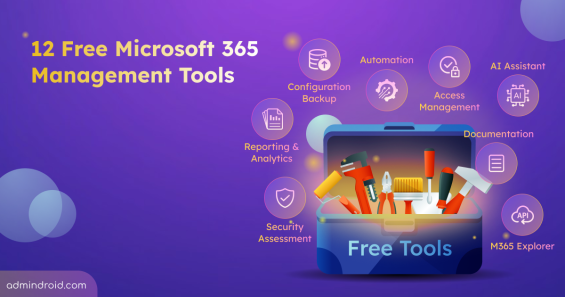
Discover 12 free Microsoft 365 management tools for reporting, security assessments, configuration backup, & more to simplify administration.
13 min read
Detect Storm-2949 attacks in Microsoft 365 using AdminDroid. Identify and act early before it escalates into a cloud breach
8 min read
Explore 10 best practices to secure admin accounts in a hybrid environment to reduce the attack surface & safeguard against evolving threats.
7 min read
Explore how to reset MFA using Microsoft 365 Admin Center & PowerShell. Download the Pre-built script to solve 25+ MFA reset scenarios.
8 min read
Check out 6 essential Microsoft 365 password settings to enhance security and improve Microsoft Secure Score.
6 min read

Discover AdminDroid, your ultimate tool for Office 365 reporting, available on Azure Marketplace - Gain insights and manage your M365 environment efficiently.
2 min read
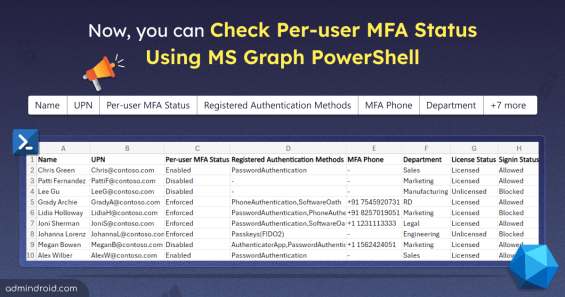
Now, MS Graph has the ability to retrieve per-user MFA status for M365 users. Download this PowerShell script to export per-user MFA status report to CSV file.
4 min read

Generate insightful reports and create stunning visualizations from your spreadsheet data. Transform your data into visual insights with GPT-4o!
3 min read
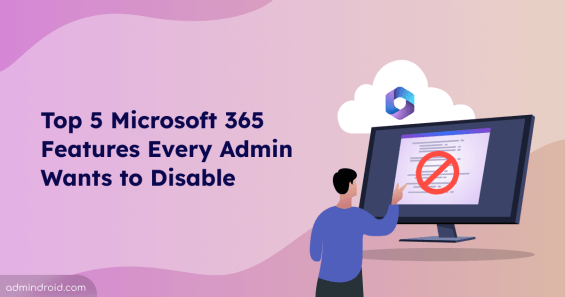
Discover the top 5 Microsoft 365 features admins want to disable. Dive into the details and decide if it's time to hit that 'off' switch!
5 min read
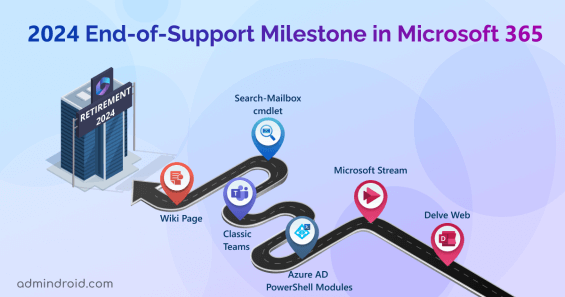
This blog lists various Microsoft 365 services, products, technologies that are going to deprecate in 2024 - Admins can plan for necessary migrations or updates
6 min read

Cybersecurity Awareness Month 2026 explores 31 interactive challenges on phishing, threats, identities, attacks, and security awareness.
4 min read
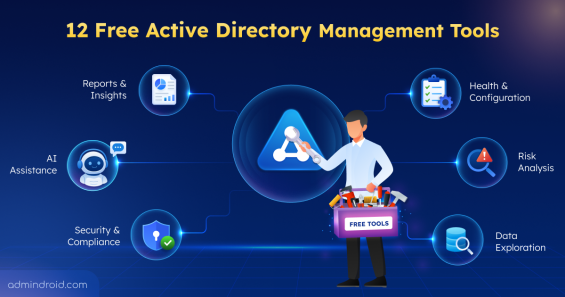
Explore 12 free Active Directory tools for management, security assessment, attack-path analysis, hardening, Group Policy, AD CS, DNS, etc.
12 min read
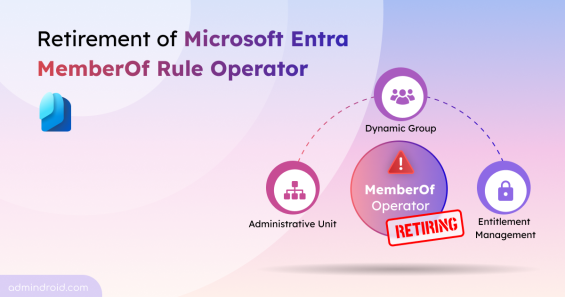
Microsoft is retiring the memberOf rule operator in Entra. Use this PowerShell script to find affected configurations and plan your migration.
4 min read

AI can write the script. Sysadmins decide whether it should run. Here's our unique Sysadmin Day letter from AI's perspective.
3 min read
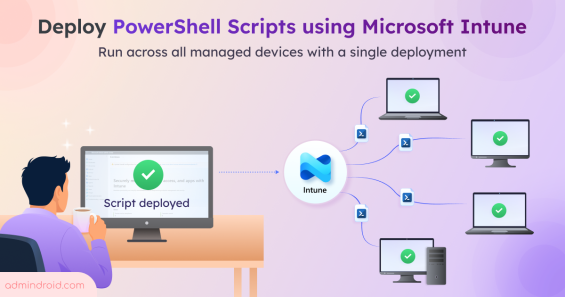
Learn how to deploy PowerShell scripts in Microsoft Intune to execute scripts across your managed Windows devices from a single deployment.
7 min read
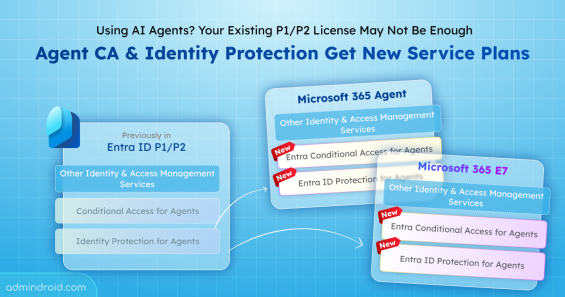
Explore the new service plans for Agent Conditional Access and Identity Protection to ensure uninterrupted access to agent security features.
3 min read
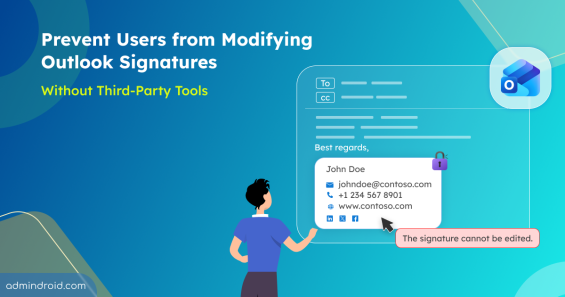
Learn how to prevent users modify outlook signature using PowerShell and built-in policies to enforce consistent email branding.
10 min read
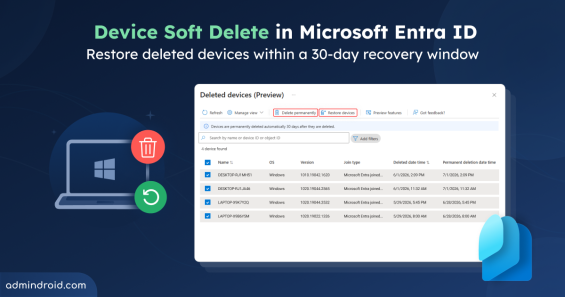
Learn about Device Soft Delete in Microsoft Entra ID and how deleted devices can be recovered within a 30-day window before permanent removal.
4 min read
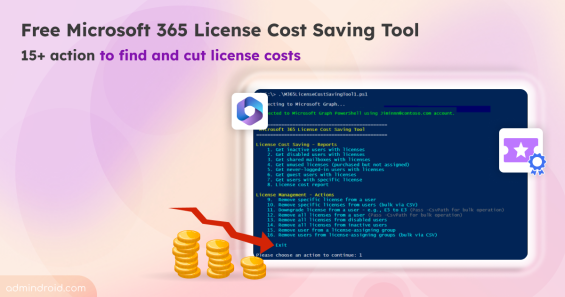
Discover the free Microsoft 365 license cost optimization tool with 15+ actions to find hidden license costs, monthly savings, & cut costs.
12 min read
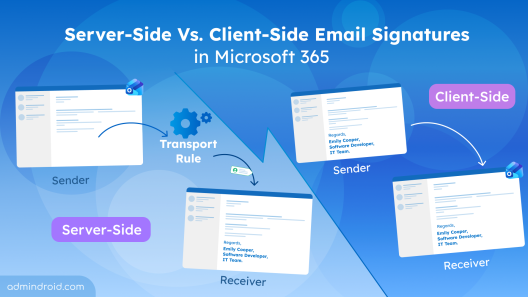
Learn the differences between server-side and client-side email signatures in M365, know their limitations, and choose the right approach.
6 min read

Discover best practices for Active Directory break glass accounts to ensure secure and reliable access during critical incidents.
11 min read
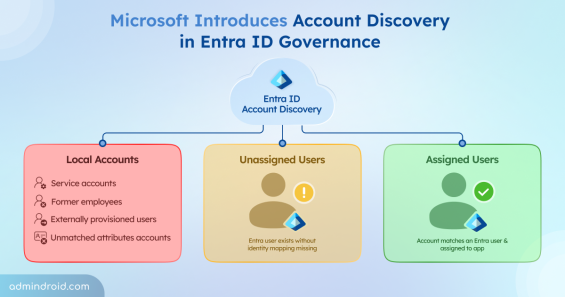
Explore the Account Discovery feature that finds existing user accounts in Entra ID applications and helps you identify unmanaged identities easily.
4 min read