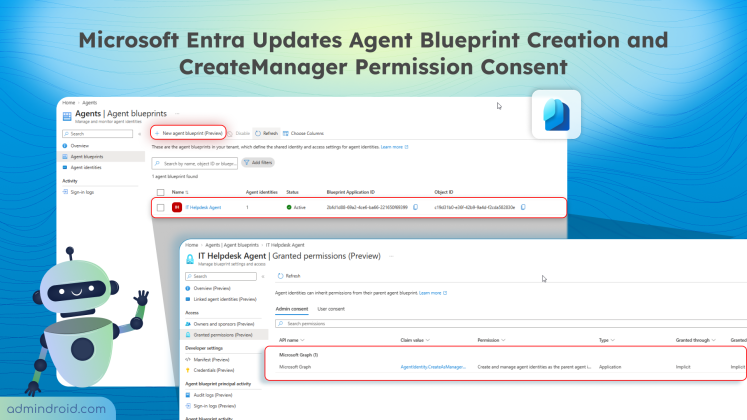
Microsoft Entra Updates Agent Blueprint Creation and Consent Requirements
Learn about Microsoft Entra’s updates to agent identity blueprints, including default user creation access & new admin consent requirements.
5 min read
Microsoft is retiring the Search-UnifiedAuditLog PowerShell cmdlet on October 15, 2027. Learn what this change means and how to migrate your existing PowerShell scripts to the AuditLogQuery API with practical examples.
Microsoft Teams introduces a 'pause notifications' feature that lets users temporarily pause Teams notifications for a selected duration. Notifications resume automatically when the pause ends, while existing notification settings remain unchanged. Learn how to use this feature and check its rollout timeline.
Microsoft Entra ID Security Defaults currently uses a single toggle to enable or disable all security protections together. Now, Microsoft is introducing four individually managed rules, allowing admins to control specific protections based on their requirements. Currently in private preview, this feature is available to selected Microsoft Entra ID Free tenants and requires no additional licenses.
Starting November 4, 2026, Microsoft Entra will allow default users without built-in or custom roles to create agent identity blueprints unless administrators explicitly disable this capability.
Microsoft has introduced a separate application configuration for Outlook attachment operations. It brings Conditional Access enforcement to attachment download, preview, and upload actions in Outlook. Users who don't meet your policy conditions are now blocked from attachment actions.
Microsoft introduces a new pay-as-you-go billing option for OneDrive Storage, where admins pay only for the storage users actually consume beyond their licensed quota. The feature is currently available in public preview for commercial tenants.
Struggling to automate secure monitor manage M365?
Try AdminDroid for Free!The ultimate Microsoft 365 resource hub for beginner to pro.
Learn about Microsoft Entra’s updates to agent identity blueprints, including default user creation access & new admin consent requirements.
5 min read
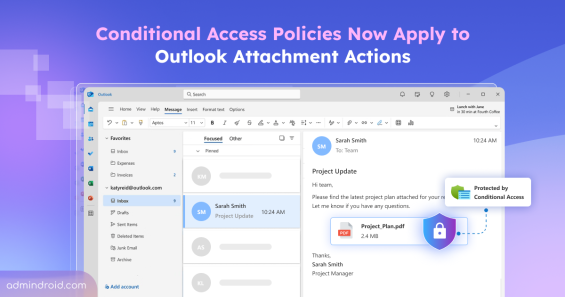
Enforce Conditional Access on Outlook attachments to block download, preview, and upload actions when requirements aren't met.
6 min read
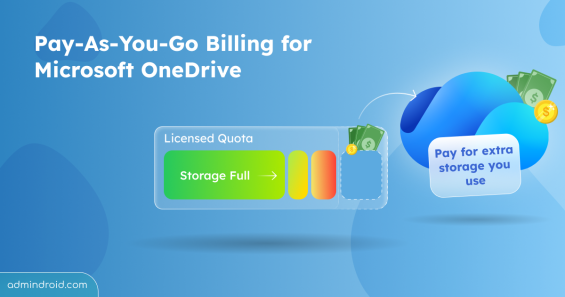
Microsoft introduces pay-as-you-go billing for Microsoft OneDrive, allowing admins to pay only for storage used beyond users’ licensed quota.
5 min read
Learn how disabling and re-enabling a Microsoft 365 account affects Teams memberships and how admins can preserve private channel access.
4 min read
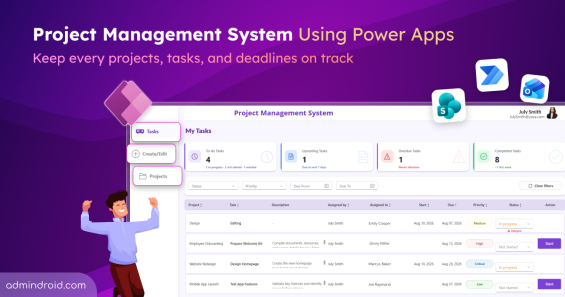
Explore the project management system using Power Apps to create projects, assign tasks, track progress, and manage deadlines in one place.
15 min read
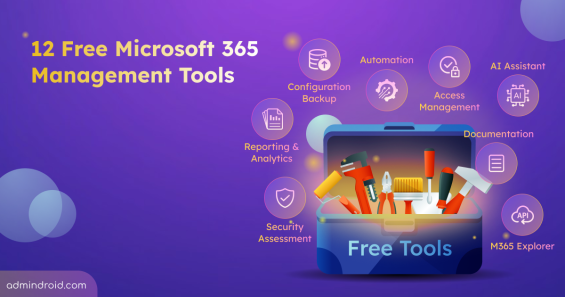
Discover 12 free Microsoft 365 management tools for reporting, security assessments, configuration backup, & more to simplify administration.
13 min read

Detect and block high-risk agents automatically using Identity Protection and Conditional Access for Agents based on real-time risk signals.
8 min read
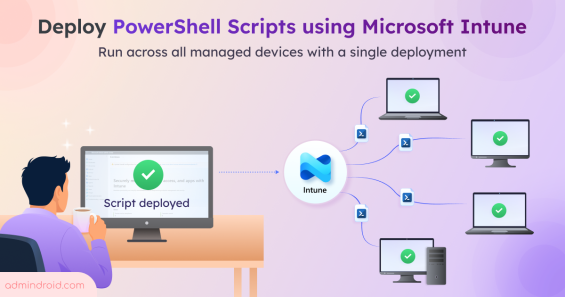
Learn how to deploy PowerShell scripts in Microsoft Intune to execute scripts across your managed Windows devices from a single deployment.
7 min read
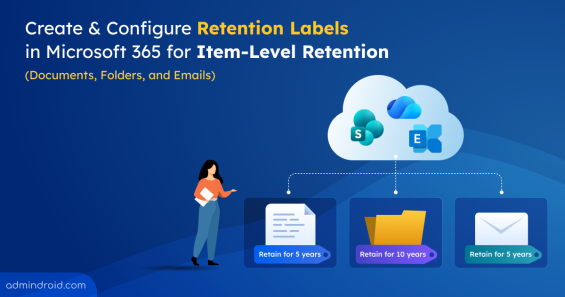
Learn how to create, publish, apply, and automate retention labels to meet compliance and records management requirements.
15 min read
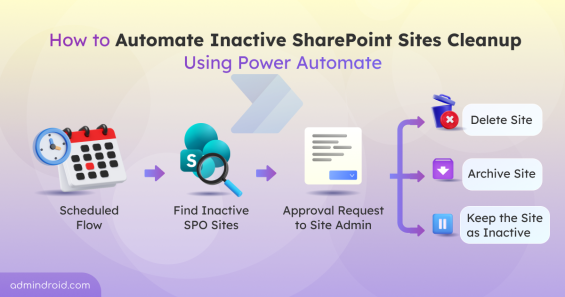
Discover how to manage inactive SharePoint sites automatically using Power Automate in Microsoft 365 for better governance and cleanup.
11 min read
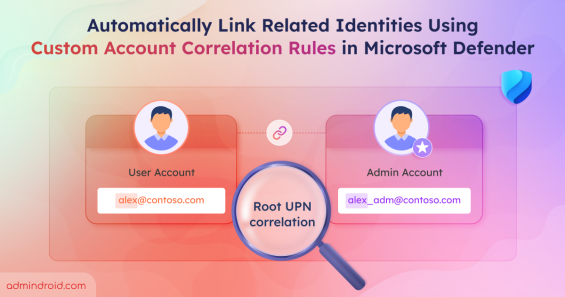
Use custom account correlation rules in Microsoft Defender to link related identities and improve threat detection.
10 min read
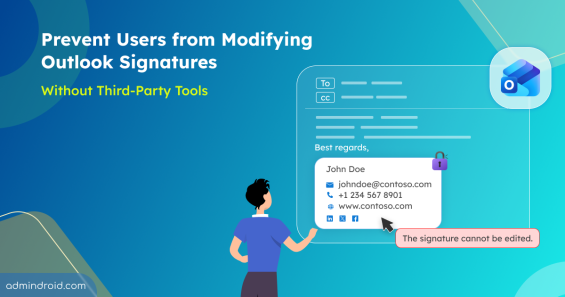
Learn how to prevent users modify outlook signature using PowerShell and built-in policies to enforce consistent email branding.
10 min read