Security
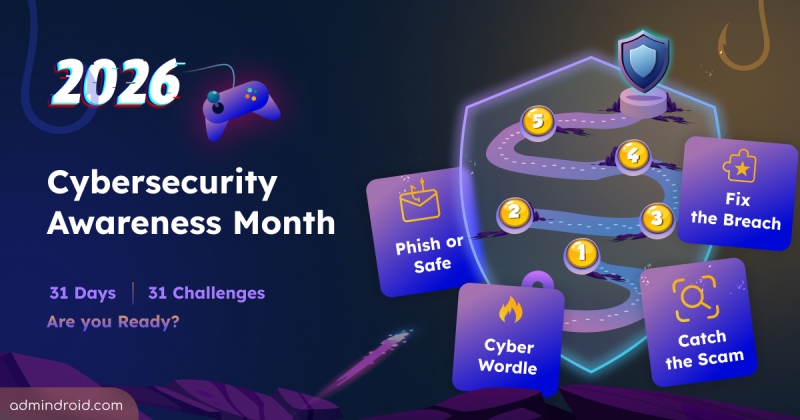
Cybersecurity Awareness Month 2026: 31 Days of Challenges
Cybersecurity Awareness Month 2026 explores 31 interactive challenges on phishing, threats, identities, attacks, and security awareness.
4 min read
Microsoft introduces Conditional Access policy plans in public preview to help admins configure shared targeting once and manage different security requirements more efficiently. They work alongside existing Conditional Access policies, which continue to be enforced as before.
Microsoft has introduced a new link-sharing experience for each file and folder in SharePoint and OneDrive with hero link. This persistent link reflects changes to sharing permissions, without requiring users to create and share new links for every access update.
Microsoft is retiring the Search-UnifiedAuditLog PowerShell cmdlet on October 15, 2027. Learn what this change means and how to migrate your existing PowerShell scripts to the AuditLogQuery API with practical examples.
Microsoft Teams introduces a 'pause notifications' feature that lets users temporarily pause Teams notifications for a selected duration. Notifications resume automatically when the pause ends, while existing notification settings remain unchanged. Learn how to use this feature and check its rollout timeline.
Microsoft Entra ID Security Defaults currently uses a single toggle to enable or disable all security protections together. Now, Microsoft is introducing four individually managed rules, allowing admins to control specific protections based on their requirements. Currently in private preview, this feature is available to selected Microsoft Entra ID Free tenants and requires no additional licenses.
Starting November 4, 2026, Microsoft Entra will allow default users without built-in or custom roles to create agent identity blueprints unless administrators explicitly disable this capability.
Struggling to automate secure monitor manage M365?
Try AdminDroid for Free!
Pavee is a Microsoft 365 security and governance expert with 5 years of experience strengthening administrative controls, configuration baselines, and compliance alignment across Microsoft cloud environments. Her work translates complex security settings into clear, expert-oriented guidance that helps IT teams enforce governance and reduce risk. She also contributes to technical review and validation to ensure dependable outcomes and accurate implementation.
Cybersecurity Awareness Month 2026 explores 31 interactive challenges on phishing, threats, identities, attacks, and security awareness.
4 min read
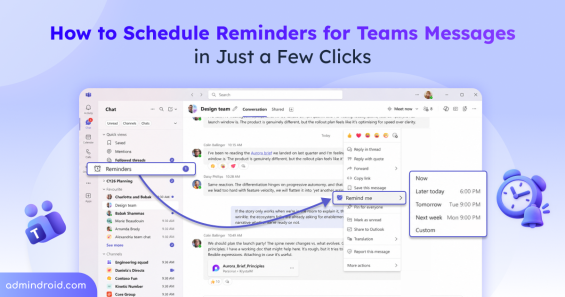
Set reminders in Microsoft Teams using the 'Remind me' option on specific chat or channel messages, and choose when to be reminded.
6 min read
AI can write the script. Sysadmins decide whether it should run. Here's our unique Sysadmin Day letter from AI's perspective.
3 min read
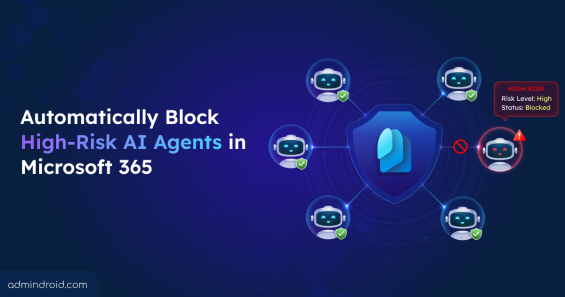
Detect and block high-risk agents automatically using Identity Protection and Conditional Access for Agents based on real-time risk signals.
8 min read
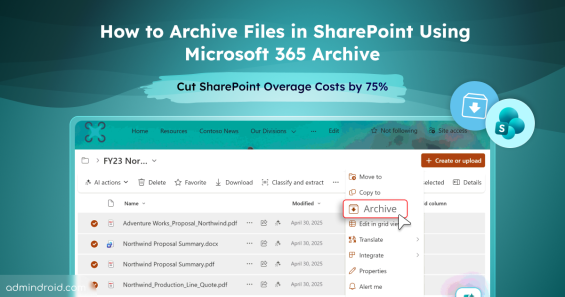
With File Level Archiving in SharePoint Online, archive files to a lower-cost storage tier while preserving permissions, metadata & versions.
10 min read
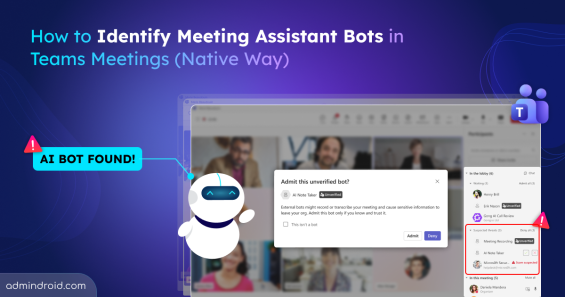
Microsoft Teams will detect third-party AI meeting bots, and admins can approve or block AI assistants from joining Teams meetings.
8 min read
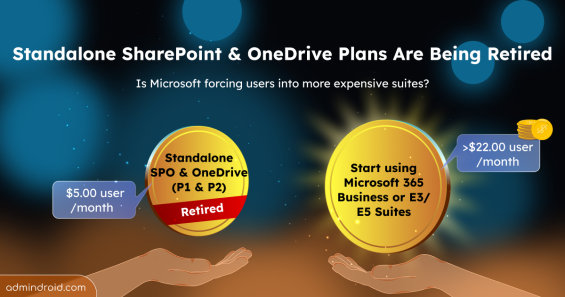
Microsoft is retiring Standalone SharePoint and OneDrive Plans (Plan 1 & 2). Explore Business & Enterprise suite & storage alternatives now.
4 min read
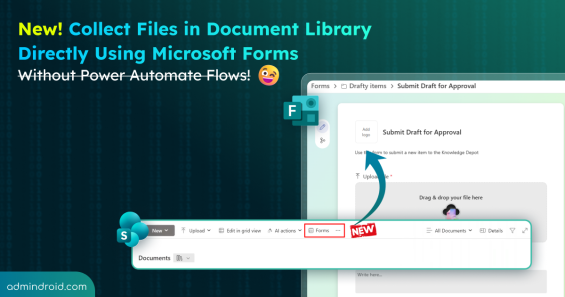
Learn how to collect files in the document library using Microsoft Forms and streamline document collection in SharePoint.
5 min read

Cybersecurity Month wrap-up: Strengthen IT environments and secure Microsoft 365, Active Directory, hybrid, and AI platforms.
11 min read
Discover how to Unify Identity and Network Access for stronger cybersecurity, Zero Trust implementation, and seamless hybrid work access.
9 min read
Explore a 31-day series on reducing attack surfaces across Active Directory, Microsoft 365, hybrid environments, and endpoints.
14 min read
Discover how Sysadmins vs AI isn't a rivalry but a power-up. This SysAdmins Day 2025 blog explores how AI boosts Sysadmins to be faster.
5 min read
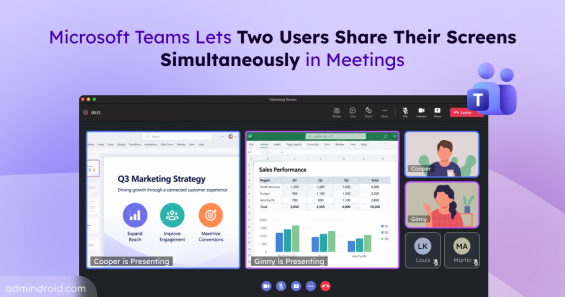
Microsoft Teams is allowing two users to share their screens simultaneously in meetings. Learn how it works and when it will roll out.
2 min read
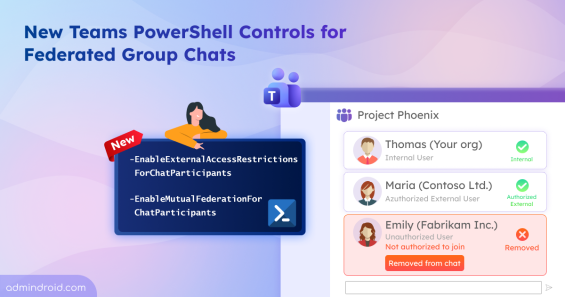
Use EnableExternalAccessRestrictionsForChatParticipants, EnableMutualFederationForChatParticipants to strengthen Teams federated group chats.
5 min read
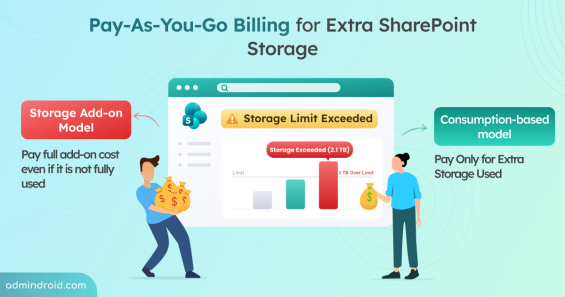
Explore new pay-as-you-go billing for SharePoint Storage and learn how to enable consumption-based billing to pay for what you consume.
5 min read
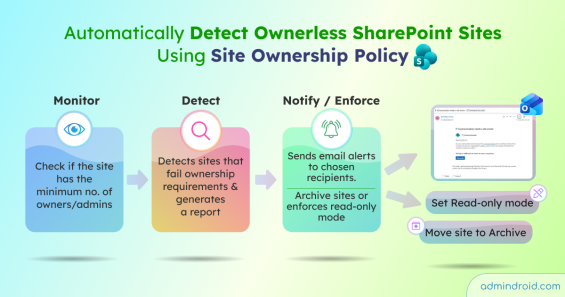
Create a SharePoint site ownership policy to detect ownerless sites, notify users to assign owners, and enforce read-only or archive actions.
11 min read
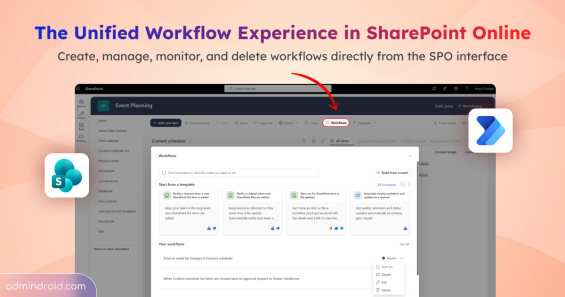
Explore the unified workflow experience in SharePoint Online to create and manage Power Automate flows directly from lists and libraries.
5 min read
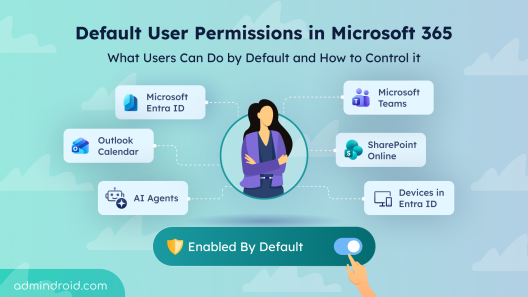
Explore default user permissions in Microsoft 365 and learn how to manage these built-in settings that are enabled by default.
14 min read
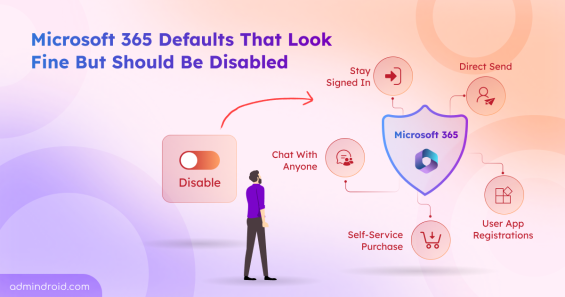
Discover the top Microsoft 365 security settings you should disable to reduce risks, prevent data exposure, and strengthen tenant security.
16 min read
Discover 15 SharePoint permissions best practices to prevent unauthorized access, manage permissions efficiently, and stay in control.
13 min read
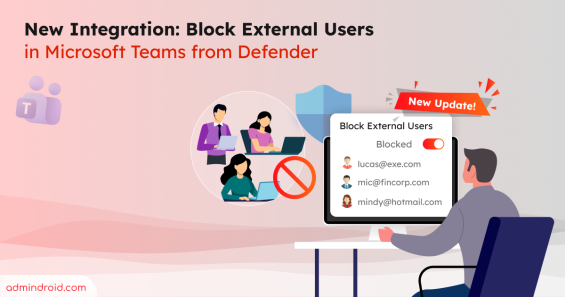
Learn how to block external Teams users directly from the Defender portal and manage blocked users to keep your organization secure.
5 min read
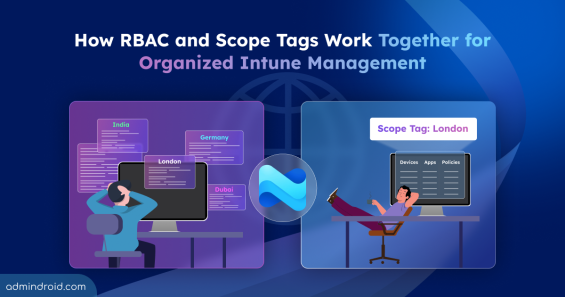
Learn how to create and assign scope tags in Microsoft Intune to control visibility and streamline Intune resources management.
10 min read
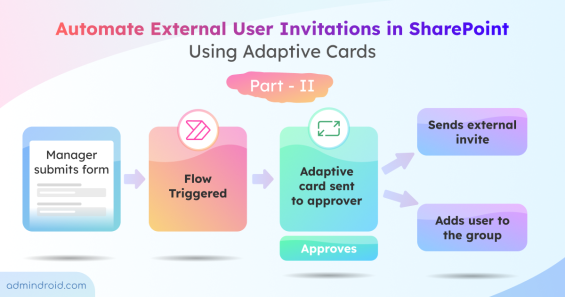
Learn how to automate external user invitations using Power Automate and Adaptive Cards in Teams with this step-by-step guide.
17 min read

Learn how to view all unread Microsoft Teams notifications across multiple accounts without switching tenants.
4 min read