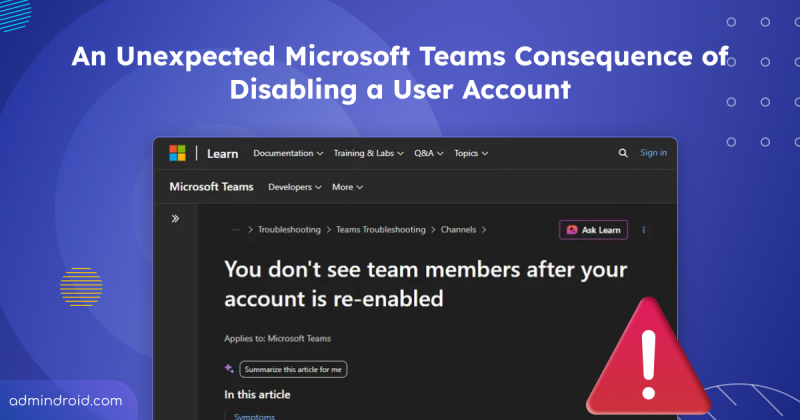
An Unexpected Microsoft Teams Consequence of Disabling a User Account
Learn how disabling and re-enabling a Microsoft 365 account affects Teams memberships and how admins can preserve private channel access.
4 min read
Microsoft Teams is set to allow two separate users to share their screens simultaneously during a meeting. The feature is expected to roll out from November 2026.
Starting mid-September 2026, admins can automatically archive OneDrive and SharePoint files using Microsoft Purview retention policies. Archived files move to Microsoft 365 Archive and are excluded from Microsoft 365 Copilot indexing.
One of the most requested features in Microsoft Teams is rolling out now. I have waited years for this rollout, but before I get to the news, let’s start with the problem it solves. Most of us have done this more times than we can count. Some messages don’t need immediate attention, and some chat or channel messages…
Changing the organizer of a meeting has traditionally been a challenge for Microsoft 365 users. If someone left the organization, changed responsibilities, or needed another person to take ownership of a meeting, they often had to create a new meeting. A few months ago, Microsoft introduced admin-initiated meeting ownership transfer,…
Microsoft is introducing outbound external messaging limits in Teams for organizations using only the default MOERA (onmicrosoft.com) domain. The limitation will begin rolling out in mid-September 2026 to help protect Teams from any abusive activity. Once the limit is reached, users may be temporarily unable to message external users. Admins can add a custom domain to avoid being subject to this limitation.
Microsoft Teams admin center is introducing a single-pane experience for monitoring and troubleshooting meetings and calls across the organization. Rolling out from late September to mid-October 2026, it lets admins view meetings, identify issues, access diagnostics, search and filter data, export results, and use Microsoft 365 Copilot for analysis.
Struggling to automate secure monitor manage M365?
Try AdminDroid for Free!The ultimate Microsoft 365 resource hub for beginner to pro.
Learn how disabling and re-enabling a Microsoft 365 account affects Teams memberships and how admins can preserve private channel access.
4 min read
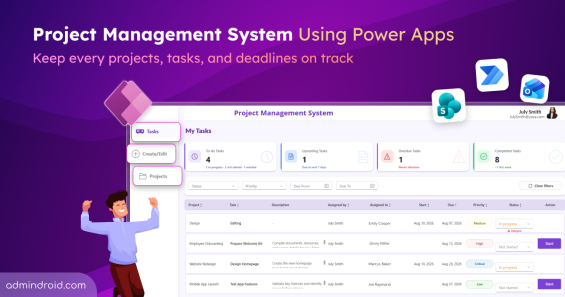
Explore the project management system using Power Apps to create projects, assign tasks, track progress, and manage deadlines in one place.
15 min read
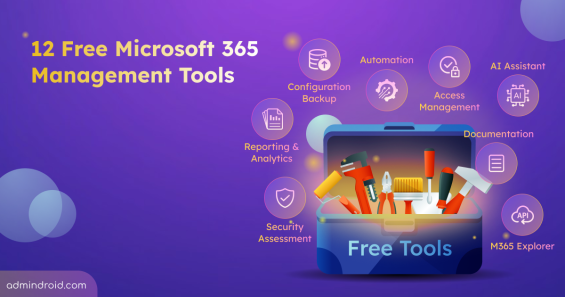
Discover 12 free Microsoft 365 management tools for reporting, security assessments, configuration backup, & more to simplify administration.
13 min read

Detect and block high-risk agents automatically using Identity Protection and Conditional Access for Agents based on real-time risk signals.
8 min read
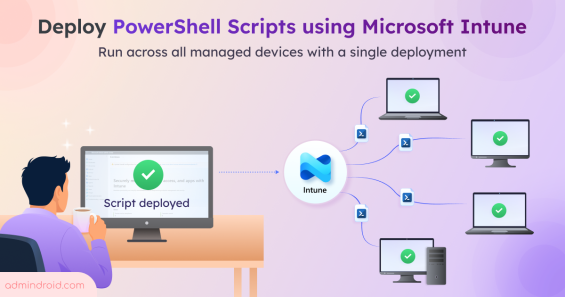
Learn how to deploy PowerShell scripts in Microsoft Intune to execute scripts across your managed Windows devices from a single deployment.
7 min read
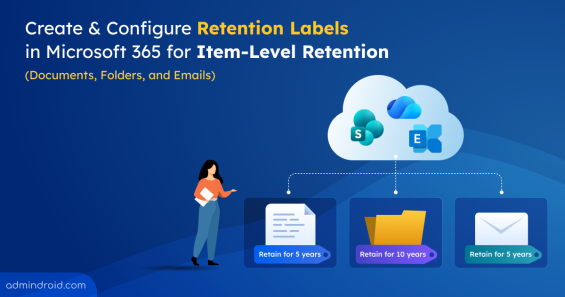
Learn how to create, publish, apply, and automate retention labels to meet compliance and records management requirements.
14 min read
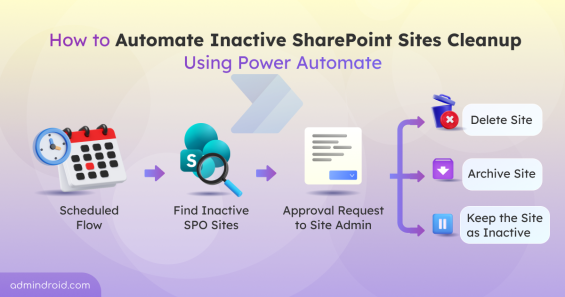
Discover how to manage inactive SharePoint sites automatically using Power Automate in Microsoft 365 for better governance and cleanup.
11 min read
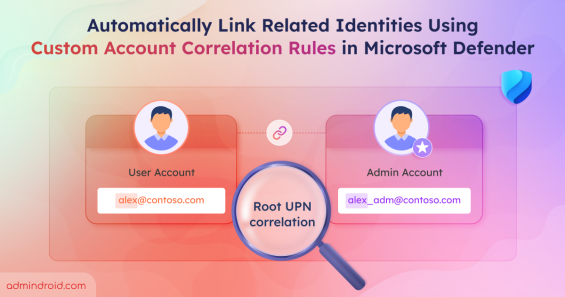
Use custom account correlation rules in Microsoft Defender to link related identities and improve threat detection.
10 min read
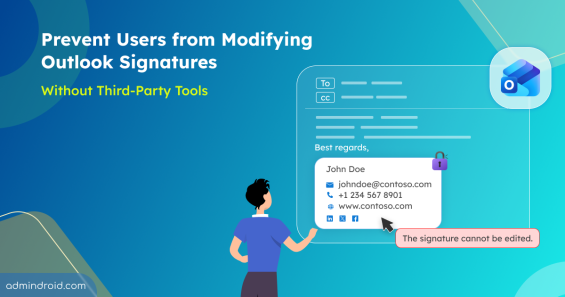
Learn how to prevent users modify outlook signature using PowerShell and built-in policies to enforce consistent email branding.
10 min read
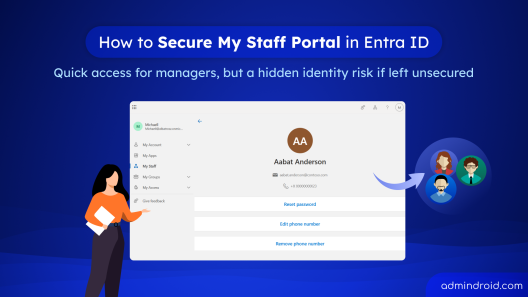
Learn how to securely configure the My Staff portal in Microsoft Entra ID using PIM and Conditional Access to protect delegated admin access.
9 min read
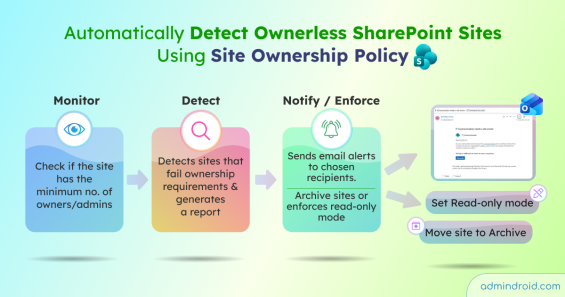
Create a SharePoint site ownership policy to detect ownerless sites, notify users to assign owners, and enforce read-only or archive actions.
11 min read
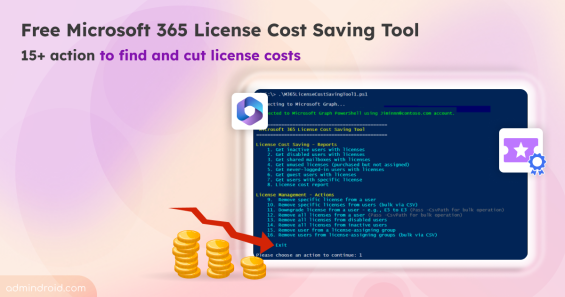
Discover the free Microsoft 365 license cost optimization tool with 15+ actions to find hidden license costs, monthly savings, & cut costs.
12 min read