For years, Microsoft has recommended hardening Active Directory by moving away from RC4 and adopting stronger encryption standards. Yet in many environments, RC4 quietly remained enabled by default, keeping legacy accounts, older applications, and long-running services working without disruption. What was once a tolerated fallback has become a growing security risk, driven by modern attack techniques and newly disclosed vulnerabilities.
So now, that recommendation is turning into action!
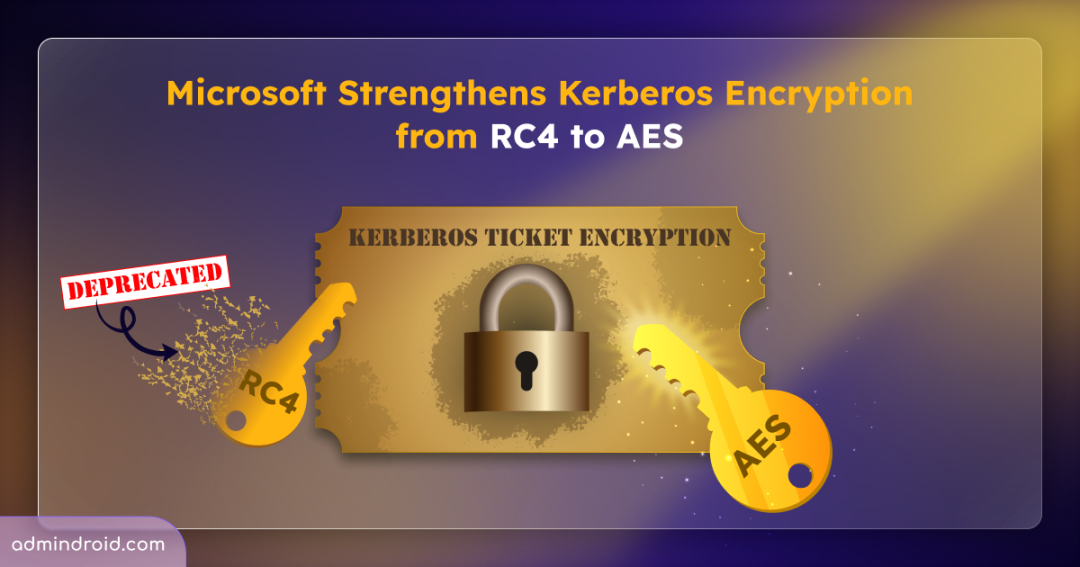
Microsoft is officially deprecating RC4 encryption and enforcing AES-based authentication to align Windows Kerberos with today’s security standards. While this is a major win for security, it also comes with real-world impact. Without proper preparation, organizations may face unexpected authentication failures and compatibility issues as legacy dependencies surface. In this blog, we’ll walk through why Microsoft deprecates RC4 encryption, how the rollout works, and what steps you can take to ensure smooth transition.
Why RC4 Encryption is Being Deprecated in Windows Authentication
Let’s begin with the understanding of why RC4 is being phased out in Active Directory Windows.
Rivest Cipher 4 (RC4) is a stream cipher algorithm used widely in Kerberos authentication due to its compatibility with legacy systems and third-party applications. As a result, RC4-HMAC became the default encryption type used by the Active Directory domain controller’s Key Distribution Center (KDC) in Windows Kerberos authentication. While this approach worked well in the past, RC4 is now considered cryptographically weak and insecure by modern security standards.
Recent vulnerabilities disclosed under CVE-2026-20833, have reinforced this reality. The prolonged use of broken or risky cryptographic algorithms in Windows authentication can expose environments to serious threats, turning authentication itself into an attack surface.
When RC4 is still permitted, attackers can request service tickets encrypted with this weak algorithm and perform offline attacks to recover service account credentials. Since these accounts run critical services and hold high privileges, compromising them can be abused for lateral movement, privilege escalation, and full domain compromise.
To reduce this risk, Microsoft has announced the deprecation of RC4 encryption in Kerberos authentication and is moving towards stronger AES-based encryption (AES-SHA1). This shift helps protect against ticket-cracking attacks and strengthens overall domain security.
Rollout Timeline for RC4 Deprecation in Kerberos Ticket Encryption
Microsoft is not switching off RC4 suddenly. Instead, they’re rolling out RC4 deprecation for all Windows server running as a domain controller in three gradual phases. This gives admins enough time to identify RC4 dependency, update configurations, and avoid authentication issues. Here’s how the rollout will happen:
Phase 1 – Initial Deployment Phase
Timeline: Begins with the Windows update released on or after January 13, 2026.
This phase is designed to prepare you for the upcoming enforcement changes by providing visibility into RC4 usage without breaking authentication. It introduces two important updates:
- New Kerberos audit events:
Windows adds 9 new Kerberos-related audit events on domain controllers running Windows Server 2012 and later. This helps identify users, service accounts, and applications still relying on RC4 encryption. The audit events are 201, 202, 203, 204, 205, 206, 207, 208, and 209. These audit logs allow you to detect which accounts may be affected by the upcoming security enforcement changes. - Temporary registry control:
This phase also introduces Rc4DefaultDisablementPhase, a new temporary registry control for Active Directory domain controllers. This setting allows you to control the transition phases during rollout. It supports three values:- 0 – No auditing for Rc4 usage and no change to Rc4 encryption behaviour.
- 1 – Generates warning events on the Windows Event Viewer, when RC4 is used. This is the default value for the control in Phase 1.
- 2 – Kerberos will no longer allow RC4 by default on domain controllers. When the rollout moves to the second phase, the registry setting value is set to 2.
This phase helps organizations discover RC4 dependencies early and prepare their environment before stricter enforcement begins.
Phase 2 – Second Deployment Phase
Timeline: Begins with the Windows update released in April 2026
In this phase, the DefaultDomainSupportedEncTypes value, which defines the default encryption types used by the domain controller’s Key Distribution Center is updated to enforce AES-SHA1. This change applies only to the accounts that do not have an explicit msDS-SupportedEncryptionTypes attribute configured. For accounts where the attribute is explicitly configured, the domain controller’s KDC uses the specified encryption type.
With this update, AES-SHA1 (0x18) becomes the default value for DefaultDomainSupportedEncTypes, and the existing RC4 fallback on domain controllers is removed. As a result, some legacy services or accounts that still rely on RC4 may start experiencing authentication failures.
Phase 3: Final Enforcement Phase
Timeline: Begins with the Windows update released in or after July 2026
In the final phase, support for the temporary registry key Rc4DefaultDisablementPhase and the audit mode, which were introduced in earlier phases, are removed. At this point, AES-SHA1 encryption is fully enforced for all accounts in Windows.
Also, RC4 is completely removed from the Kerberos KDC path, except for accounts where msDS-SupportedEncryptionTypes is explicitly configured to allow RC4.
Any non-compliant connections, such as accounts that are not explicitly configured and still rely on default or legacy encryption settings, will be blocked. This ensures that only secure encryption types are used for Kerberos authentication going forward.
Before the enforcement of RC4 begins, it is essential to prepare your domain to avoid authentication failures. Let’s look at how you can get your environment ready for the RC4 deprecation rollout.
How to Detect and Remediate the RC4 Usage in Windows Authentication?
To ensure your domain is ready for the RC4 deprecation, Microsoft recommends a simple three-step approach before deployment: Update, Monitor, and Enable. Without these preparations, any accounts that lack AES key may encounter authentication failures.
1. Update – Install the Windows Updates that Introduce RC4 Deprecation Controls
Patch all your domain controllers with the Windows update released on or after January 13, 2026. These updates introduce 9 new audit events in the System Event Viewer that help identify RC4 usage in Kerberos authentication. Events are logged when a domain controller receives a Kerberos service ticket request that requires RC4 encryption, and when the DefaultDomainSupportedEncTypes setting on the domain controller is configured to permit RC4.
In short, this update turns RC4 from a hidden risk into something you can see, track, and fix before enforcement kicks in.
2. Monitor – Review Domain Controller Audit Logs to Identify RC4 Usage
After updating your domain controllers, the next step is to monitor the environment to detect RC4 usage.
You can check the RC4 usage directly from the Event Viewer on the domain controllers. Here, look for the standard Kerberos Event IDs such as 4768 (A Kerberos authentication ticket (TGT) was requested) and 4769 (A Kerberos service ticket was requested), along with the 9 new KDCSVC audit events, introduced by recent Windows updates. Together, these events reveal when Kerberos authentication requests are still relying on RC4 encryption.
To make RC4 auditing more efficient and less manual, Microsoft also provides two PowerShell scripts in the Kerberos-Crypto GitHub repository:
- List-AccountKeys.ps1 – Displays the encryption keys available for accounts.
- Get-KerbEncryptionUsage.ps1 – Identifies the Kerberos encryption types in use and allows you to filter specifically for RC4.
These scripts collect and consolidate audit data, making it easier to identify user accounts, computer accounts, and service accounts that continue to use RC4.
Once these legacy dependencies are identified, you can update the account configuration to AES-based encryption. If you want to use RC4 for any account, you need to explicitly set the msDS-SupportedEncryptionTypes attribute if RC4 is still required for compatibility.
3. Enable – Enforce AES-Only Encryption for Kerberos Authentication
Once you have verified that there are no RC4 dependencies across your domain, set the Rc4DefaultDisablementPhase registry value to 2 to enable the Enforcement mode.
Once enabled, if the KDC receives a request for an RC4 service ticket for an account with default settings, the request will fail, and an error will be logged. Accounts that are explicitly configured to allow RC4 will only continue to receive RC4 service tickets.
Note: You may still see Event ID 205 when the domain controller’s DefaultDomainSupportedEncTypes attribute is set to allow weak encryption. This behaviour is expected and exists to ensure that Kerberos authentication falls back only to secure encryption types, rather than weak legacy options.
Wrapping Up
That’s it! With Microsoft deprecating RC4 and enforcing AES for Kerberos authentication, encryption strength is becoming a hard requirement rather than a best practice. Use this change as an opportunity to clean up legacy configurations, strengthen Kerberos security, and prepare your Active Directory environment for what’s next. We’d love to hear what you think about this transition!
How prepared is your environment for the RC4 phase-out? Are you expecting any challenges? 👉 Feel free to share your comments, thoughts, and questions in the comment section below. And don’t forget to stay tuned for upcoming blogs! 🚀