Quick M365 Updates
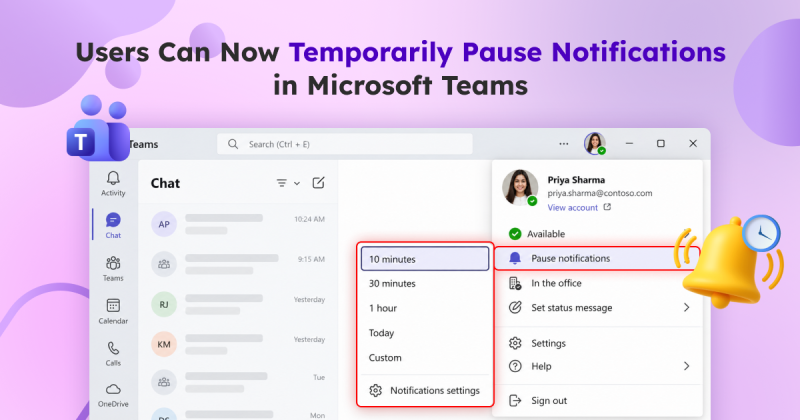
How to Pause Notifications Temporarily in Microsoft Teams
Microsoft Teams lets users temporarily pause notifications for a certain period. Learn how to pause and resume notifications automatically.
3 min read
Microsoft is retiring the Search-UnifiedAuditLog PowerShell cmdlet on October 15, 2027. Learn what this change means and how to migrate your existing PowerShell scripts to the AuditLogQuery API with practical examples.
Microsoft Teams introduces a 'pause notifications' feature that lets users temporarily pause Teams notifications for a selected duration. Notifications resume automatically when the pause ends, while existing notification settings remain unchanged. Learn how to use this feature and check its rollout timeline.
Microsoft Entra ID Security Defaults currently uses a single toggle to enable or disable all security protections together. Now, Microsoft is introducing four individually managed rules, allowing admins to control specific protections based on their requirements. Currently in private preview, this feature is available to selected Microsoft Entra ID Free tenants and requires no additional licenses.
Starting November 4, 2026, Microsoft Entra will allow default users without built-in or custom roles to create agent identity blueprints unless administrators explicitly disable this capability.
Microsoft has introduced a separate application configuration for Outlook attachment operations. It brings Conditional Access enforcement to attachment download, preview, and upload actions in Outlook. Users who don't meet your policy conditions are now blocked from attachment actions.
Microsoft introduces a new pay-as-you-go billing option for OneDrive Storage, where admins pay only for the storage users actually consume beyond their licensed quota. The feature is currently available in public preview for commercial tenants.
Struggling to automate secure monitor manage M365?
Try AdminDroid for Free!
Karthi is an administrator-focused Microsoft 365 and Active Directory professional specializing in security configurations and administrative best practices. She translates layered platform settings into clear operational logic that supports production environments. Her approach makes complex administrative concepts accessible without losing technical depth, enabling IT teams to apply secure configurations confidently.
Microsoft Teams lets users temporarily pause notifications for a certain period. Learn how to pause and resume notifications automatically.
3 min read
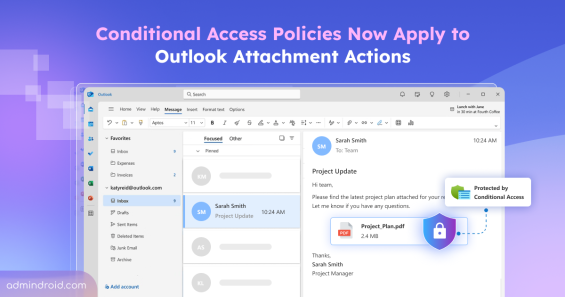
Enforce Conditional Access on Outlook attachments to block download, preview, and upload actions when requirements aren't met.
6 min read
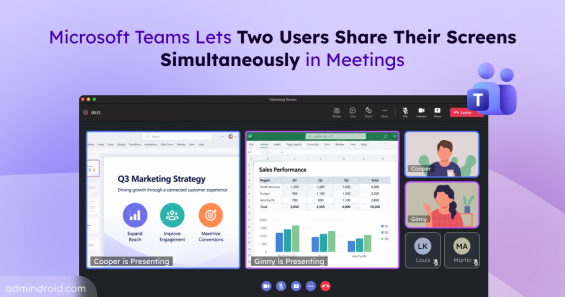
Microsoft Teams is allowing two users to share their screens simultaneously in meetings. Learn how it works and when it will roll out.
2 min read
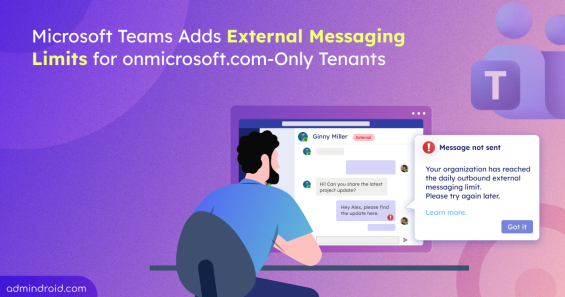
Learn how Microsoft Teams’ new external messaging limit affects default onmicrosoft.com domains and what admins can do before the rollout.
4 min read
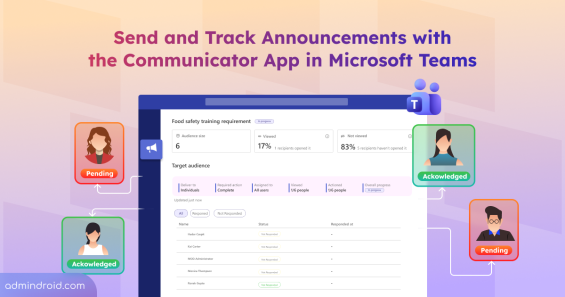
Explore the new Communicator app in Microsoft Teams to send targeted announcements and track acknowledgment status.
6 min read
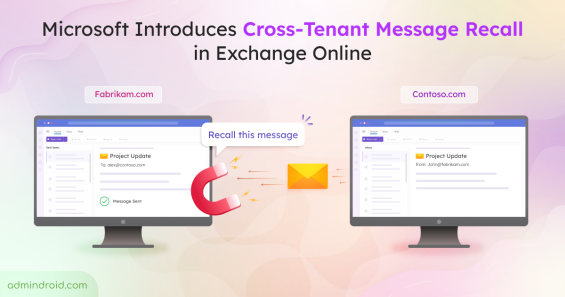
Microsoft brings cross-tenant message recall to Exchange Online. Learn how it works to successfully recall emails sent to external tenants.
3 min read
Discover why attackers target workload identities and how to detect, remediate, and secure them in Microsoft Entra ID.
13 min read
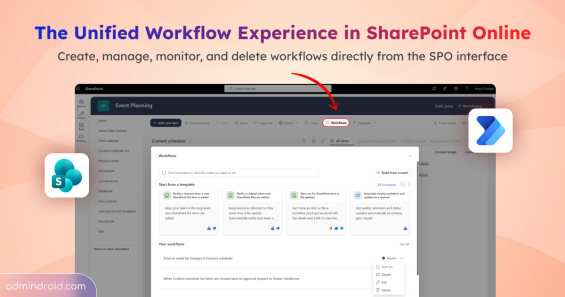
Explore the unified workflow experience in SharePoint Online to create and manage Power Automate flows directly from lists and libraries.
5 min read
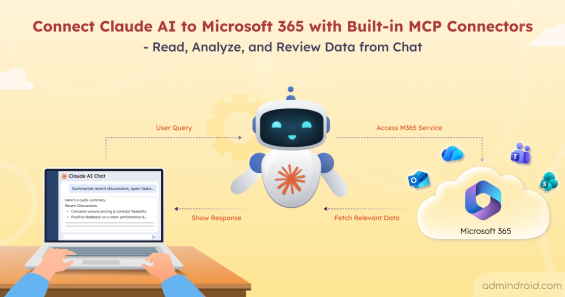
Discover how to connect Claude AI to Microsoft 365 and access SharePoint, Outlook, Teams, and OneDrive data securely from the chat.
9 min read
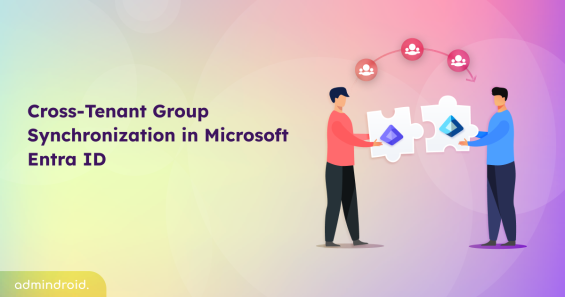
Learn how to configure cross-tenant group synchronization in Entra ID to automate group provisioning and improve multi-tenant collaboration.
11 min read
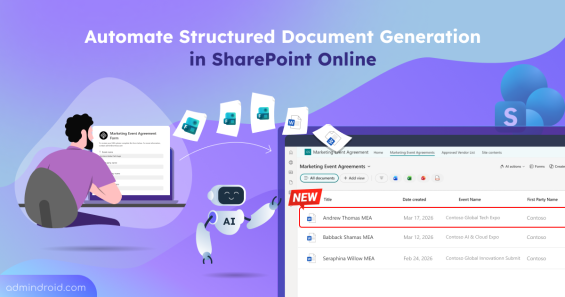
Stop manual data entry. Learn how to turn Word templates into forms to automate structured document generation in SharePoint Online.
7 min read
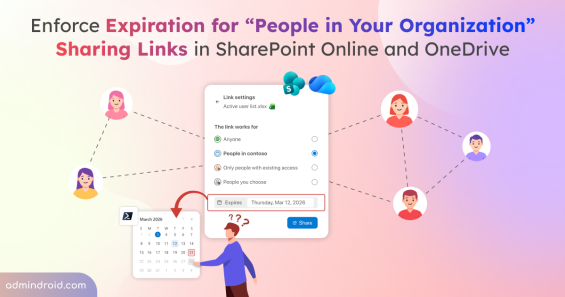
Learn how to set expiration policy for 'People in your organization' sharing links in SharePoint and OneDrive to reduce internal access risks.
5 min read
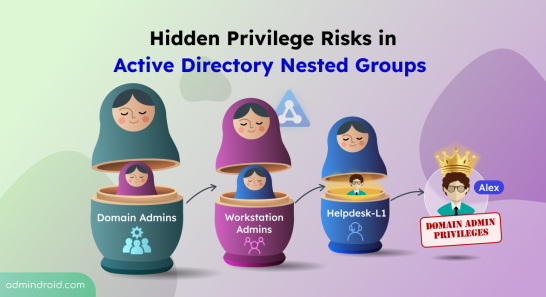
Uncover hidden privilege risks in Active Directory nested groups. Explore common causes and best practices to fix those security risks.
7 min read
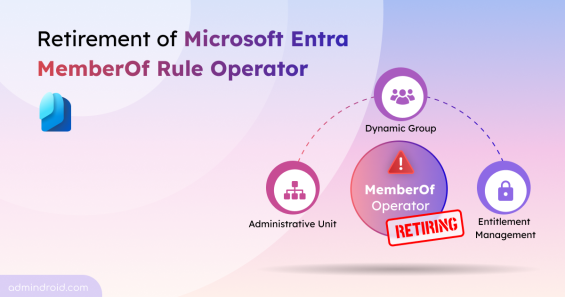
Microsoft is retiring the memberOf rule operator in Entra. Use this PowerShell script to find affected configurations and plan your migration.
4 min read
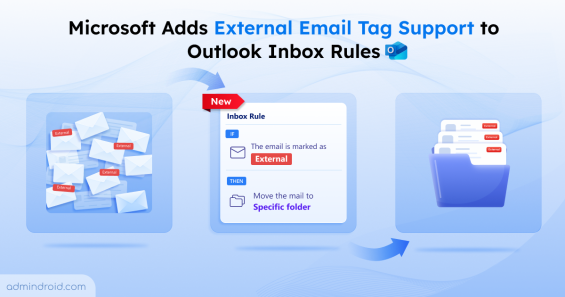
Microsoft adds external email tag support to help users move external emails to a folder using Outlook inbox rules.
3 min read
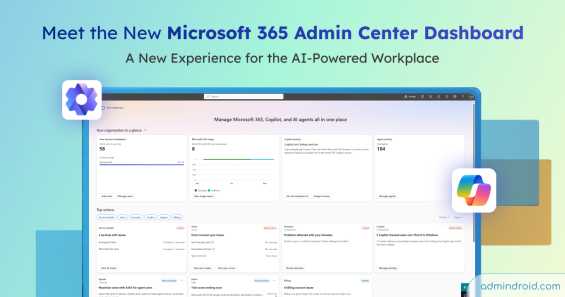
Explore the new Microsoft 365 admin center dashboard bringing services, Copilot, and AI agents into one place for better visibility & management.
5 min read
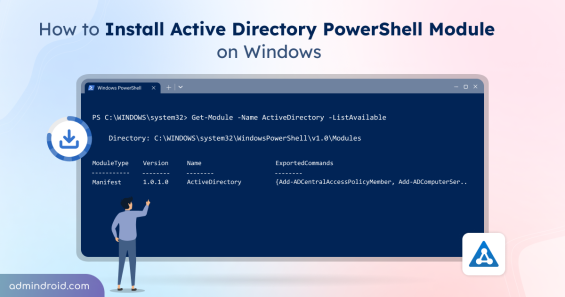
Learn how to install and import the Active Directory PowerShell module on workstations and servers to manage users, groups, OUs, GPOs, etc.
9 min read
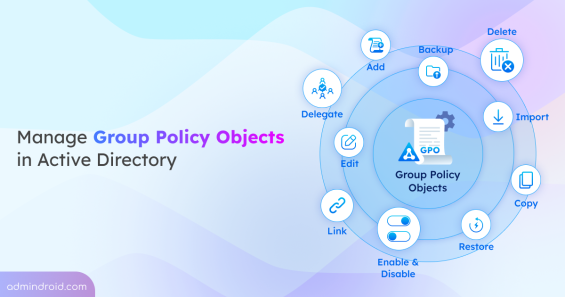
Learn Group Policy Management in Active Directory with 10+ key actions, including creating, linking, importing GPOs, and more.
20 min read
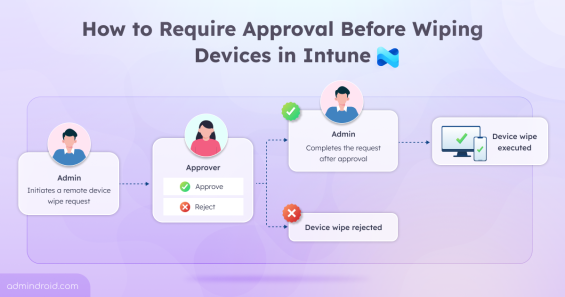
Learn how to configure Multi Admin Approval in Intune to prevent accidental device wipes and add an extra layer of administrative control.
11 min read
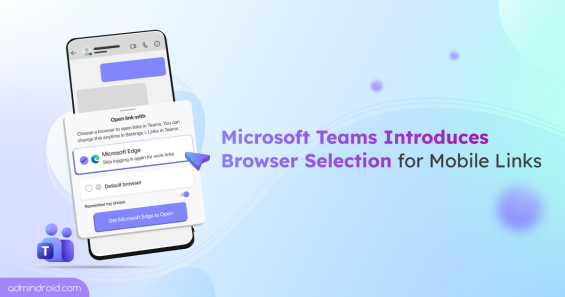
Microsoft Teams Mobile links now prompts users to choose between Microsoft Edge and default browser for non-Office or PDF links.
4 min read
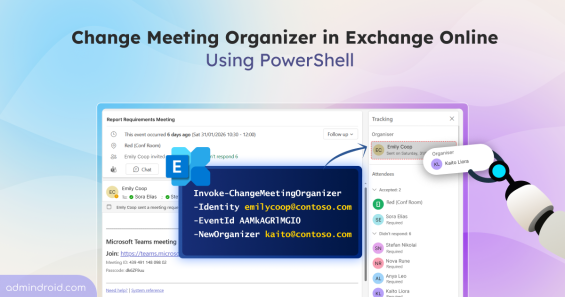
Discover more about the new Exchange Online PowerShell cmdlet that lets admins change meeting organizer without recreating meetings.
7 min read
Explore why Microsoft deprecates RC4 encryption in Kerberos authentication and learn how to prepare for the upcoming AES enforcement.
6 min read
Learn how to set up Account Lockout Policy in Windows Active Directory to prevent password-guessing attacks on user accounts.
10 min read
Learn how Microsoft’s new Extended Service Term replaces the free 90-day grace period to keep services active while finalizing renewal plan.
3 min read