Quick M365 Updates
New OneDrive Controls for Managing File-Level Exclusions
Learn how new OneDrive file-level exclusion let users manage exclusions and admins enforce policies, including .db-wal default exclusion.
4 min read
Microsoft has introduced a new link-sharing experience for each file and folder in SharePoint and OneDrive with hero link. This persistent link reflects changes to sharing permissions, without requiring users to create and share new links for every access update.
Microsoft is retiring the Search-UnifiedAuditLog PowerShell cmdlet on October 15, 2027. Learn what this change means and how to migrate your existing PowerShell scripts to the AuditLogQuery API with practical examples.
Microsoft Teams introduces a 'pause notifications' feature that lets users temporarily pause Teams notifications for a selected duration. Notifications resume automatically when the pause ends, while existing notification settings remain unchanged. Learn how to use this feature and check its rollout timeline.
Microsoft Entra ID Security Defaults currently uses a single toggle to enable or disable all security protections together. Now, Microsoft is introducing four individually managed rules, allowing admins to control specific protections based on their requirements. Currently in private preview, this feature is available to selected Microsoft Entra ID Free tenants and requires no additional licenses.
Starting November 4, 2026, Microsoft Entra will allow default users without built-in or custom roles to create agent identity blueprints unless administrators explicitly disable this capability.
Microsoft has introduced a separate application configuration for Outlook attachment operations. It brings Conditional Access enforcement to attachment download, preview, and upload actions in Outlook. Users who don't meet your policy conditions are now blocked from attachment actions.
Struggling to automate secure monitor manage M365?
Try AdminDroid for Free!
Kanaga is a Microsoft 365 and Active Directory specialist focused on security-centric configurations and practical administrative use cases. By translating security concepts into approachable operational steps, she enables admins to implement recommendations confidently while maintaining stable and secure environments.
Learn how new OneDrive file-level exclusion let users manage exclusions and admins enforce policies, including .db-wal default exclusion.
4 min read
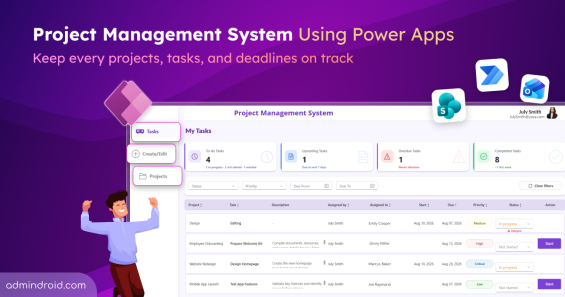
Explore the project management system using Power Apps to create projects, assign tasks, track progress, and manage deadlines in one place.
15 min read
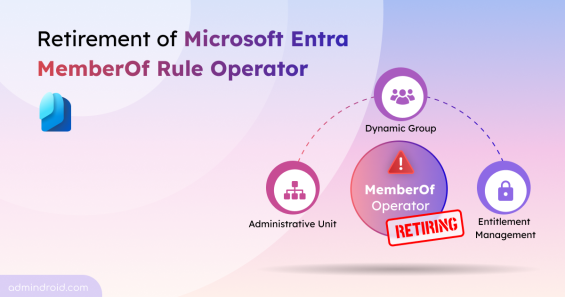
Microsoft is retiring the memberOf rule operator in Entra. Use this PowerShell script to find affected configurations and plan your migration.
4 min read
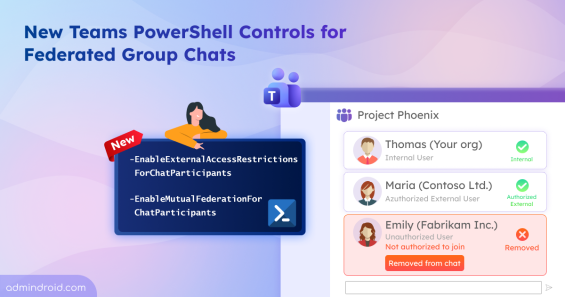
Use EnableExternalAccessRestrictionsForChatParticipants, EnableMutualFederationForChatParticipants to strengthen Teams federated group chats.
5 min read
Learn different ways to disable Print Spooler service on domain controllers and follow best practices to avoid PrintNightmare risk.
7 min read
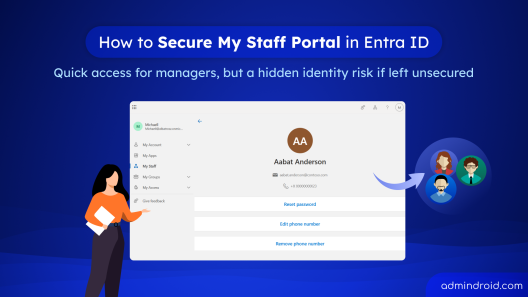
Learn how to securely configure the My Staff portal in Microsoft Entra ID using PIM and Conditional Access to protect delegated admin access.
9 min read
Facing Microsoft Authenticator issues? Fix push notification failures, account transfer problems, etc, with this troubleshooting guide.
13 min read
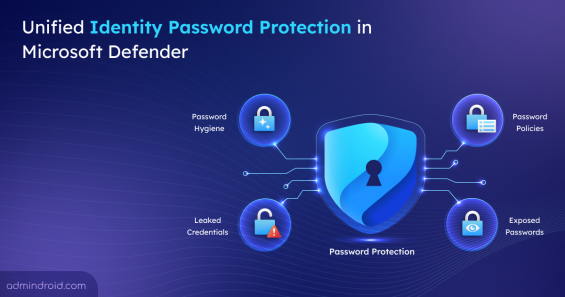
Explore the new password Protection feature in Microsoft Defender and learn how to monitor and remediate password risks across providers.
5 min read
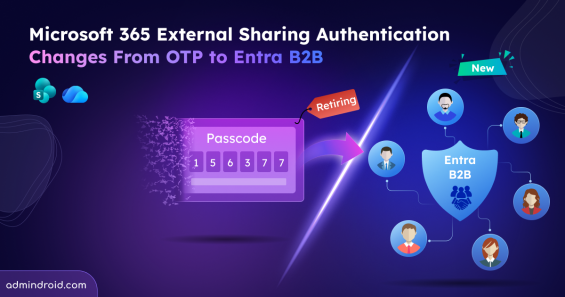
External sharing now uses Entra B2B identity-based access and email OTP is no longer supported for accessing SharePoint and OneDrive content.
6 min read
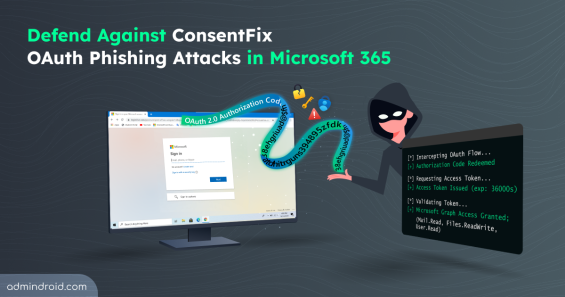
Explore how ConsentFix attack abuses trusted Microsoft 365 first-party app access and learn mitigations to prevent OAuth token misuse.
15 min read
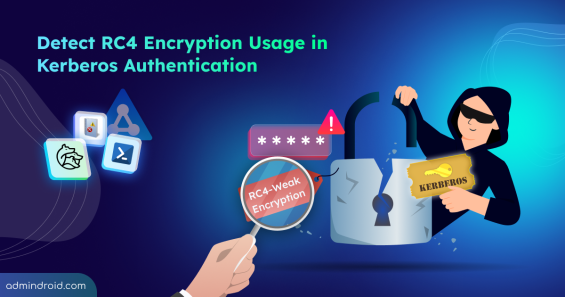
Explore step-by-step methods to identify insecure RC4 usage in Active Directory Kerberos tickets and disable them to strengthen security.
16 min read
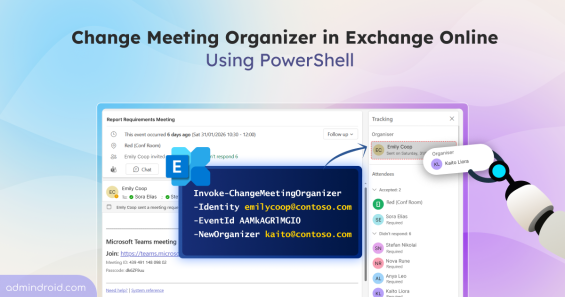
Discover more about the new Exchange Online PowerShell cmdlet that lets admins change meeting organizer without recreating meetings.
7 min read
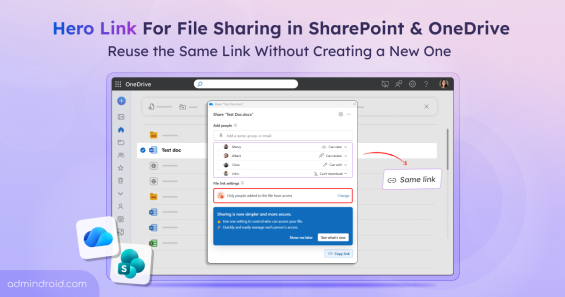
Explore hero link that simplify file sharing by letting users reuse the same URL, update access settings & manage sharing without creating new links.
4 min read
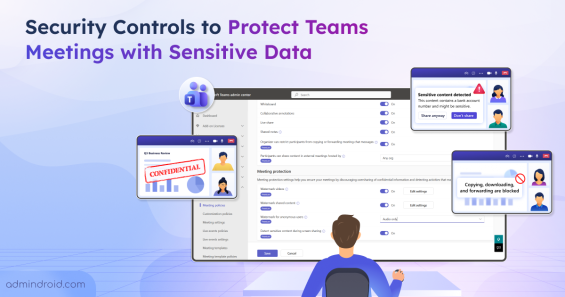
Learn how to protect Microsoft Teams meetings with sensitive content detection, watermarks, sharing restrictions, and copy/forward controls.
16 min read
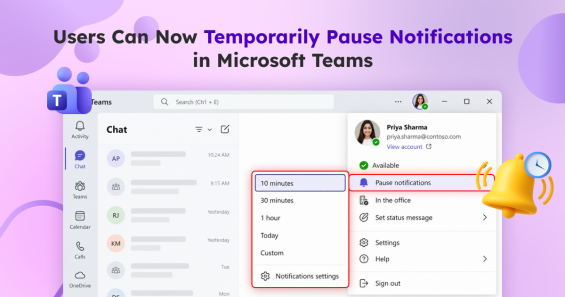
Microsoft Teams lets users temporarily pause notifications for a certain period. Learn how to pause and resume notifications automatically.
3 min read
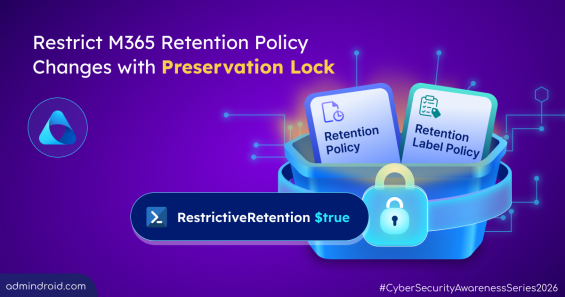
Learn how to configure Preservation Lock in Microsoft 365 to prevent unintended changes to retention policies & label policies.
7 min read
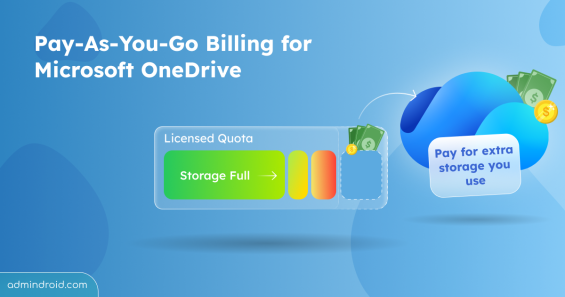
Microsoft introduces pay-as-you-go billing for Microsoft OneDrive, allowing admins to pay only for storage used beyond users’ licensed quota.
5 min read
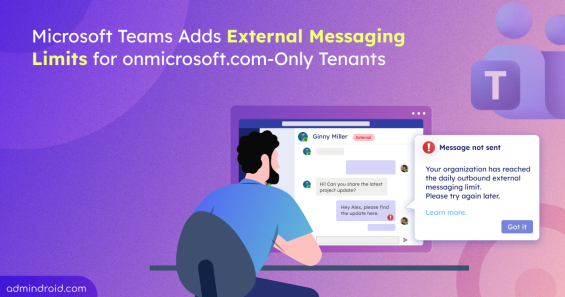
Learn how Microsoft Teams’ new external messaging limit affects default onmicrosoft.com domains and what admins can do before the rollout.
4 min read
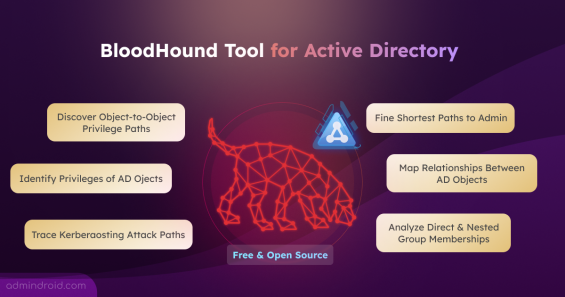
Explore BloodHound tool to find Domain Admin privilege paths, risky permissions, privilege escalations, and more in Active Directory.
15 min read
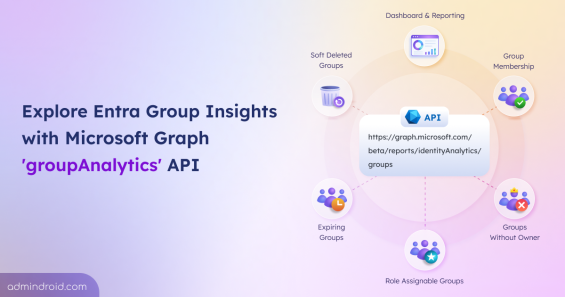
Explore the groupAnalytics resource API to access Entra ID group identity insights to build reports, dashboards, and governance solutions.
6 min read
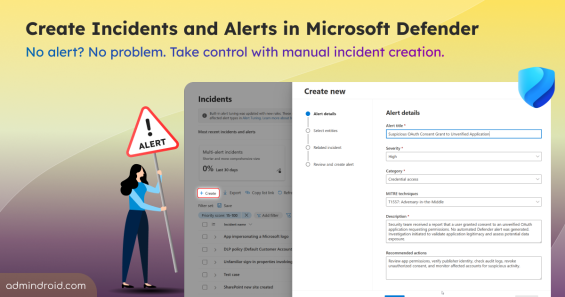
Learn how to create manual incidents and alerts in Microsoft Defender and investigate user reported threats beyond automated detections.
6 min read
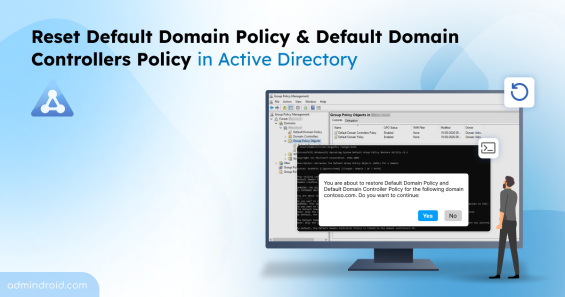
Learn how to reset the Default Domain Policy and Default Domain Controllers Policy in Active Directory to restore back their factory state.
10 min read
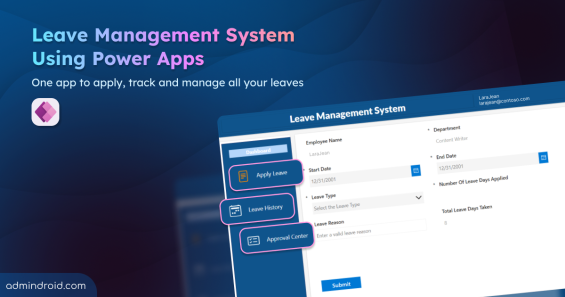
Import the leave management system using Power Apps to streamline leave requests, approvals, and tracking status in one place.
10 min read
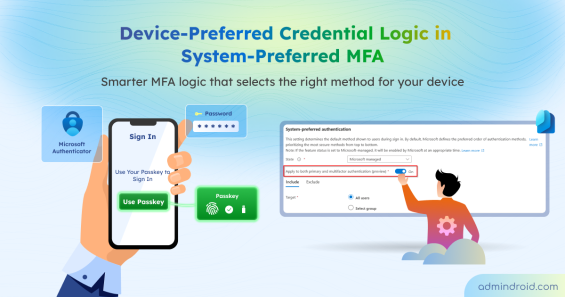
Learn how device-preferred credential logic replaces the most-recently-used logic in system-preferred MFA to deliver device-based, secure authentication.
4 min read