Teams channels hold important conversations, project updates, shared files, and decisions that teams rely on every day. While Teams allows administrators to restore deleted channels, files, and messages through separate recovery options, recovering individual messages after unwanted edits or deletions can still be challenging.
To make channel data recovery easier, Microsoft is extending Microsoft 365 Backup to Teams channels. It was announced at Microsoft Ignite ’26 and is now available in Private Preview, bringing an additional layer of protection and recovery for Teams channel data.
Let’s explore how Teams Channel Backup works, and what admins need to know about its current limitations.
Backup to Protect Teams Channels and their Associated Data
Microsoft 365 Backup already protects OneDrive accounts, SharePoint sites, and Exchange Online mailboxes. Unlike other Microsoft 365 services, Teams channels combine conversations with shared files stored in SharePoint. Members exchange messages, collaborate on documents, and share project updates, making both the conversations and files important to preserve.
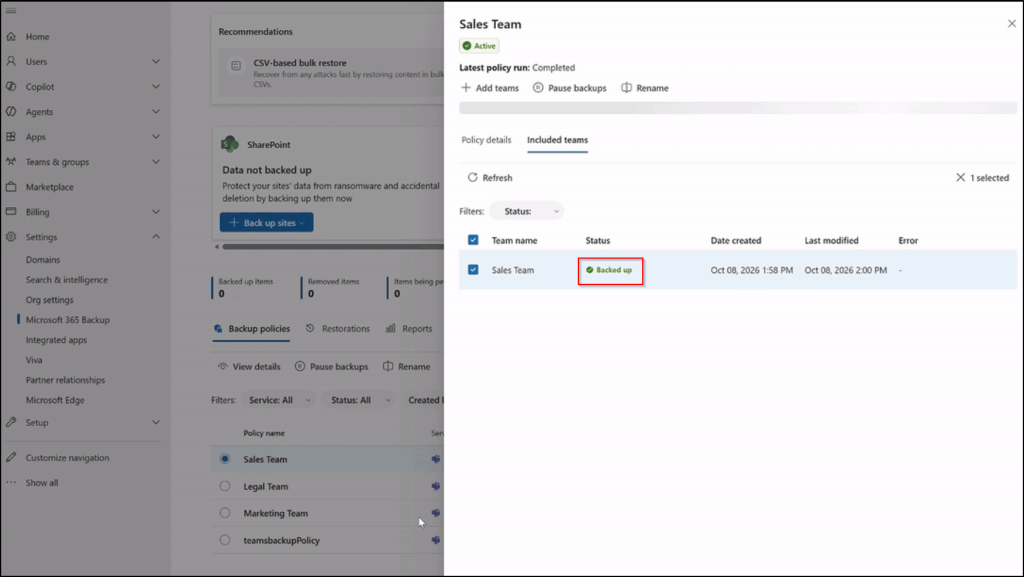
Recovering files in SharePoint without their associated conversations can leave teams without the context behind them, while restoring conversations in Purview without the shared files can disrupt ongoing work. With Teams Channel Backup, admins can protect channels within a Team and their associated SharePoint content.
Restore Deleted or Edited Channels and Messages
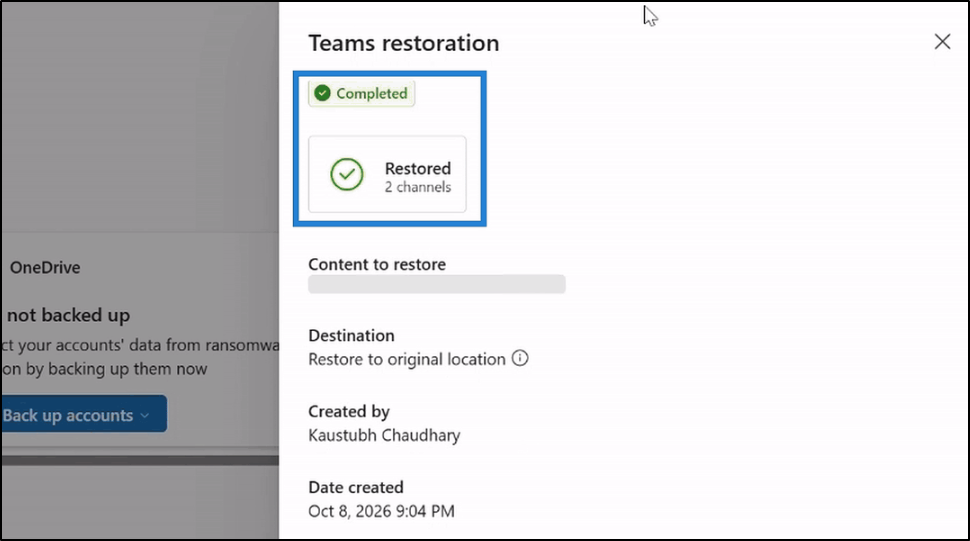
Accidental deletions and unwanted edits can leave Teams channels missing important information. When recovery is needed, admins can select the channels to restore, choose a date and time, search available backup restore points, and confirm the restoration of the required data. Microsoft 365 Backup allows admins to restore deleted or edited channel text messages within a 30-day recovery window. This gives admins a way to recover important channel conversations when messages are accidentally deleted or modified.
Automatically Protect New Channels with Teams Channel Backup
Admins don’t need to individually configure backup for every new channel created in a protected Team. New channels created within protected Teams are automatically protected. This reduces ongoing administrative effort and ensures newly created channels are included in the existing protection setup.
Hard-deleted content recovery limitation: Teams Channel Backup currently doesn’t support hard-deleted content recovery.
Teams Channel Backup is currently available in Private Preview as part of Microsoft 365 Backup. Organizations interested in testing it can sign up through Microsoft’s preview registration link. Once available to us, we’ll test the feature and share our findings and experience to keep you updated. Stay tuned!